Pull requests as a workspace pane, subagents in the sidebar, and Muse Code and Devin agents
Pull Requests Open as a Pane #7244 #7503 #7500 #7400
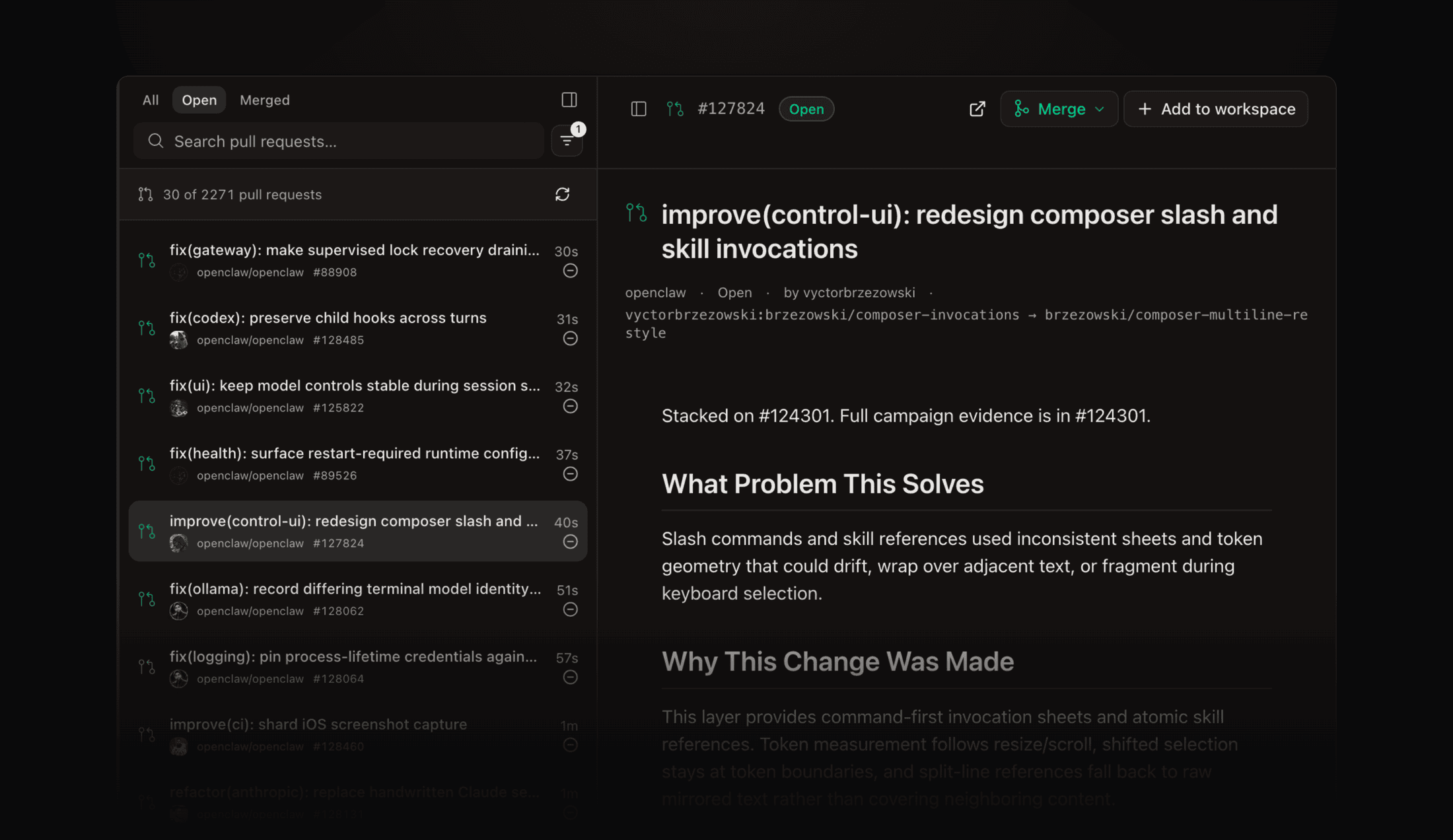
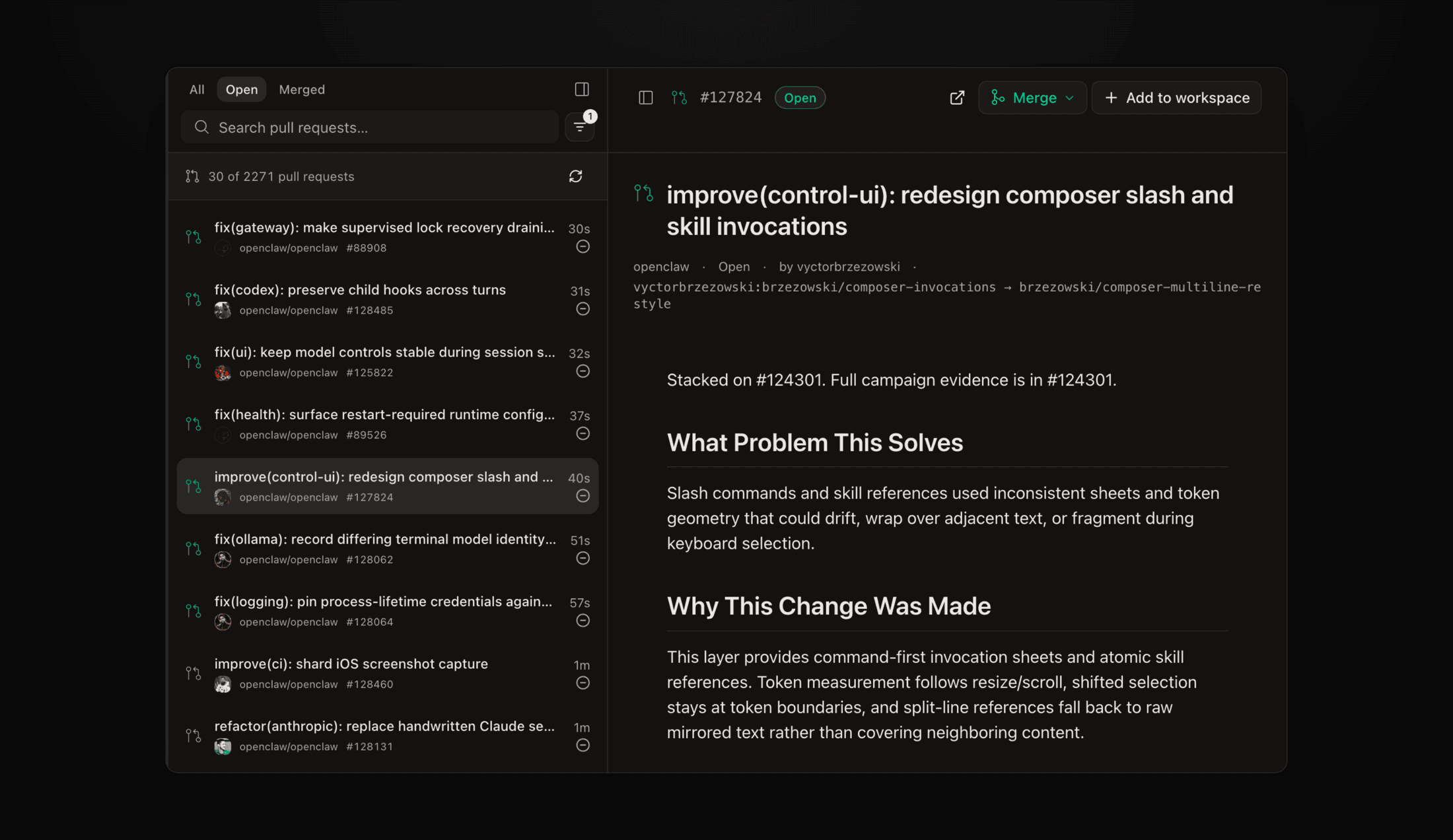
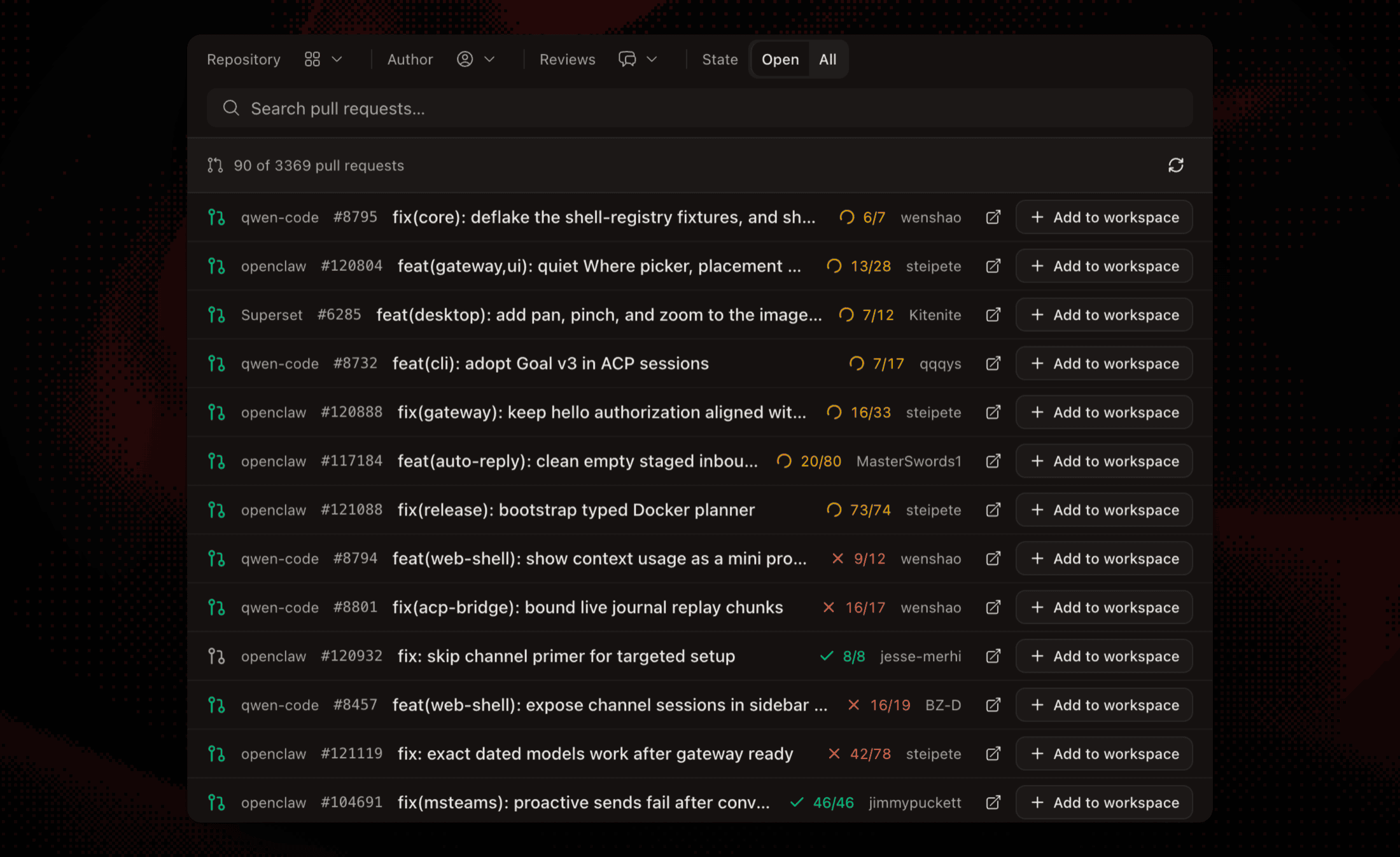
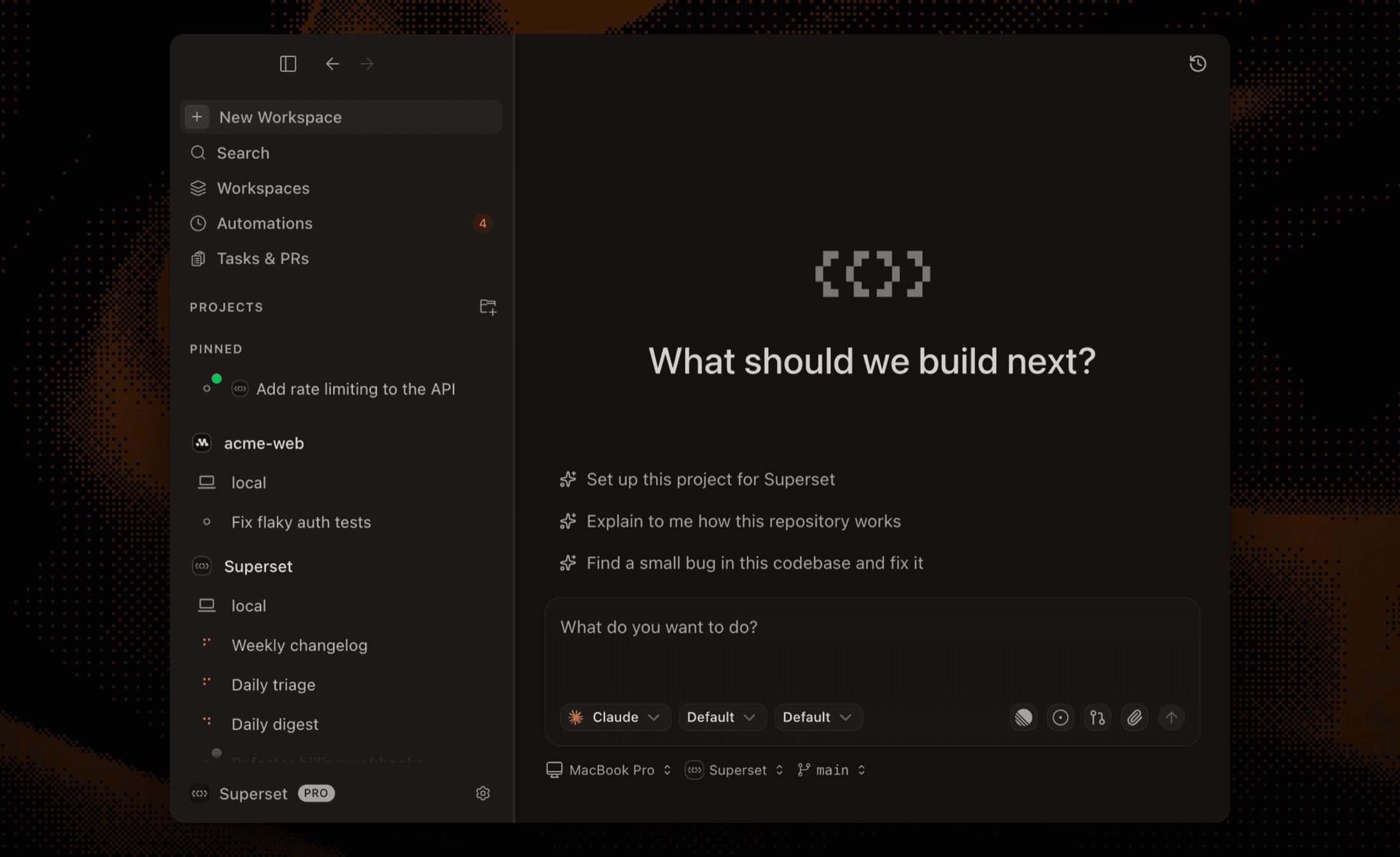
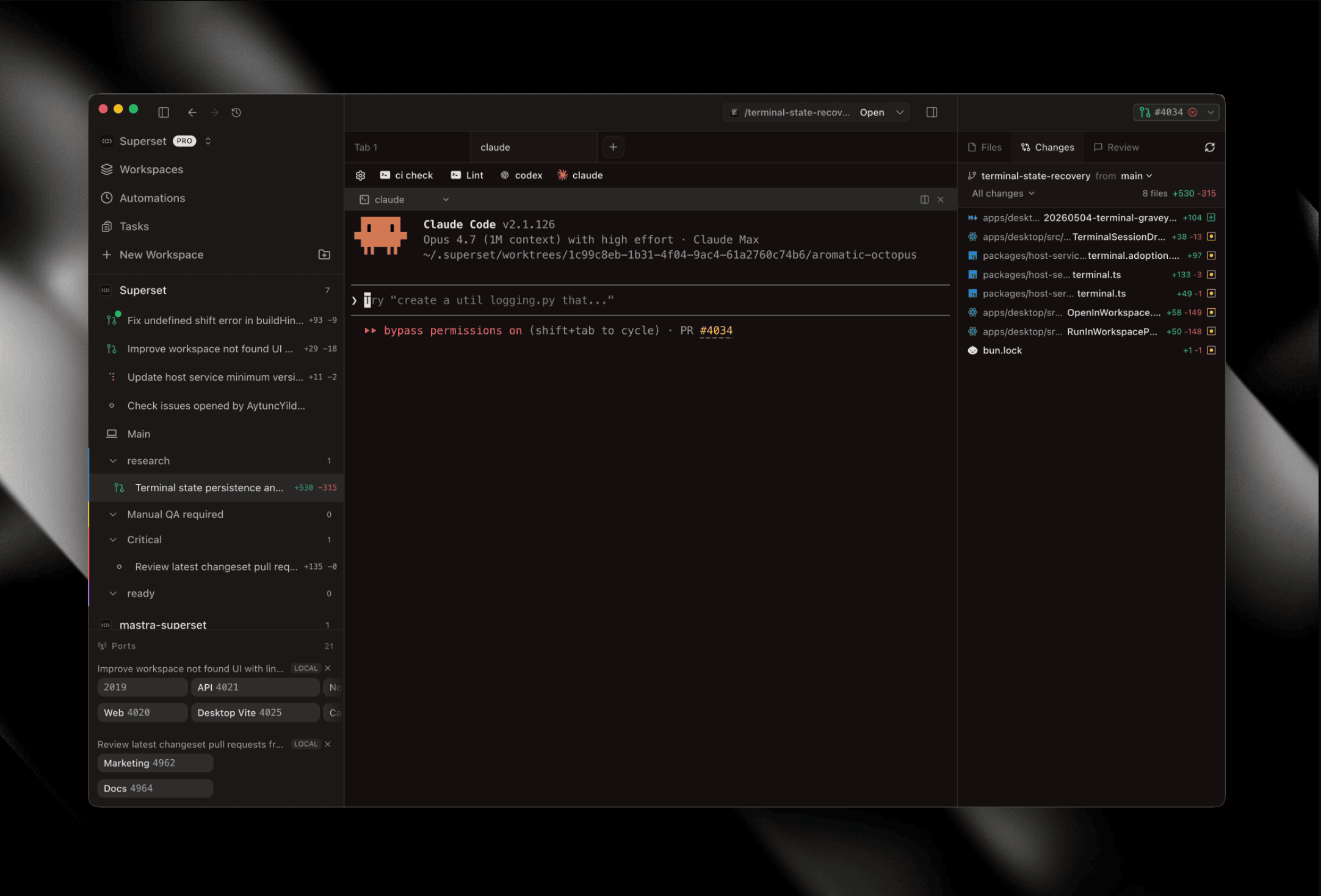
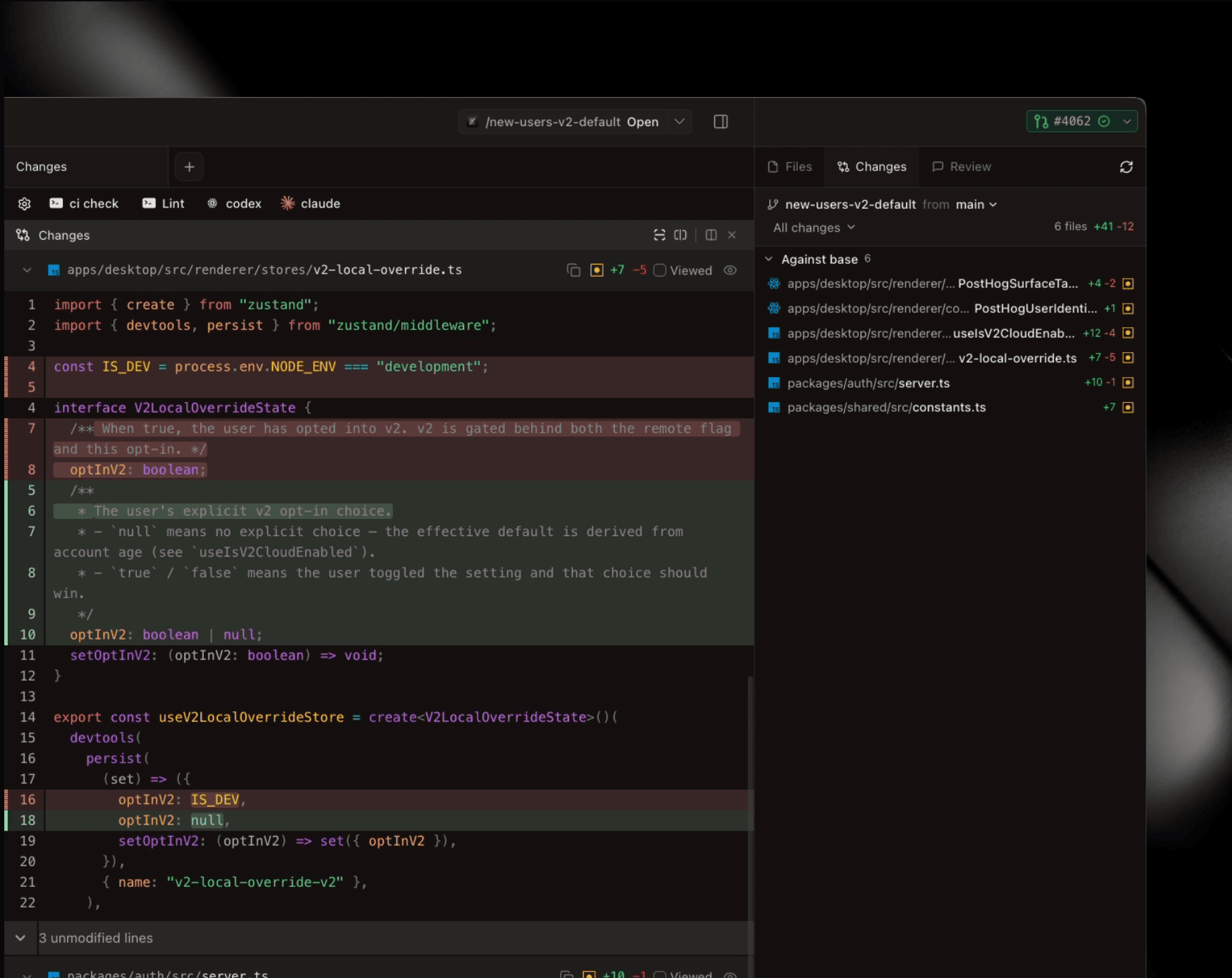
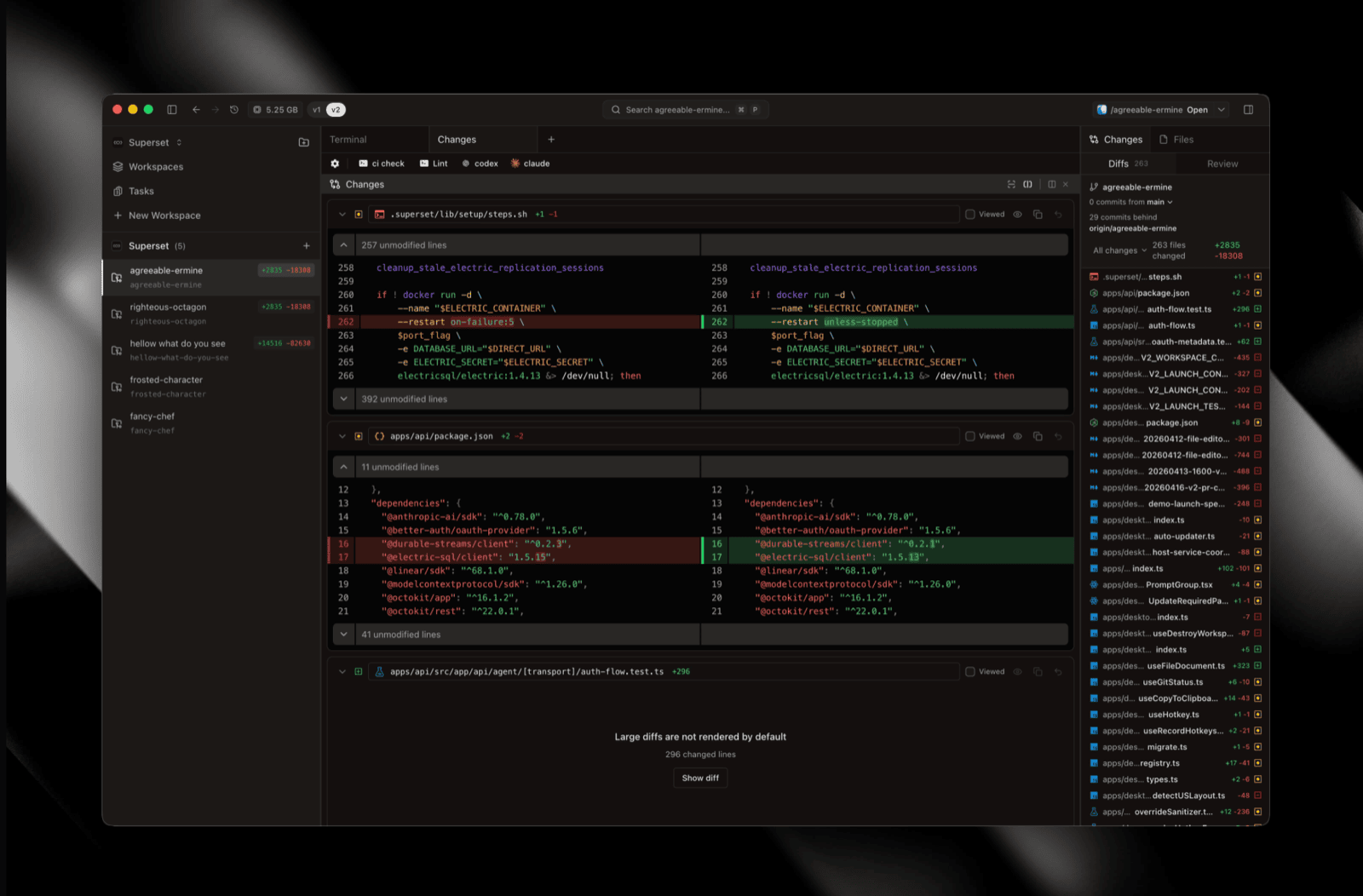
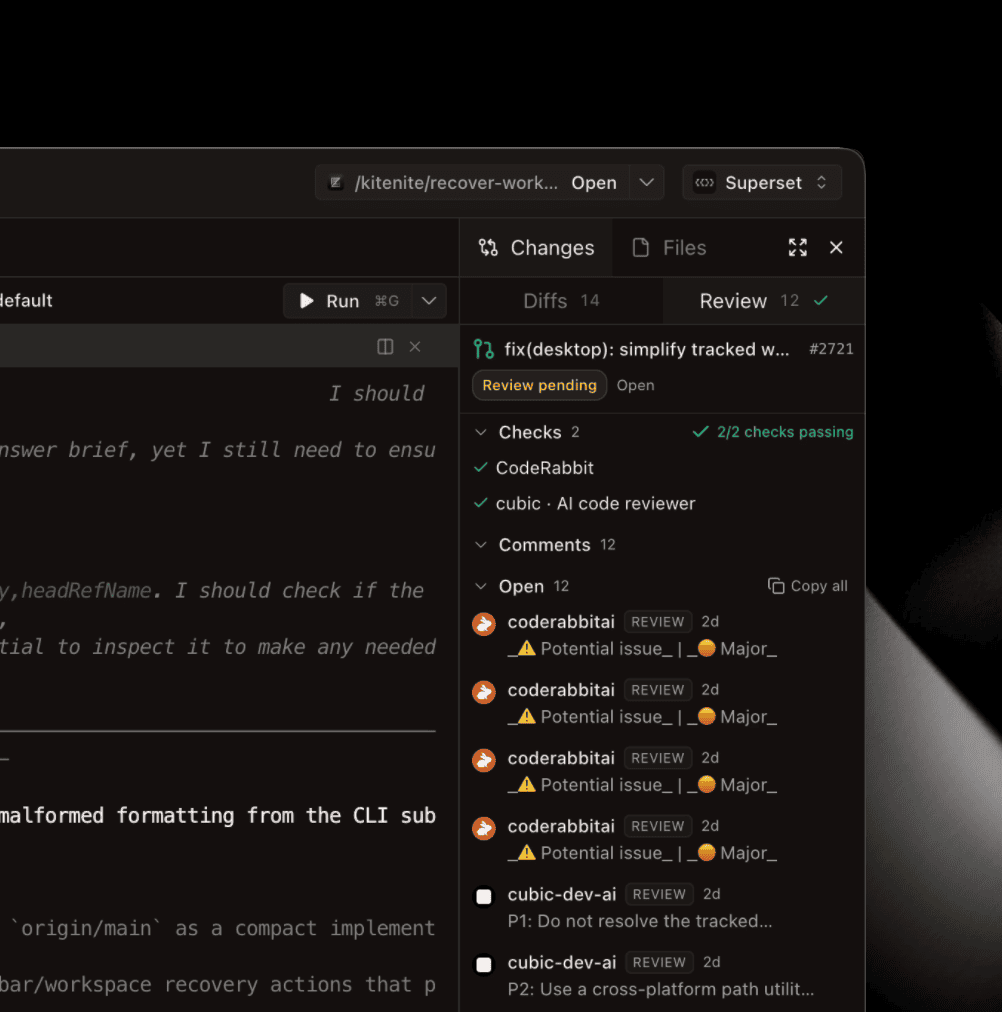
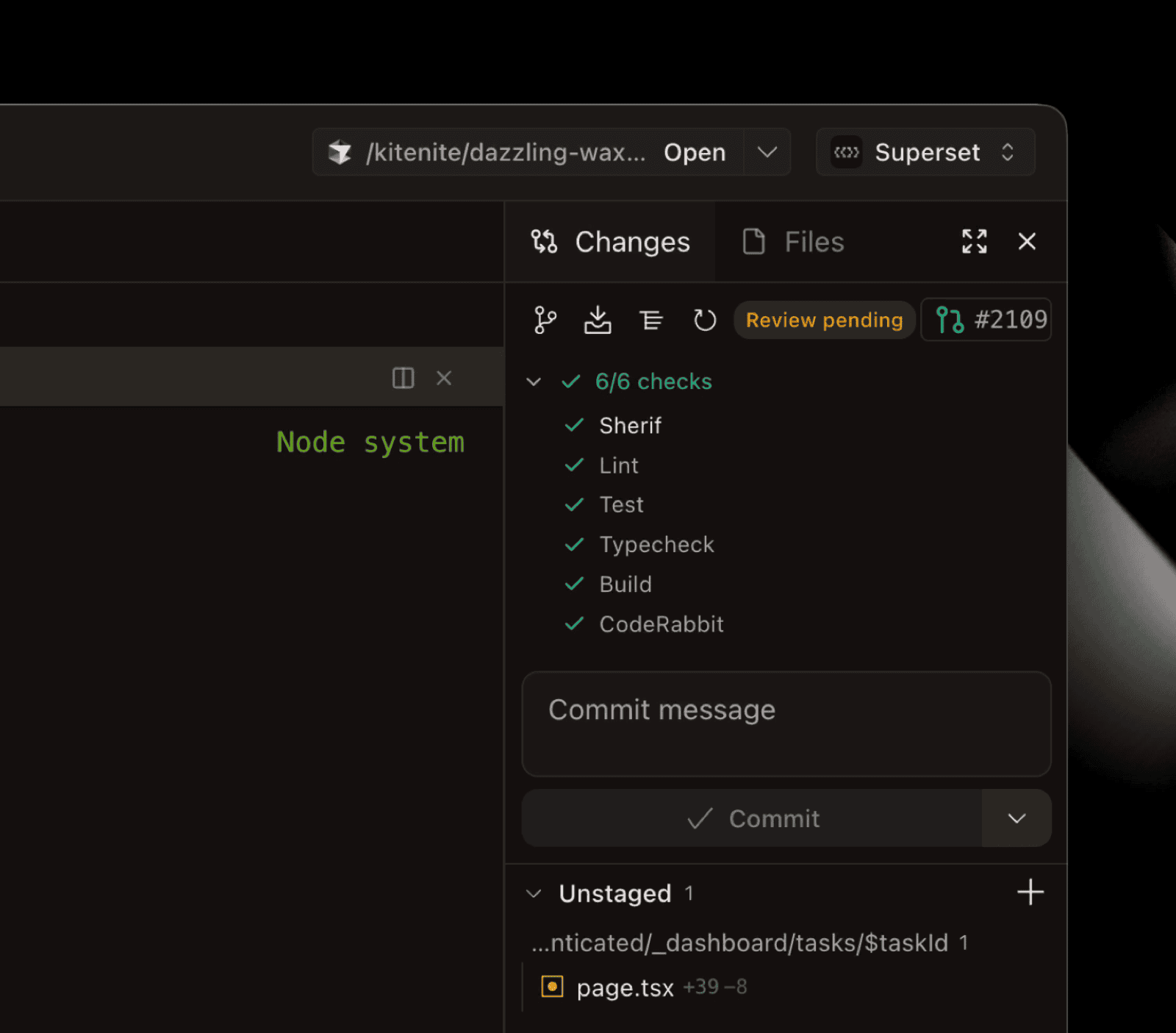
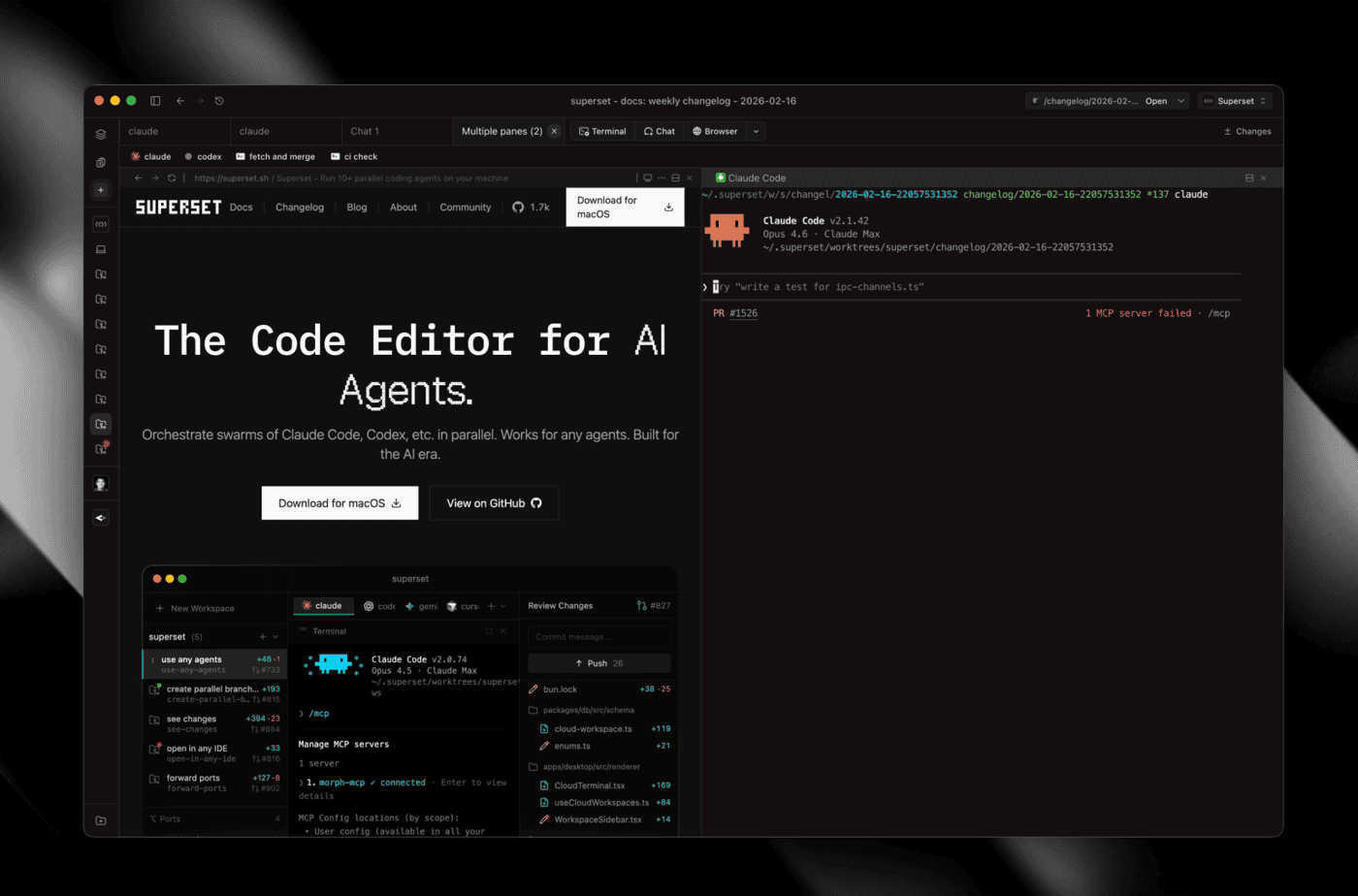
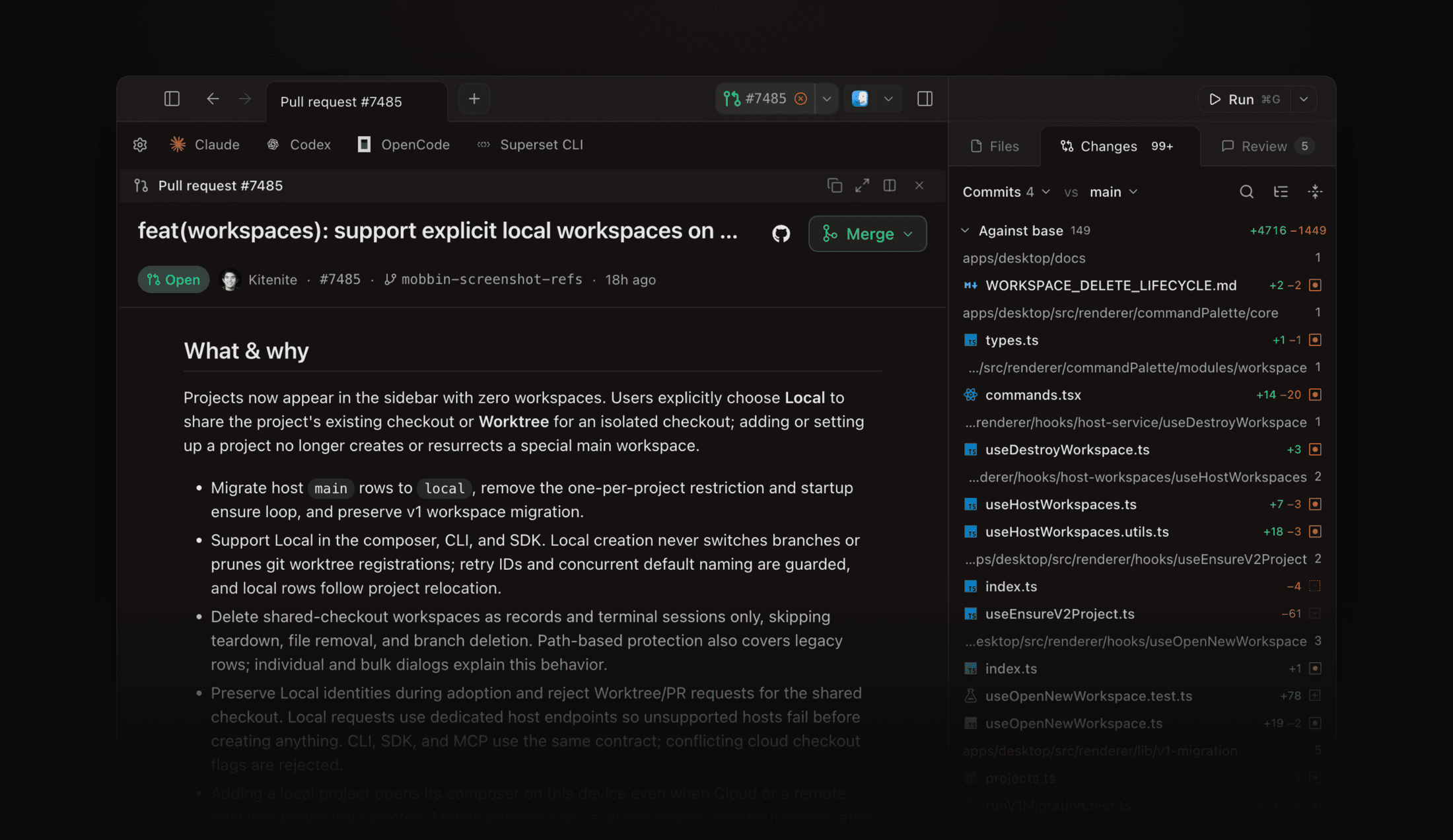
Opening a pull request no longer takes you away from the workspace. Every PR link in the app, from the Changes pane's Open PR button to the sidebar row's PR icon and the "PR created" toast, opens a pane beside your diff with the title, checks, description, and merge menu.
- Review and conversation comments render below the description, with replies, resolve, and a link that opens the file at that line in a diff pane
- A copy button in the pane header grabs the GitHub URL, and a header link jumps to the full Pull requests screen
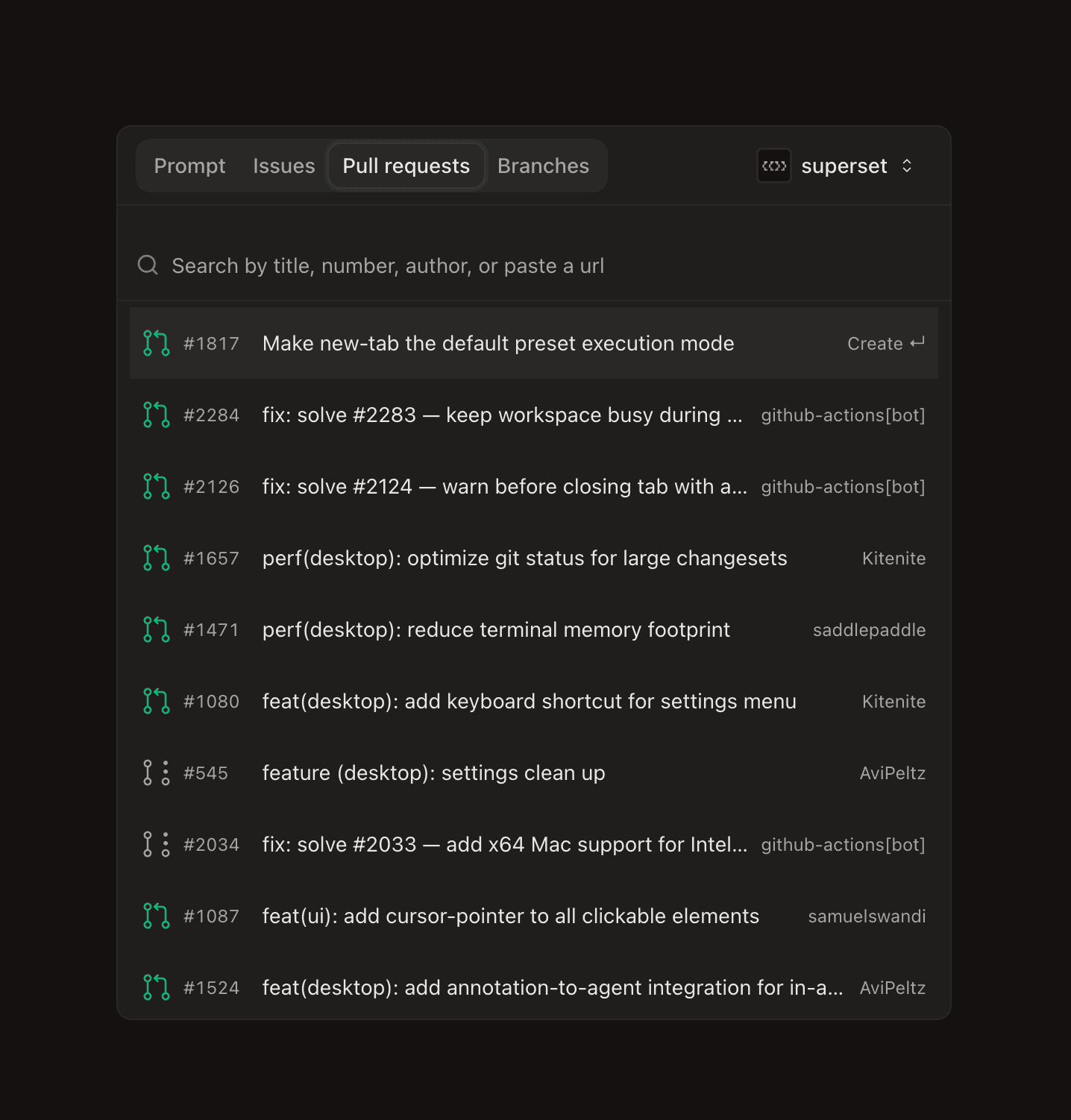
- The Pull requests screen now filters by several authors at once, so a small team can follow its own PRs together
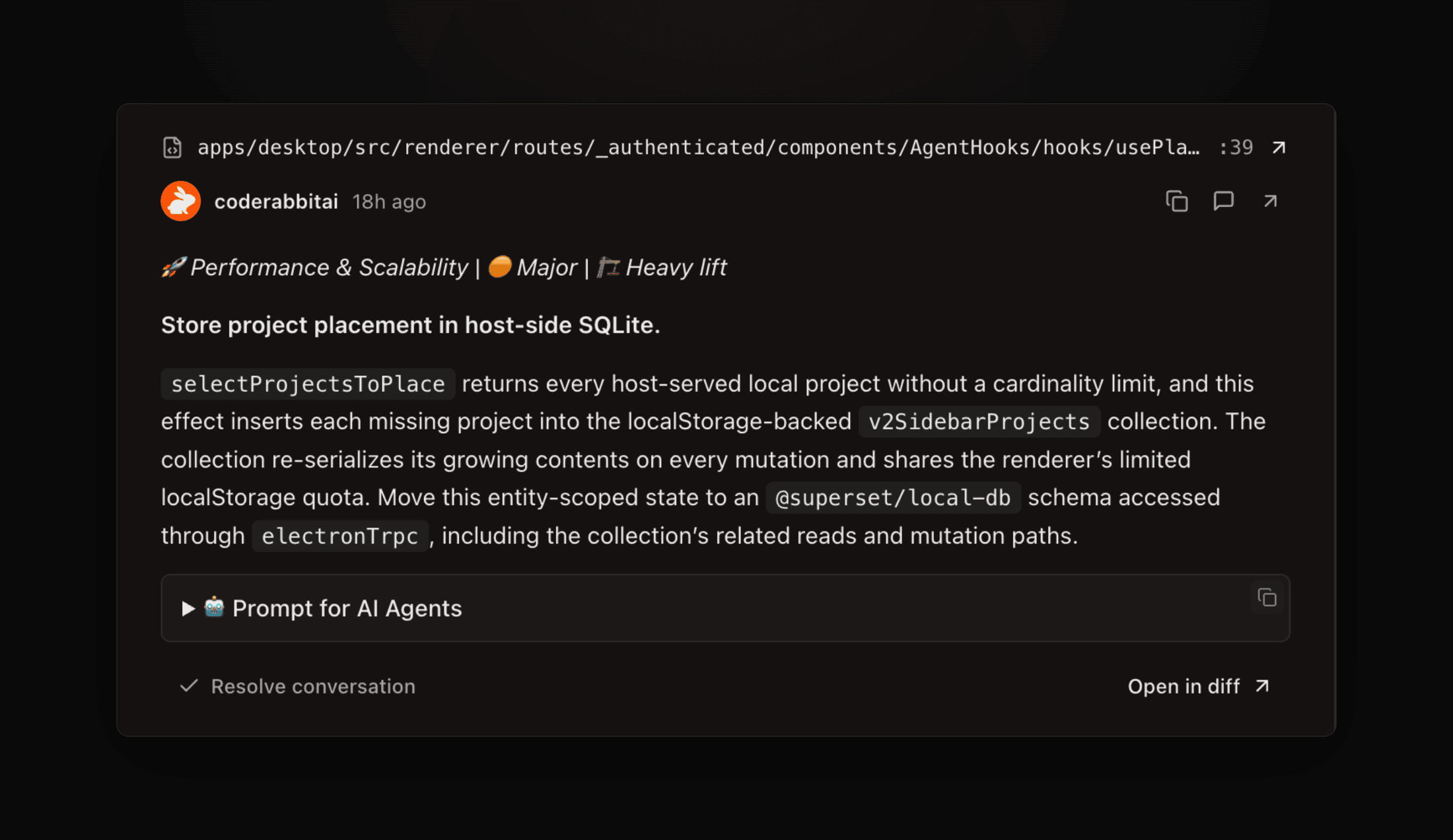 Review comments below the description in the pull request pane, with Open in diff on each thread
Subagents Under Their Agent #7231
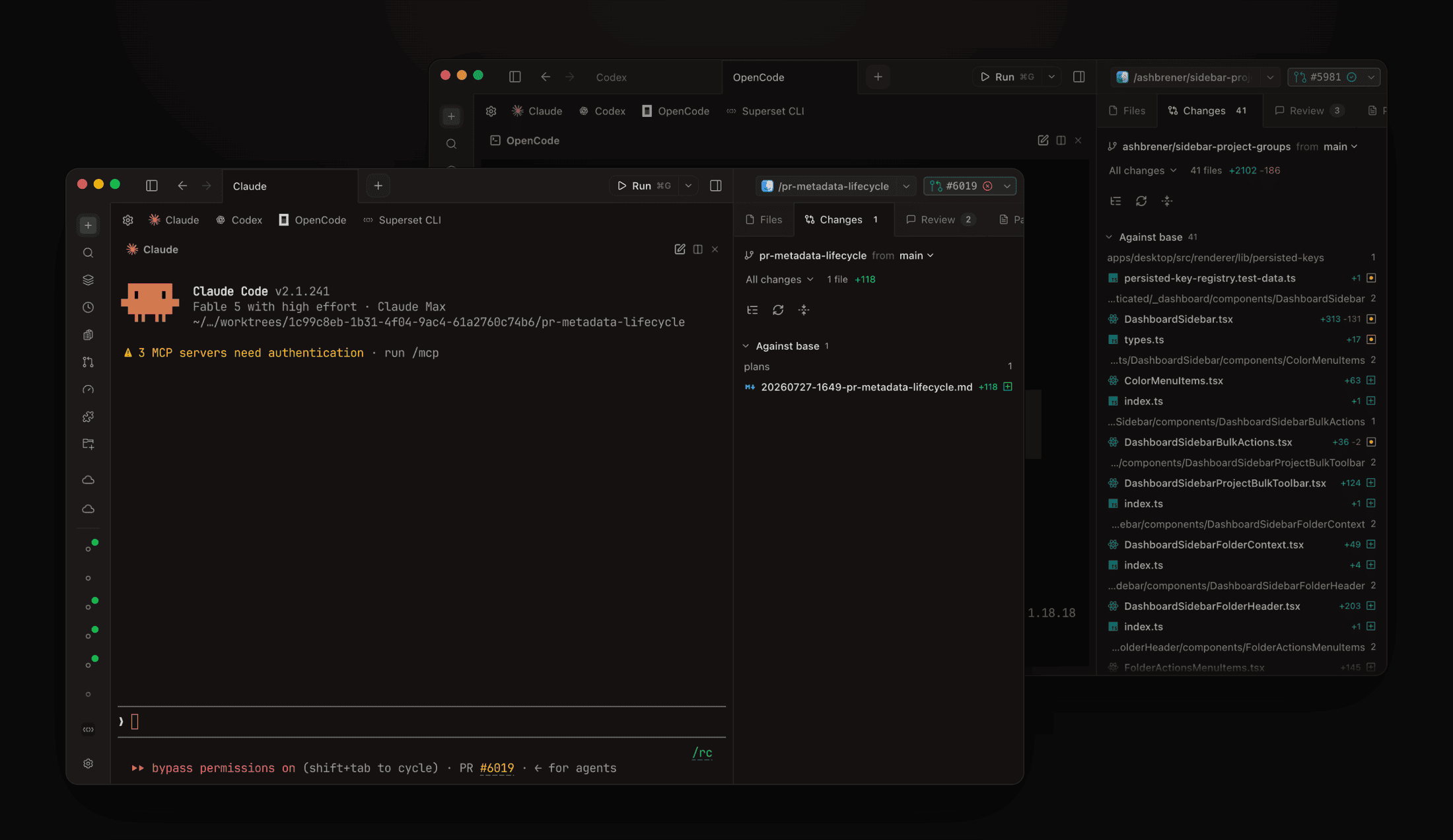
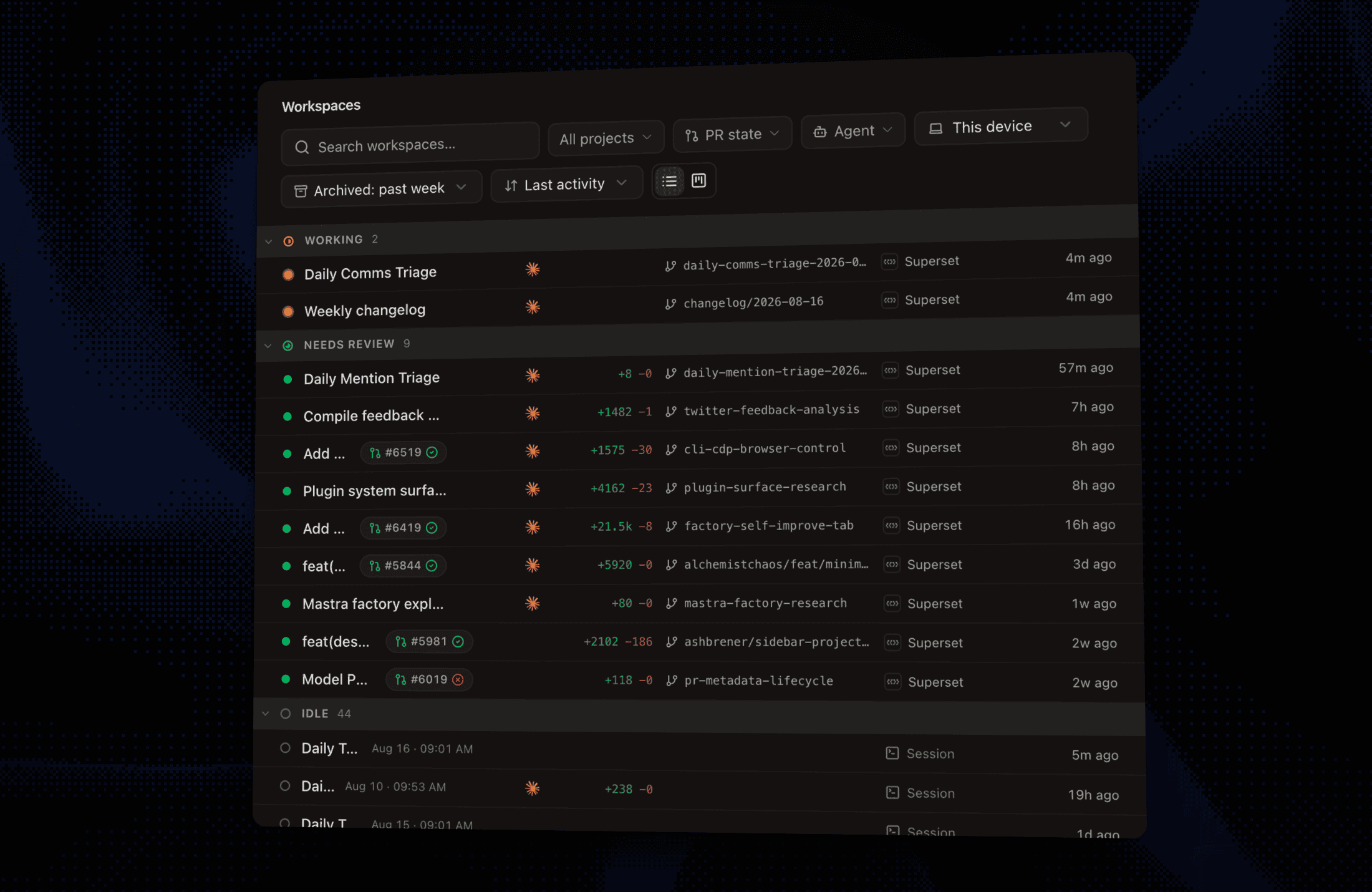
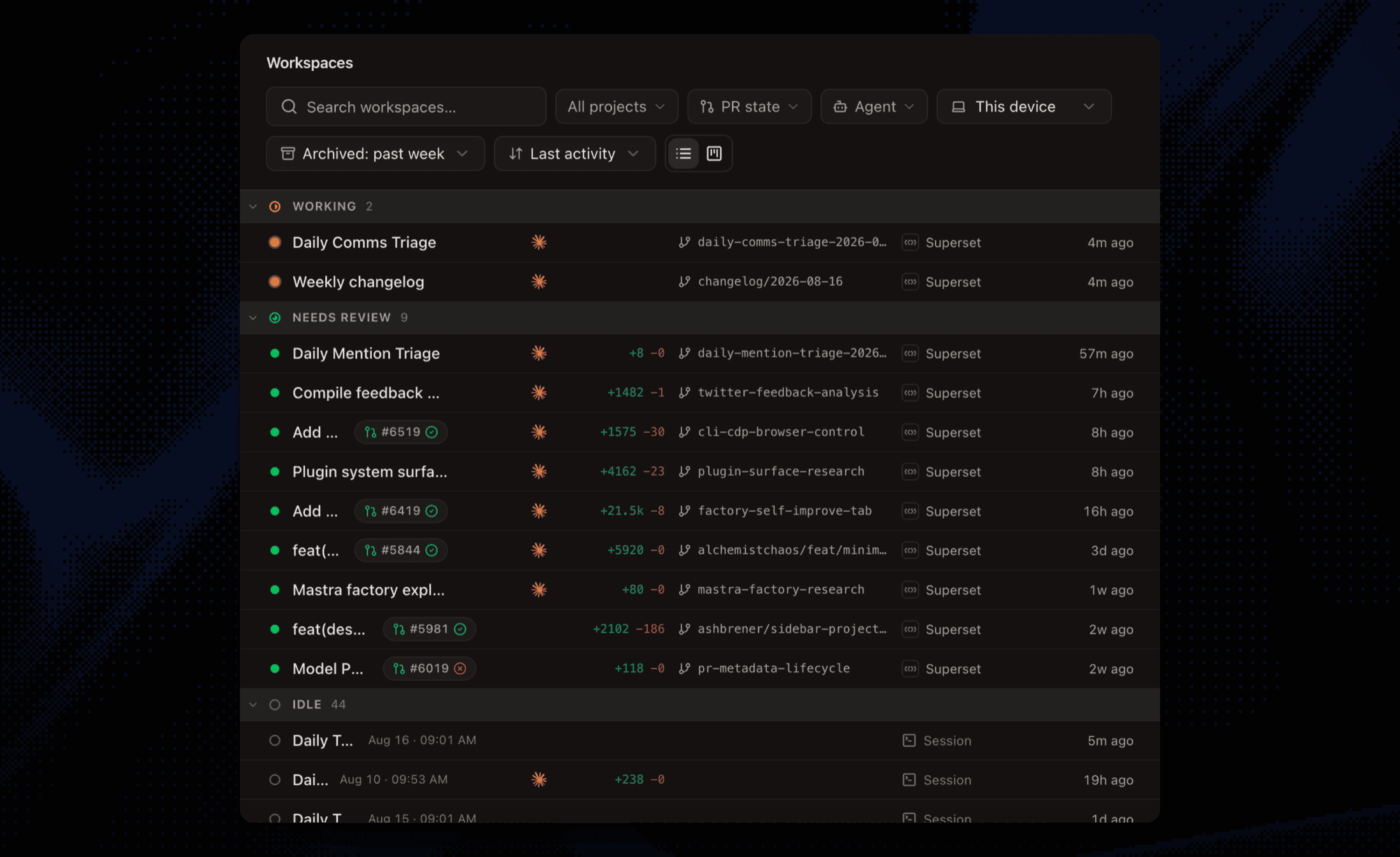
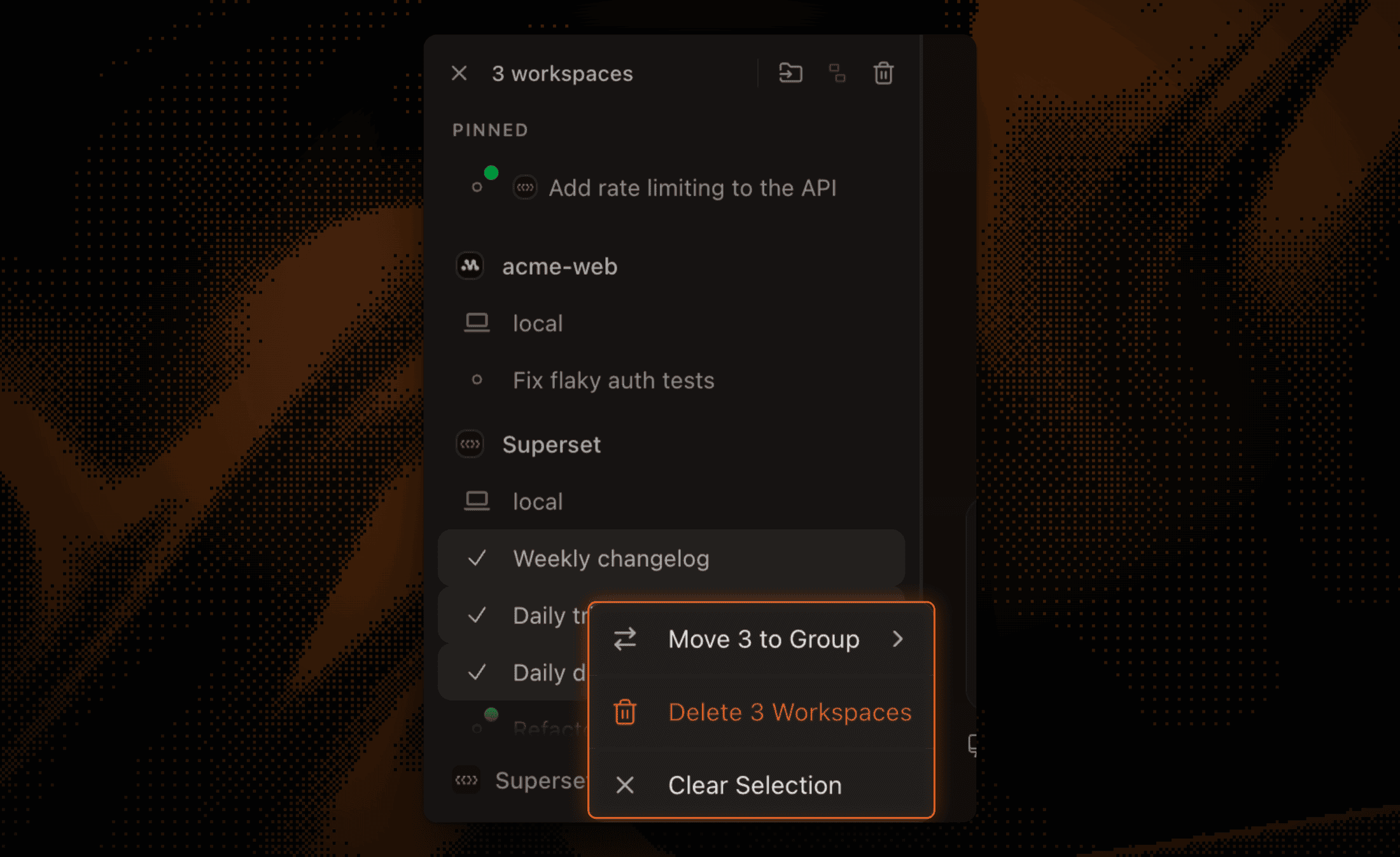
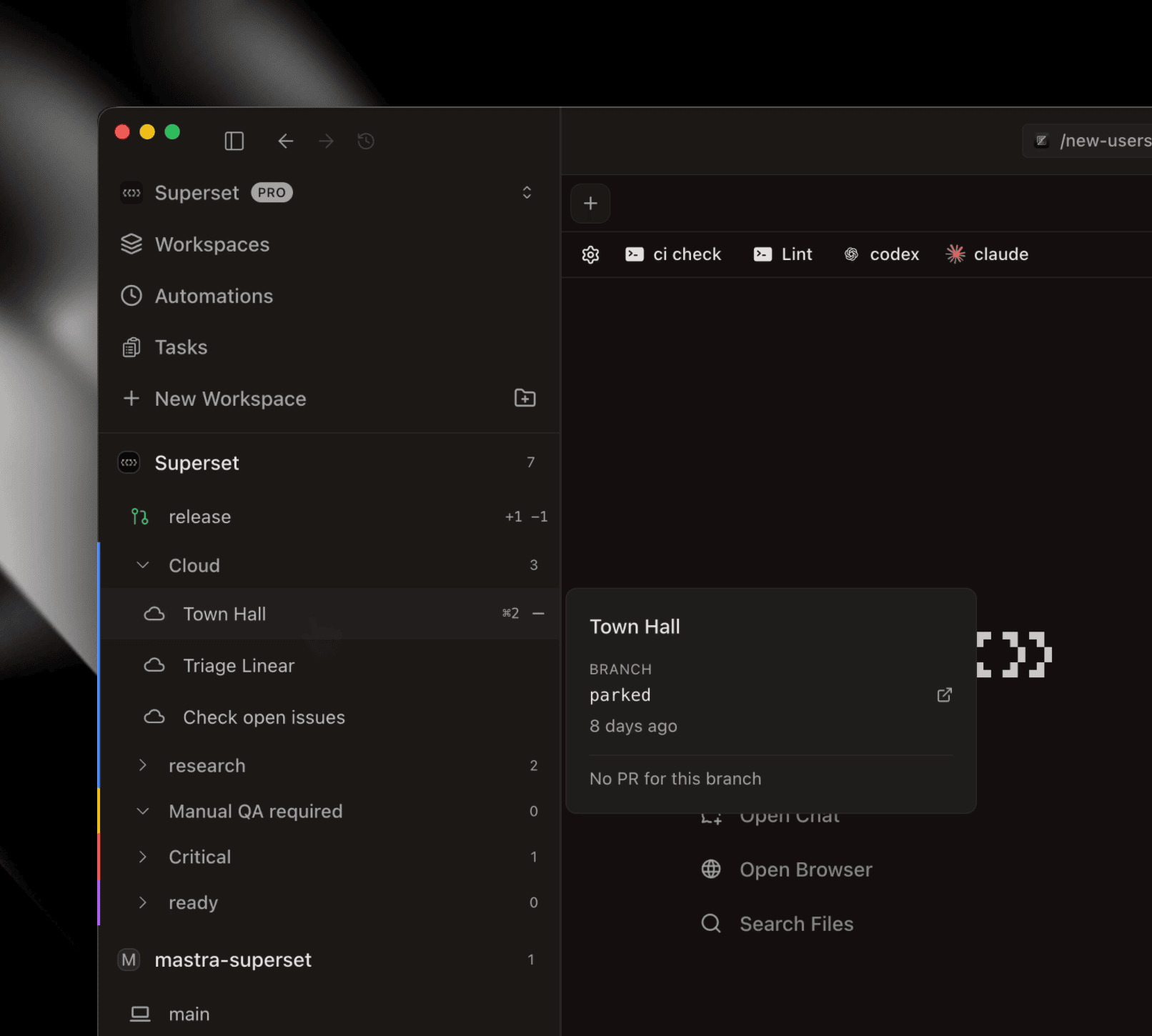
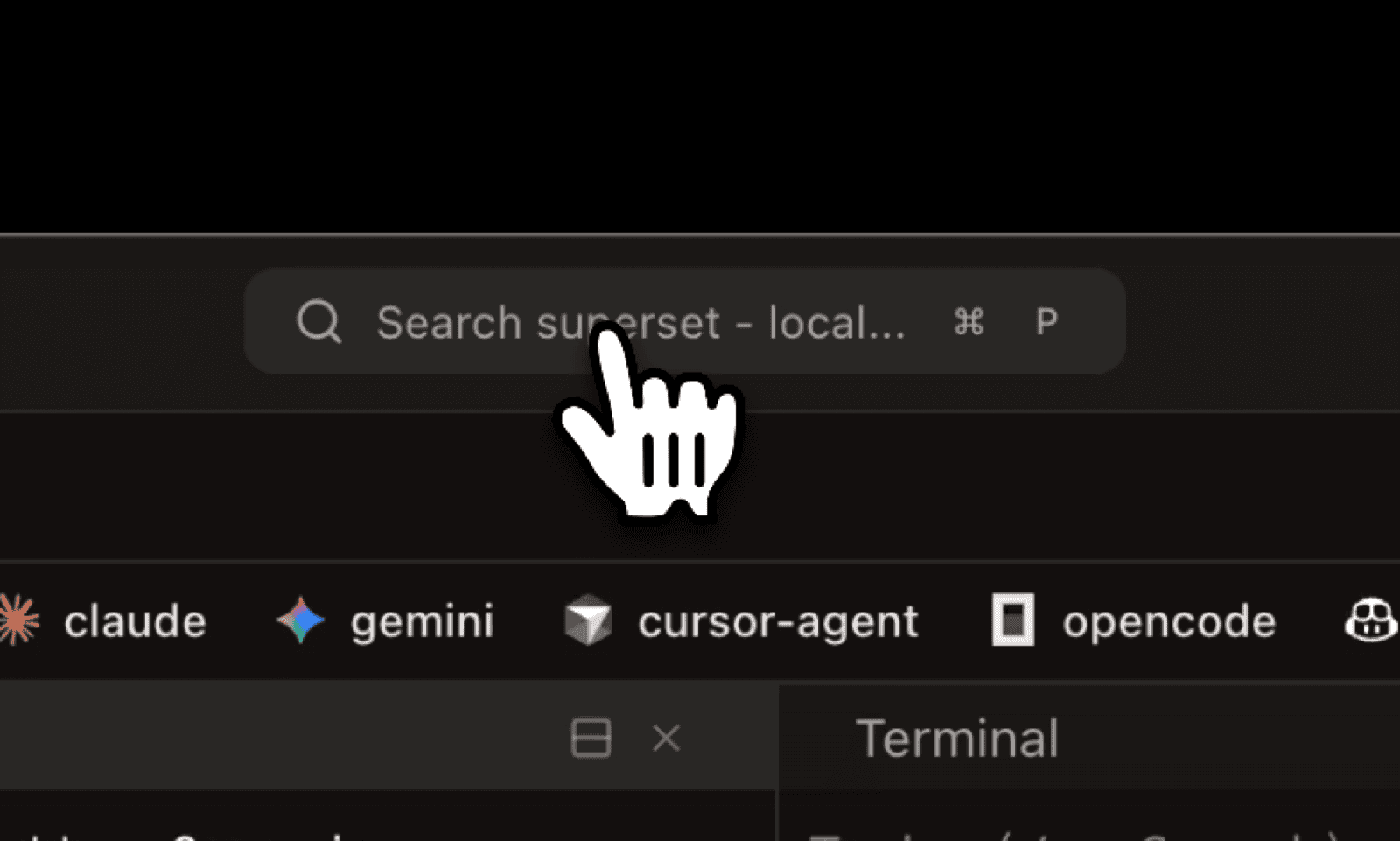
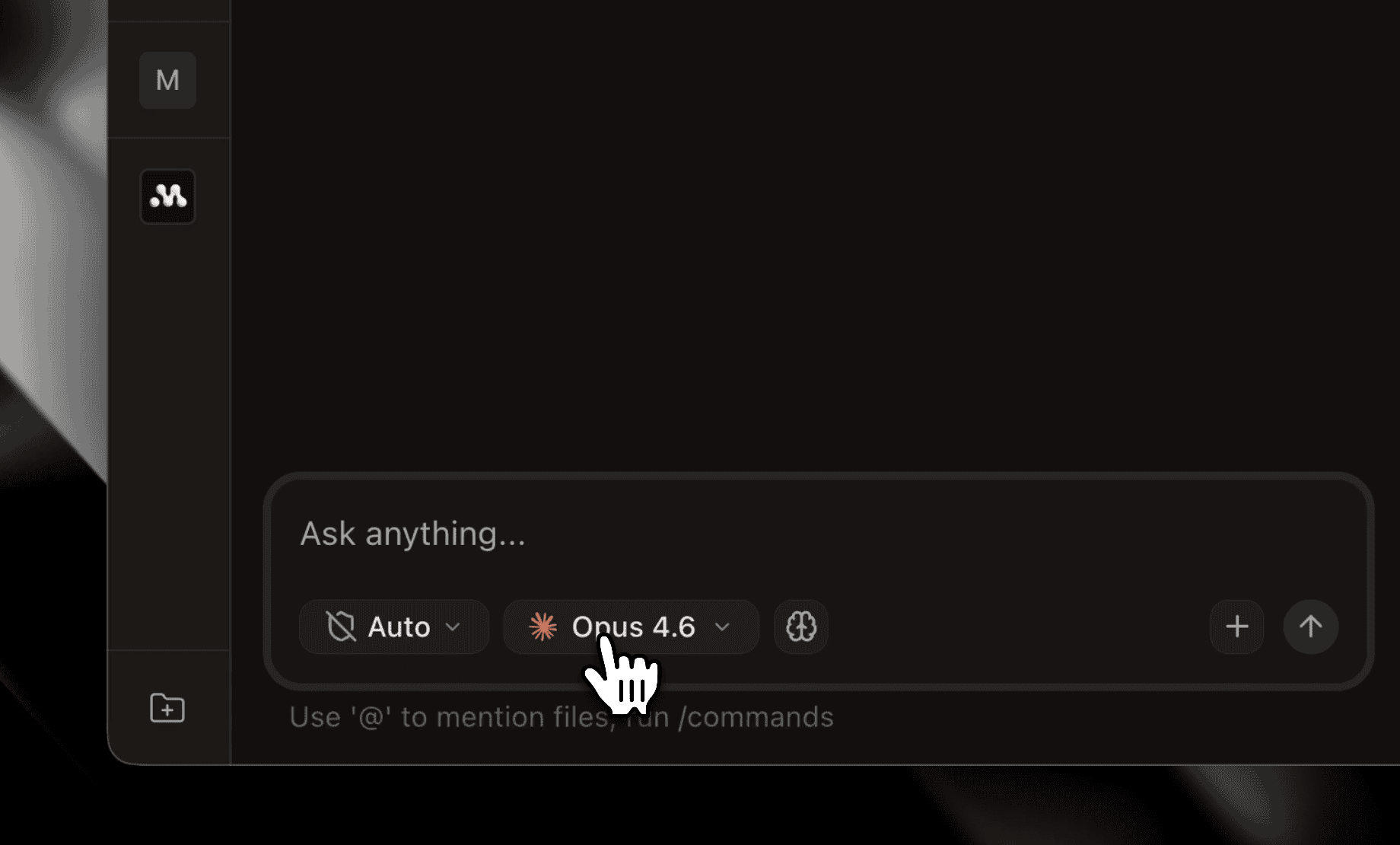
When Claude Code or Codex spawns a subagent, it now shows nested under its parent in the workspace row's agents chip, labeled with its type. Click a subagent row to open a pane that follows its transcript live and shows Finished when it is done. Hover the agents chip on any workspace row to see them.
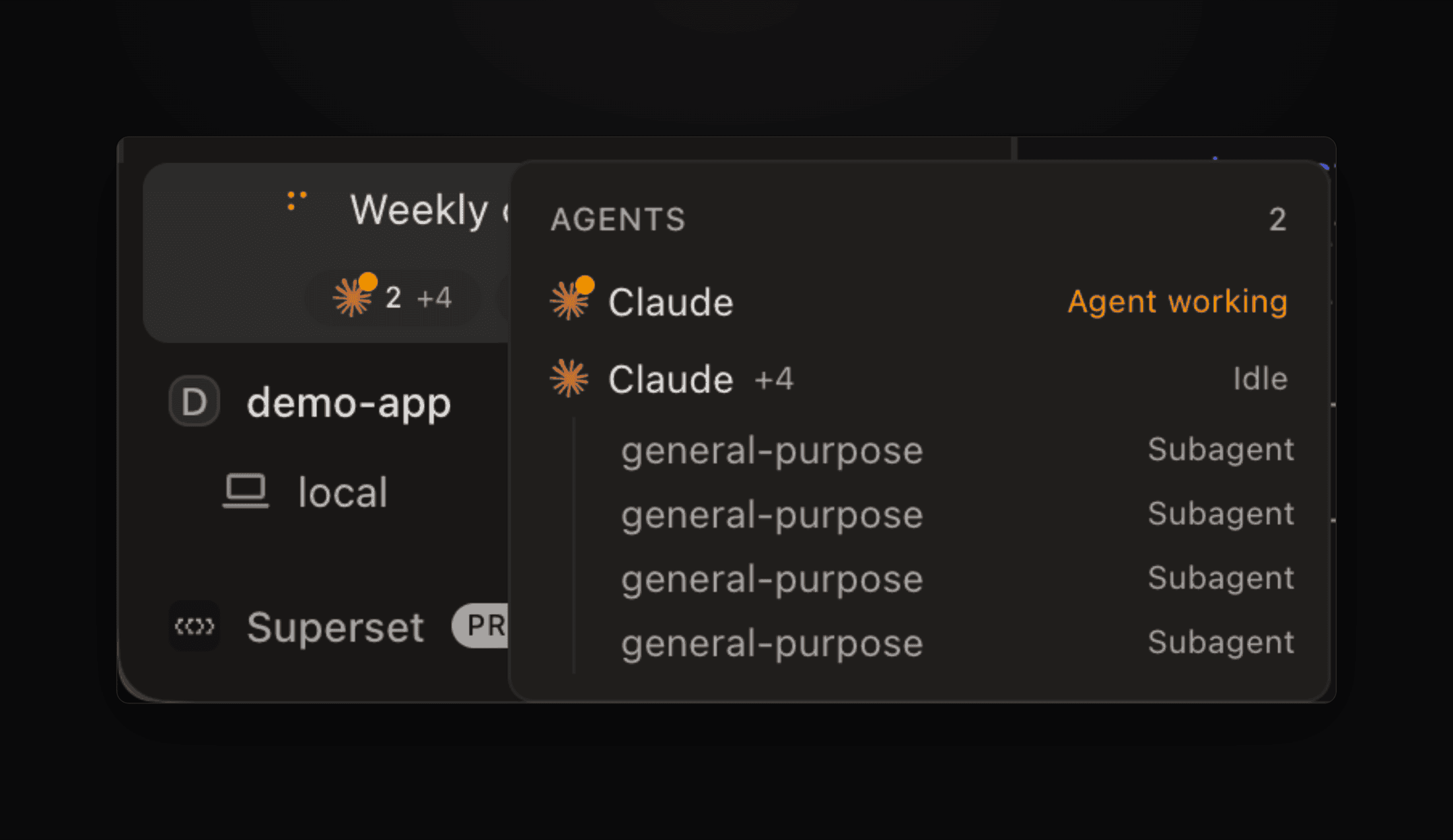 The agents popover on a workspace row, with four subagents nested under their Claude session
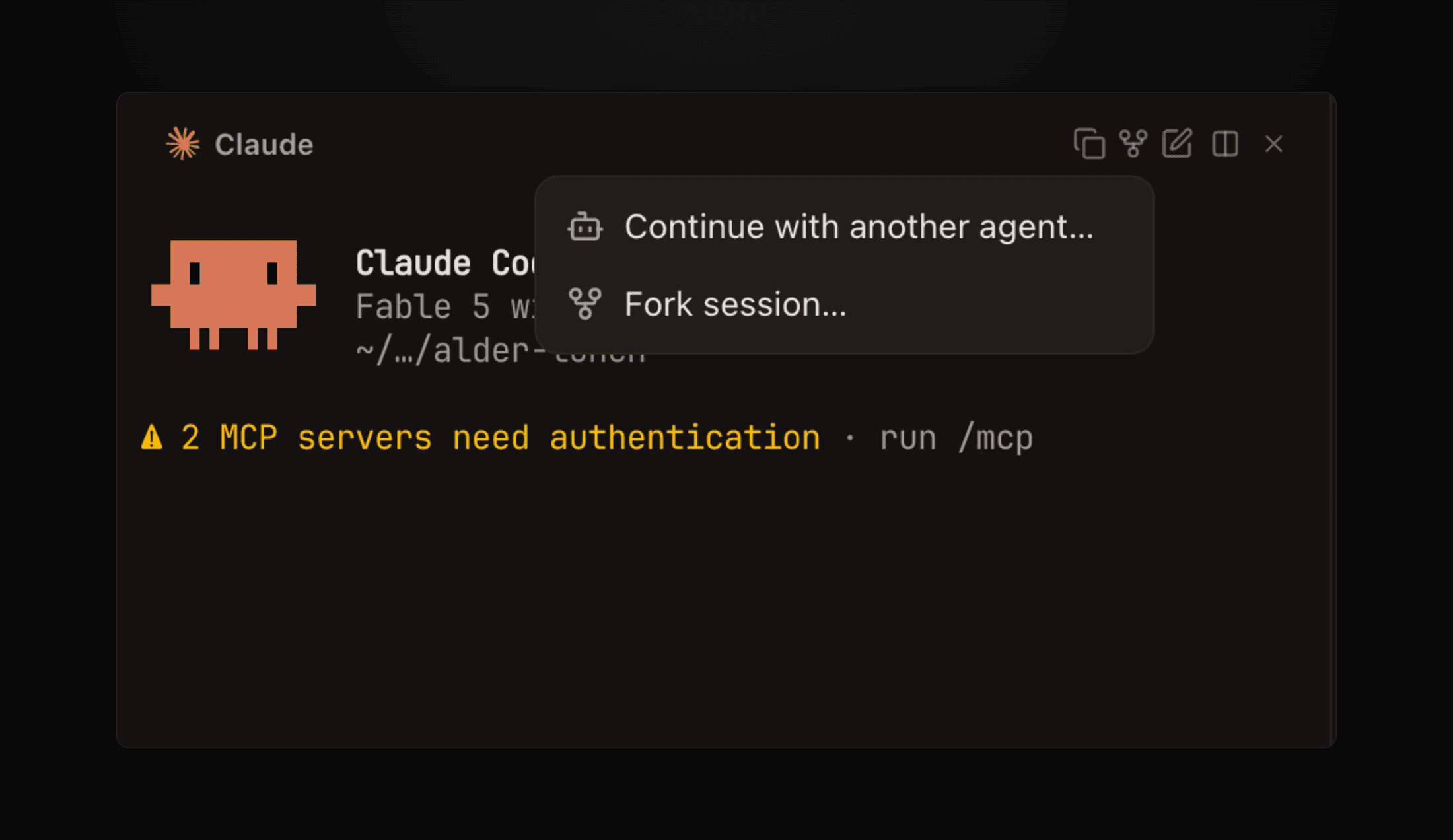
Muse Code and Devin Agents, OpenCode History and Quotas #7458
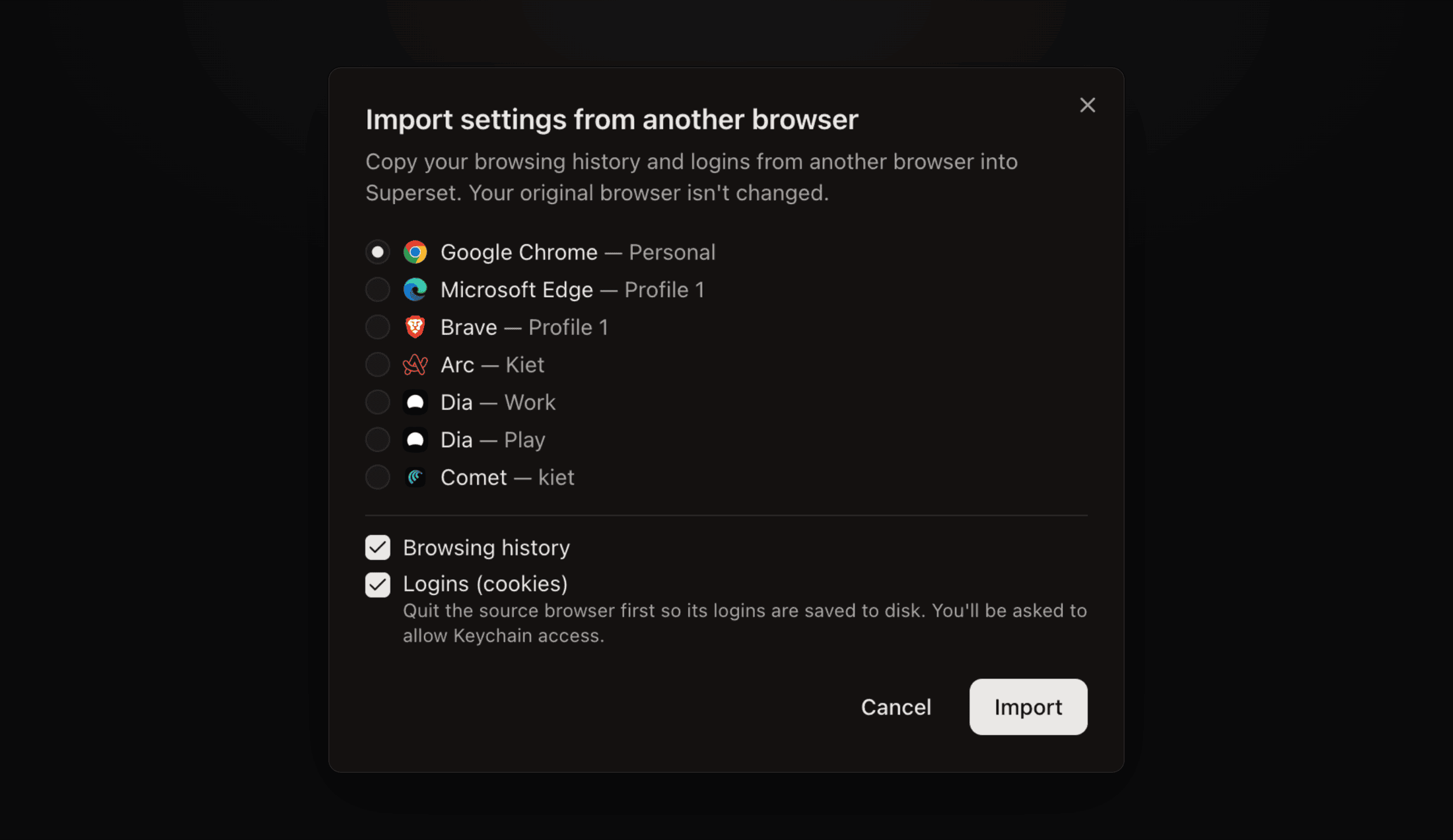
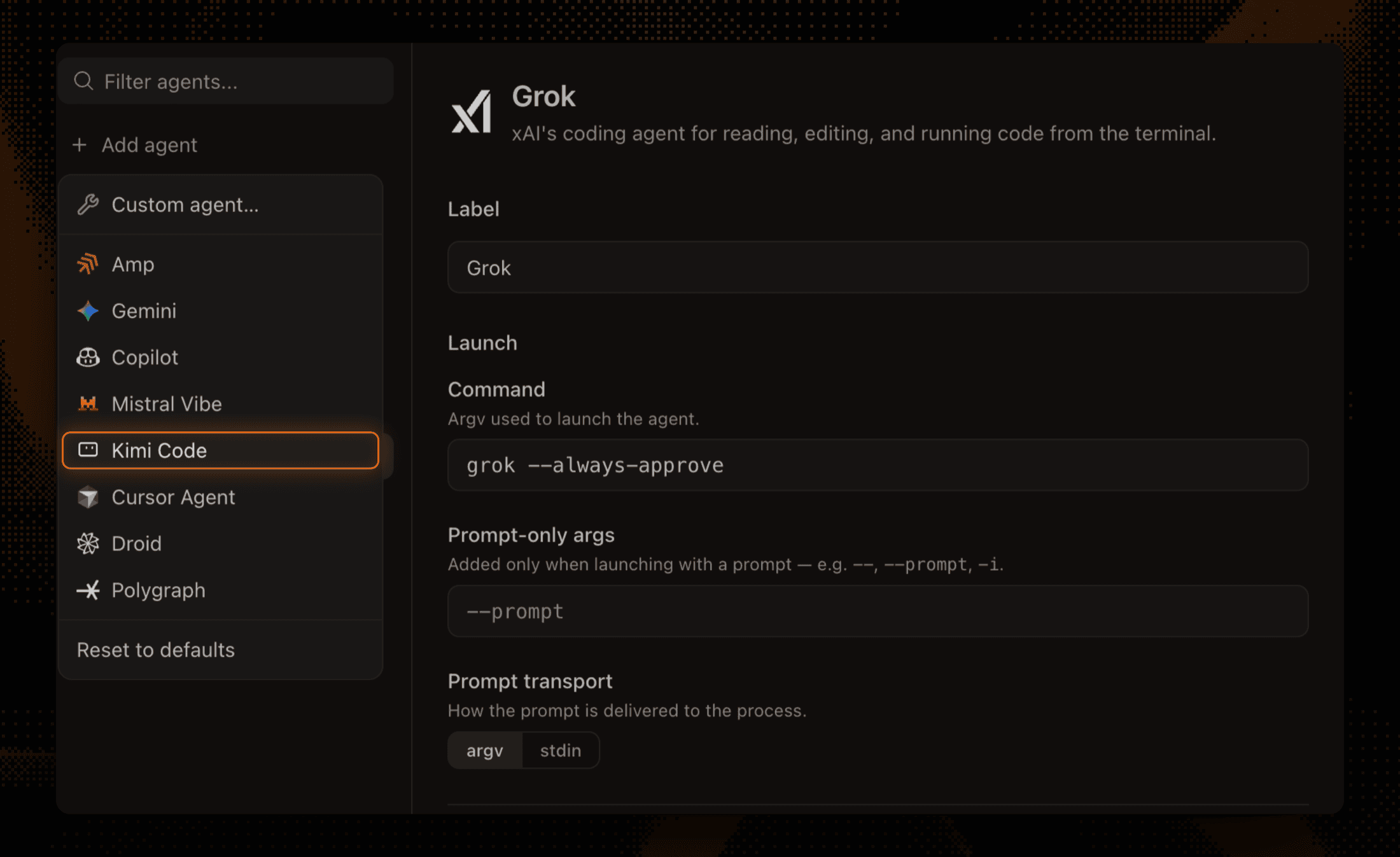
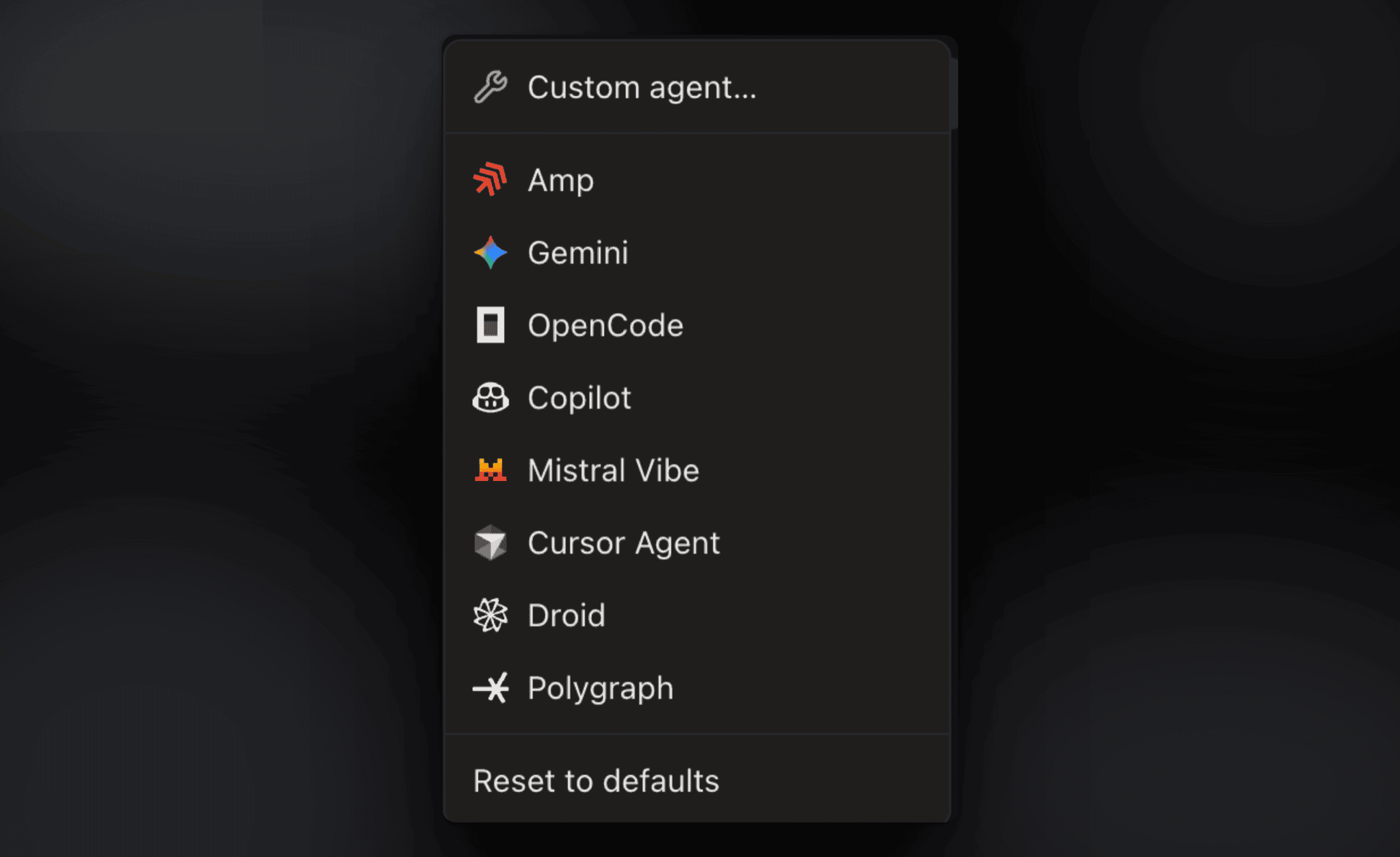
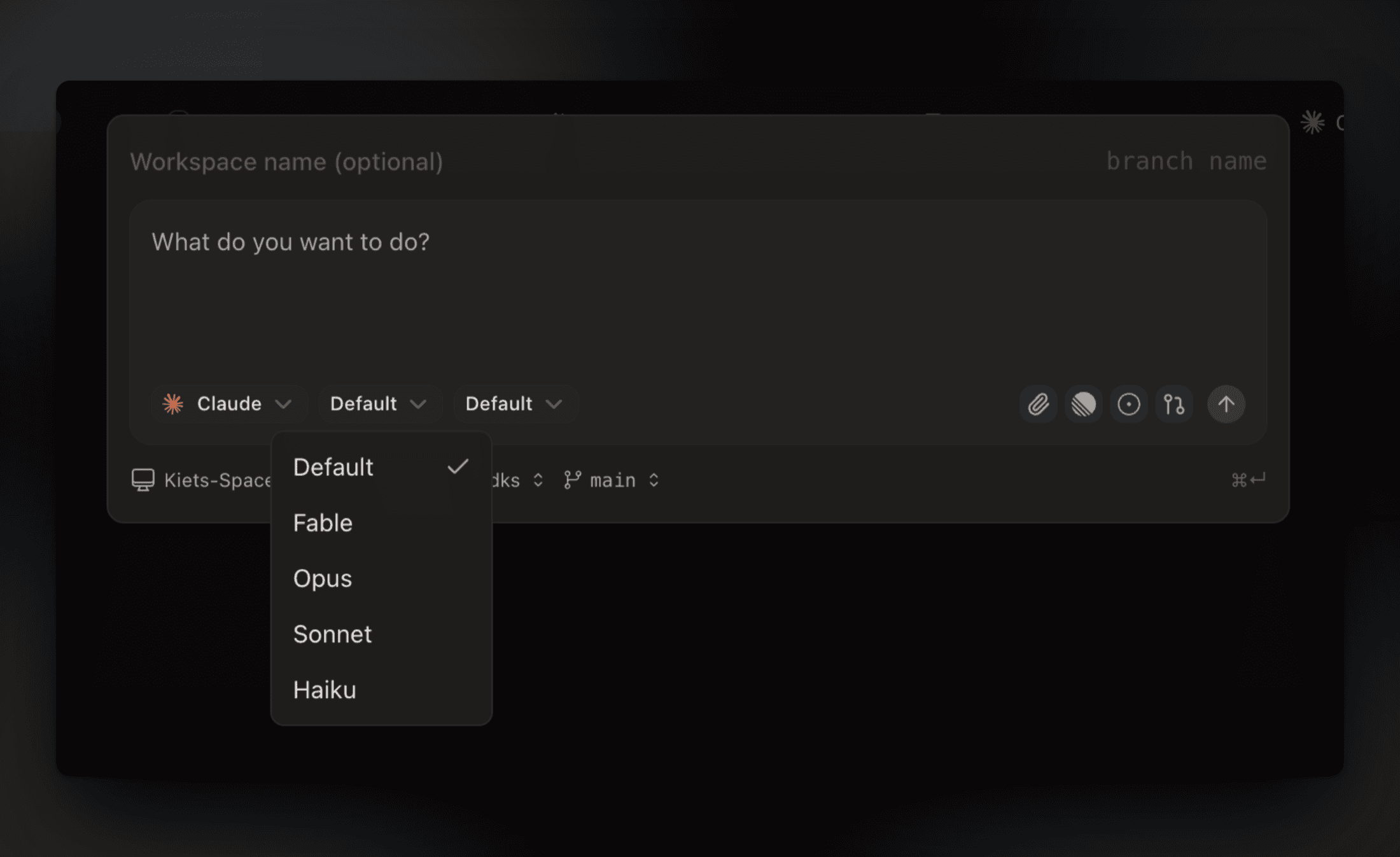
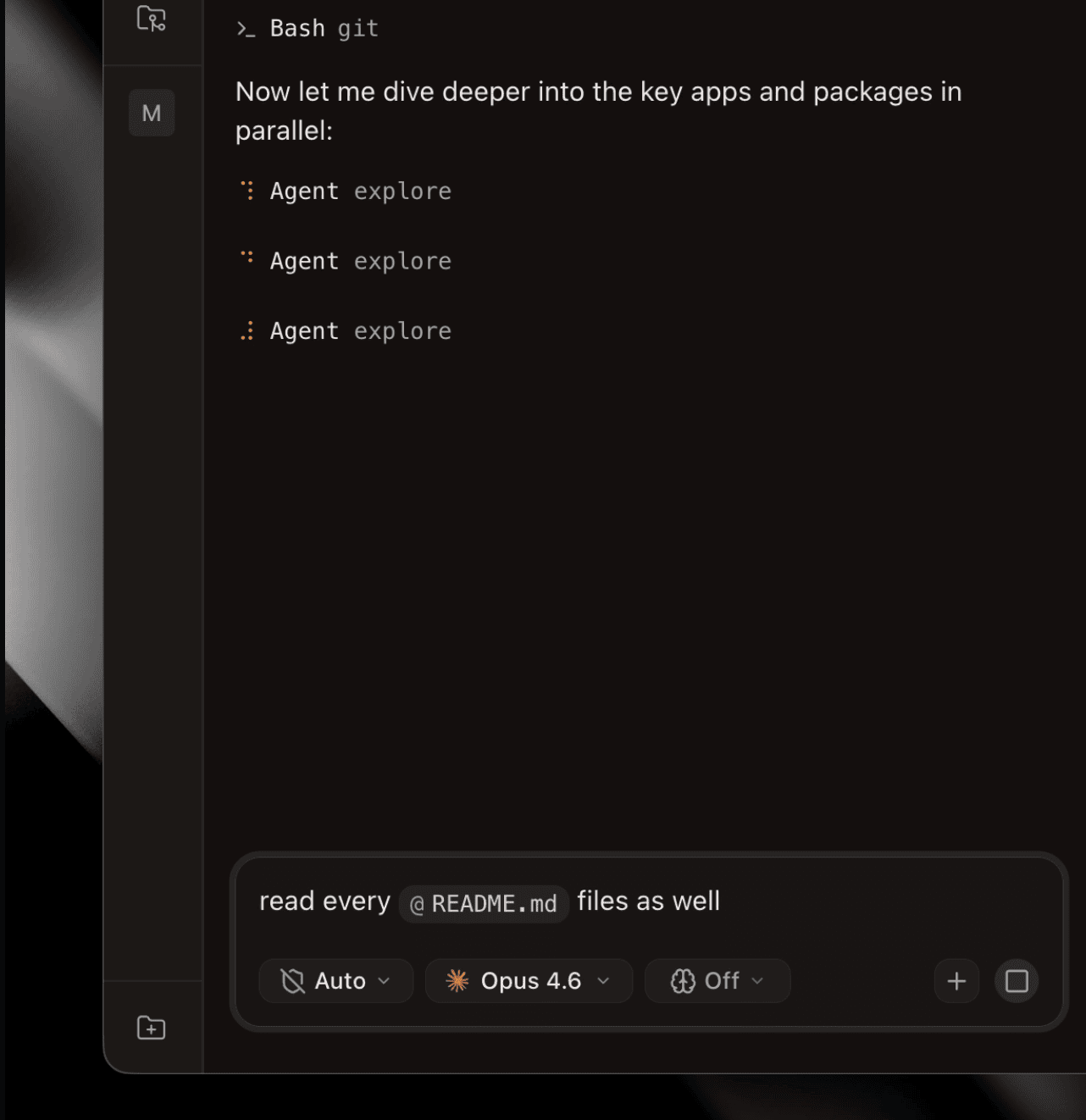
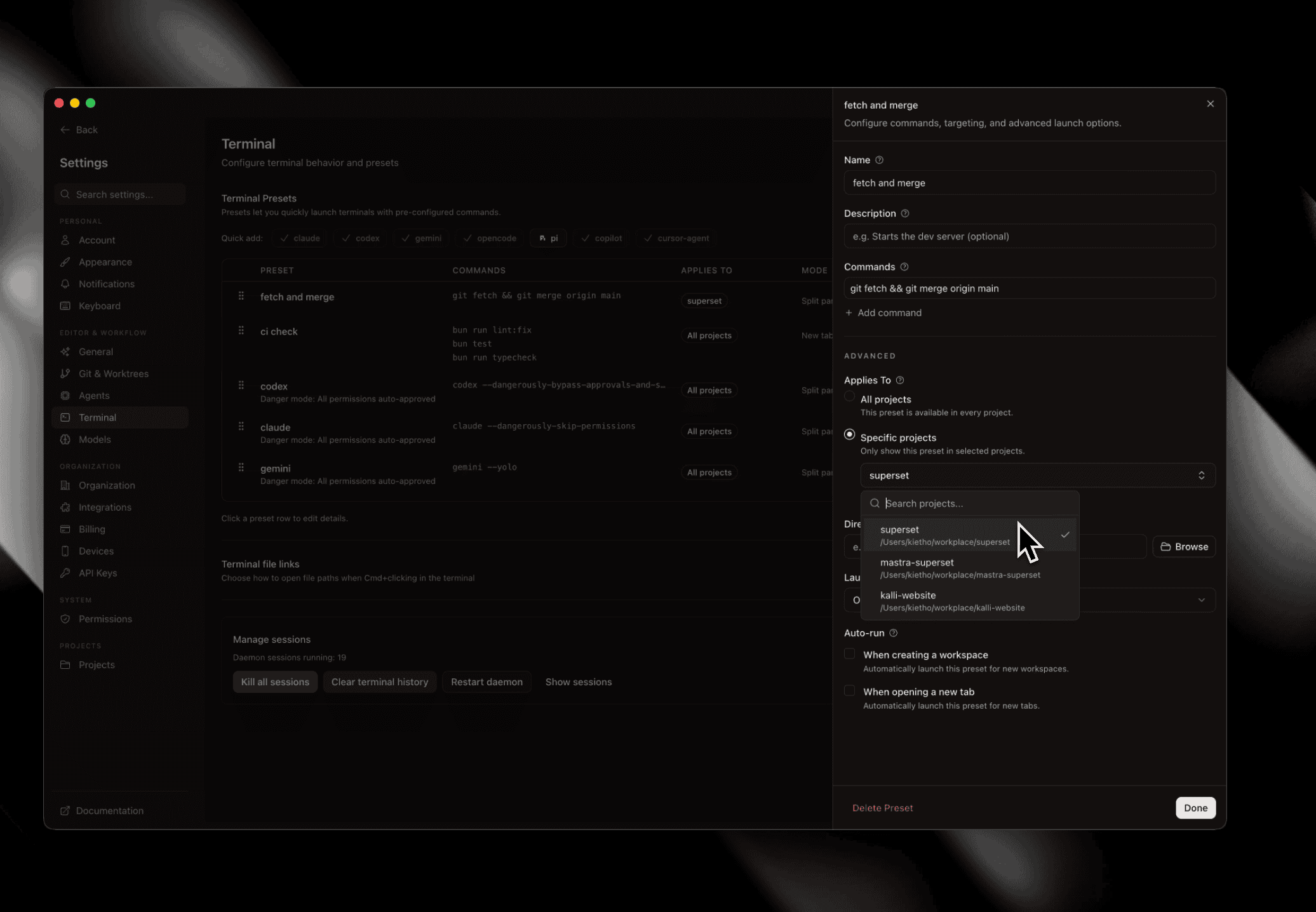
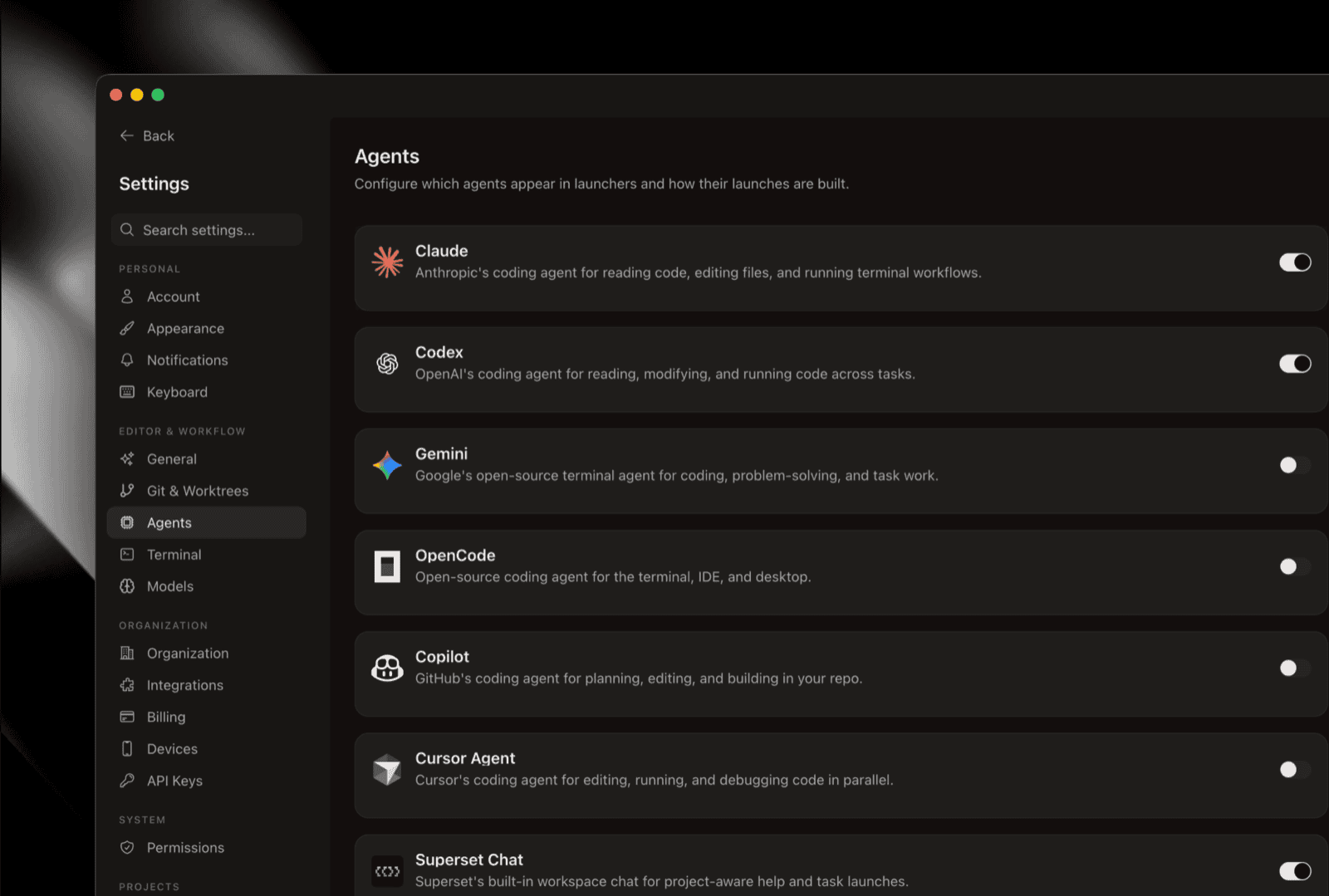
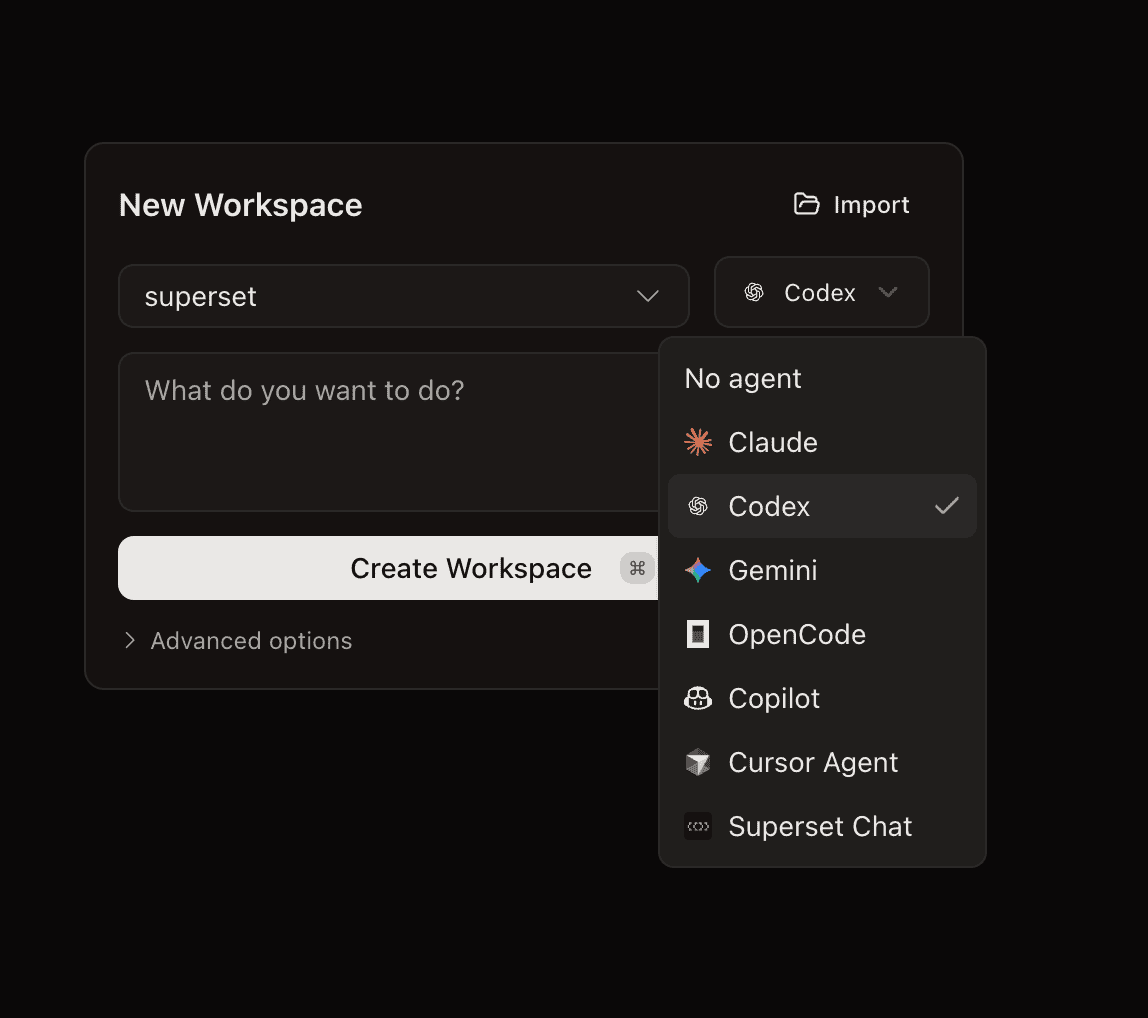
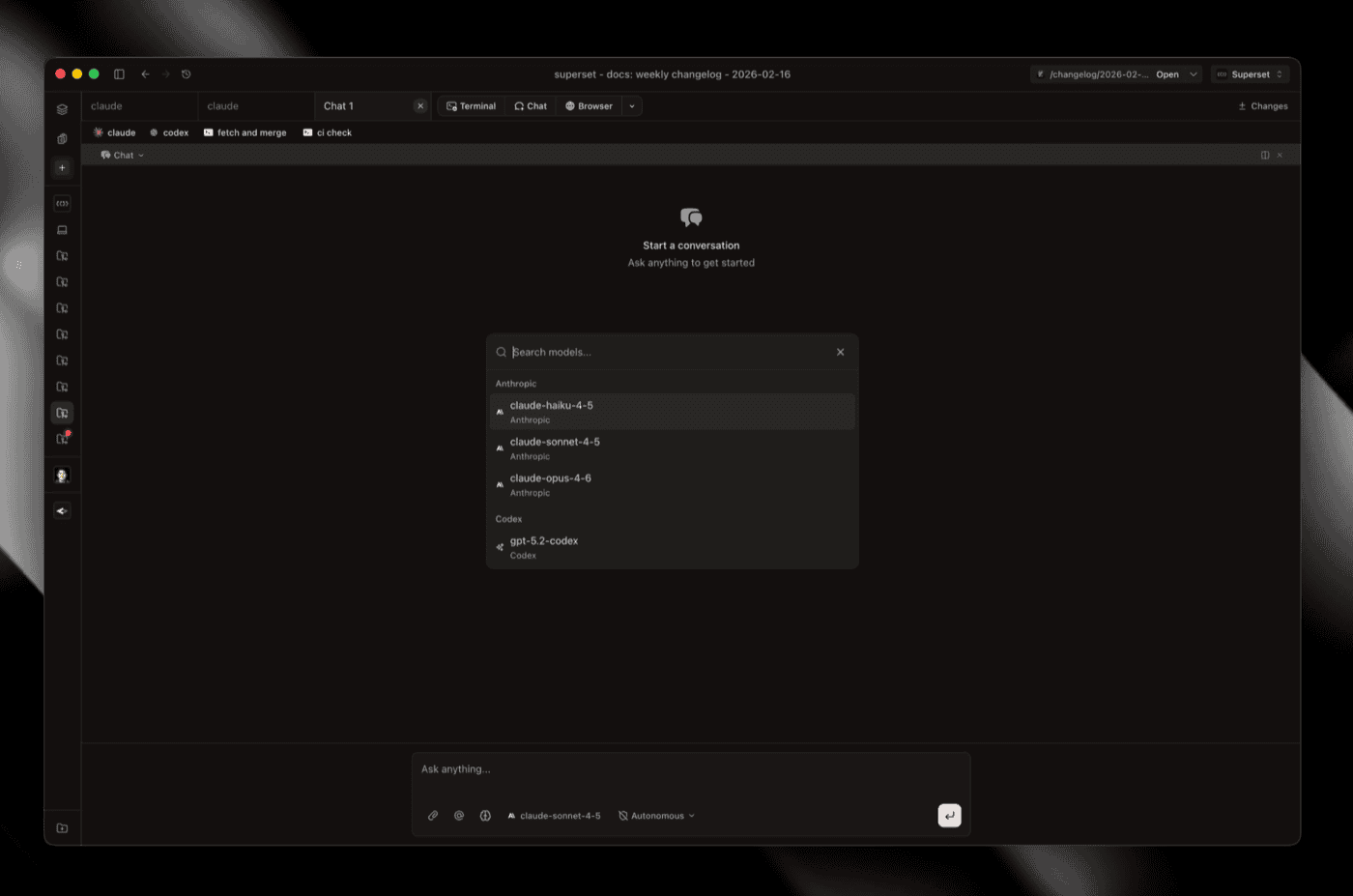
Meta's Muse Code and Devin's CLI join the built-in agent catalog, with session resume and token history. OpenCode sessions show up in Usage again, and OpenCode's Anthropic and OpenAI logins get quota cards of their own. Add either agent from Settings → Agent commands → Add agent.
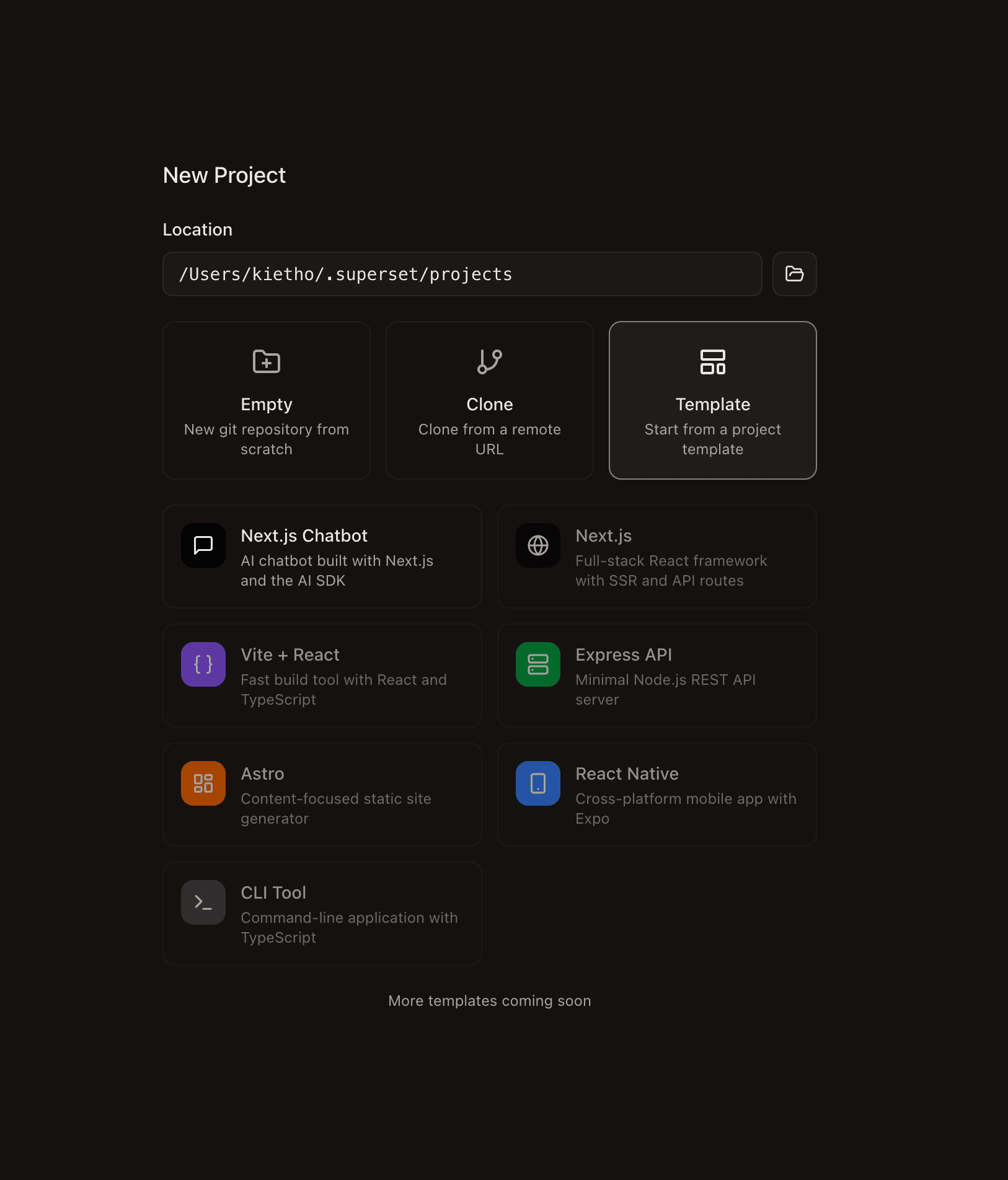
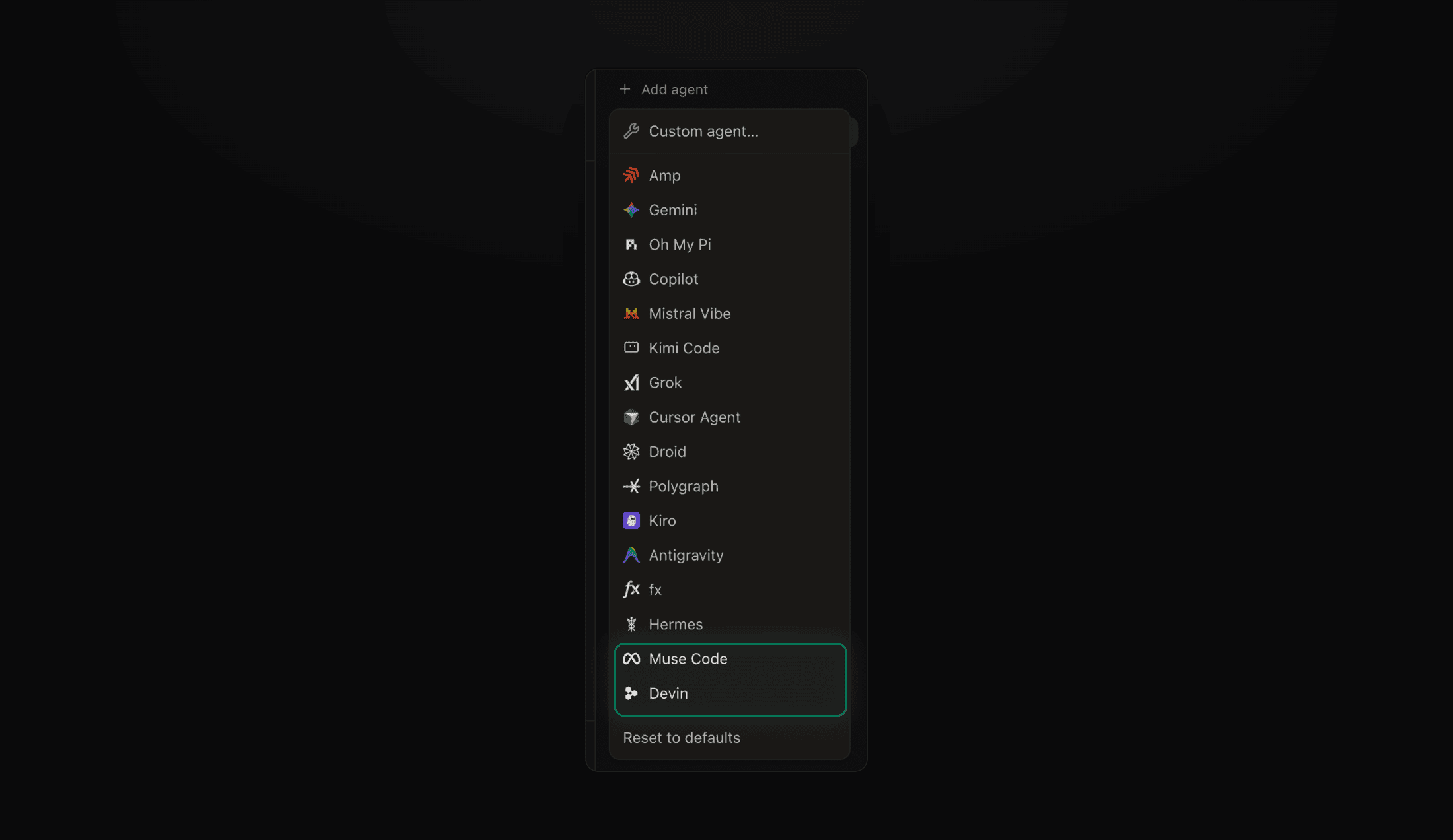 The Add agent menu with Muse Code and Devin at the bottom
Pages on Your Phone, and Cleaner Comments #7367 #7312 #7470 #7359 #7473 #7471 #7339
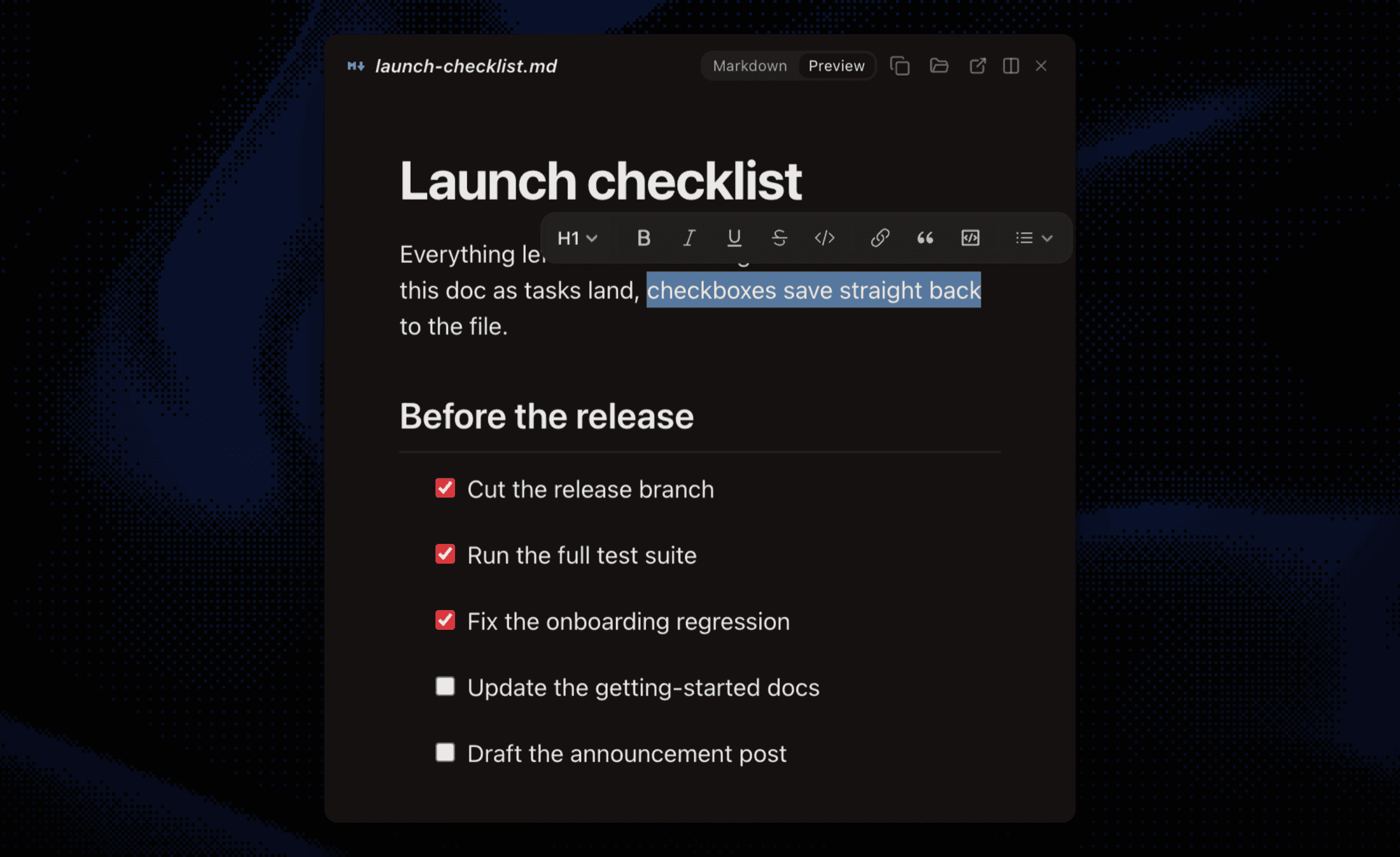
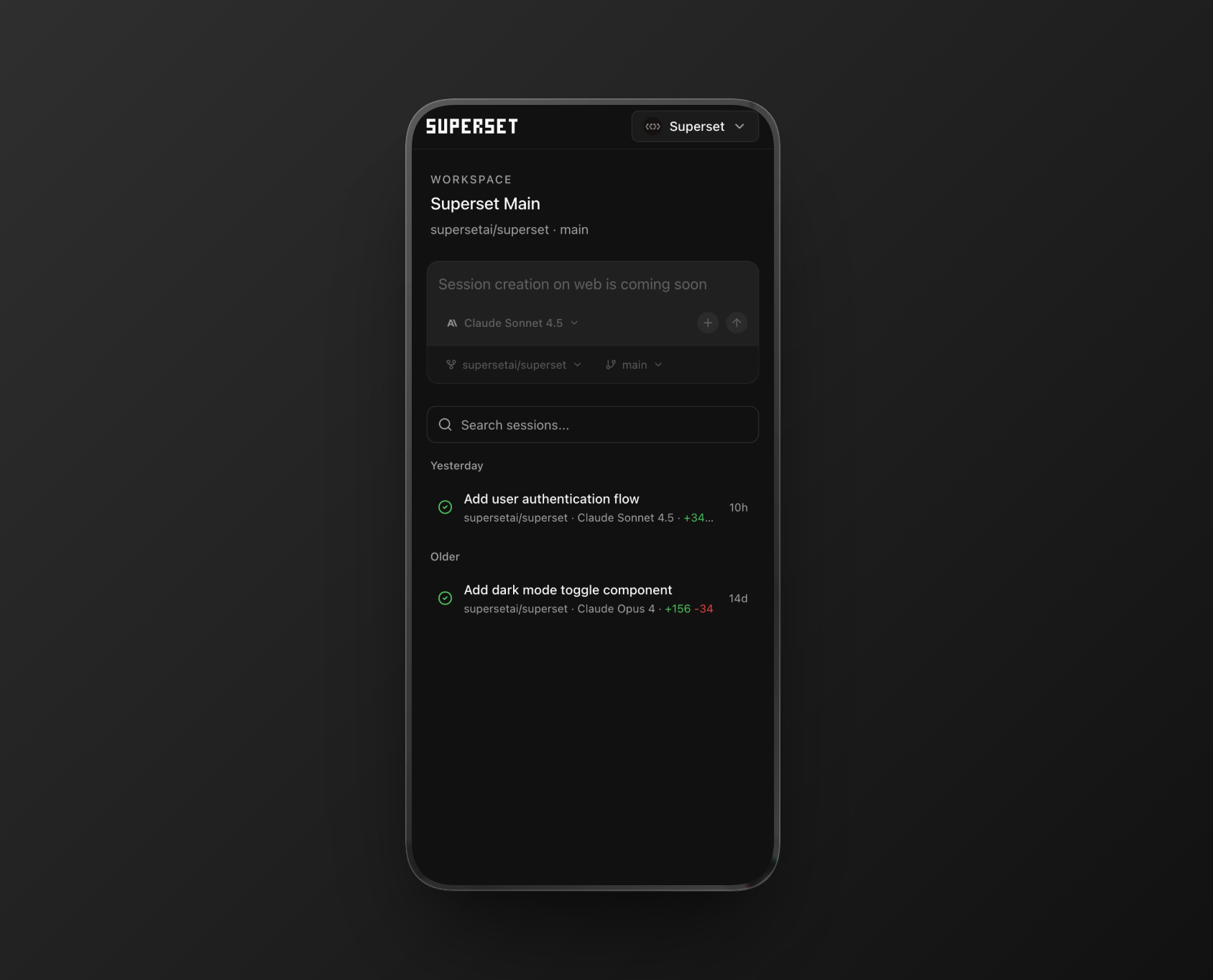
An agent publishes a page, and you can now read it and leave feedback from the iOS app, with the same pick-an-element comment flow as the desktop.
- The comment button only arms comment mode; a floating All comments button opens the thread list and keeps it open
- Enter sends a comment, resolved pins disappear, and a Delete this request turns its pin red
- Published pages pick up Superset's own typography and colors, and a page opened in a browser gets an Open in Superset button
- Settings → Links gets a Pages row, so page links can open in Superset while other URLs go to your browser
- The Pages screen offers Create with AI, which opens an agent workspace already set up to publish a page
Docs: docs.superset.sh/docs/pages.
Improvements
- Stage one file at a time - hover a row in the sidebar Changes tab for a + or - button, or pick Stage file from its menu; a rename stages as one unit #7456
- Name a terminal session - pick Rename from the session dropdown; the name sticks across restarts and shows on the phone too #7373
- Notifications say what happened - the title names the project and workspace, the subtitle the agent and status, and the body carries the response or permission question; a failed run is labeled Failed, contributed by @owieschon, and Codex waiting for input now rings the attention chime #7493 #7294 #7372
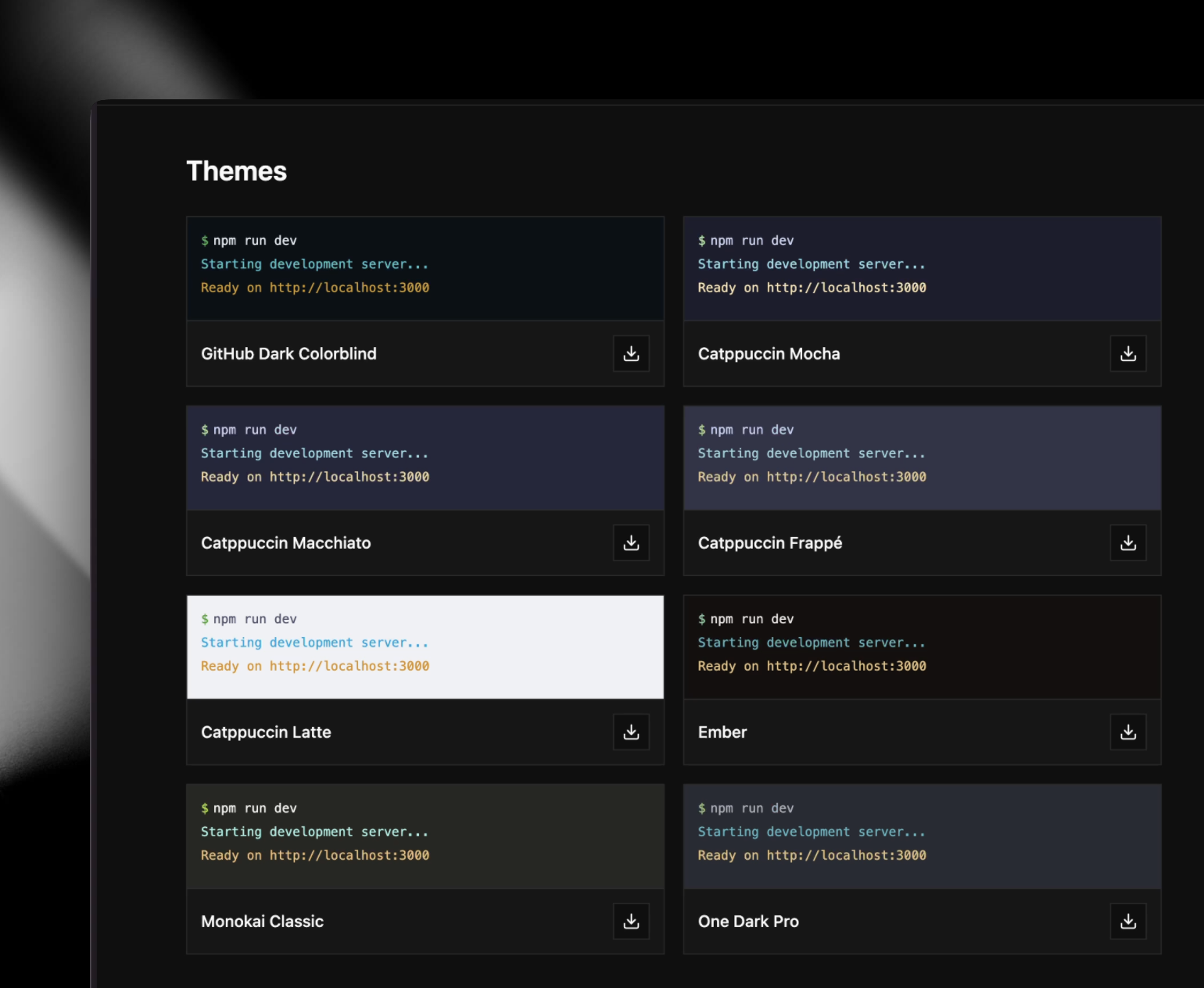
- Three light themes built in - Catppuccin Latte, Solarized Light, and Vellum sit under Light in Settings → Appearance #7249
- Linux window controls - native minimize, maximize, and close, a menu bar, a real quit, and a packaged binary with the right name and icon #7428
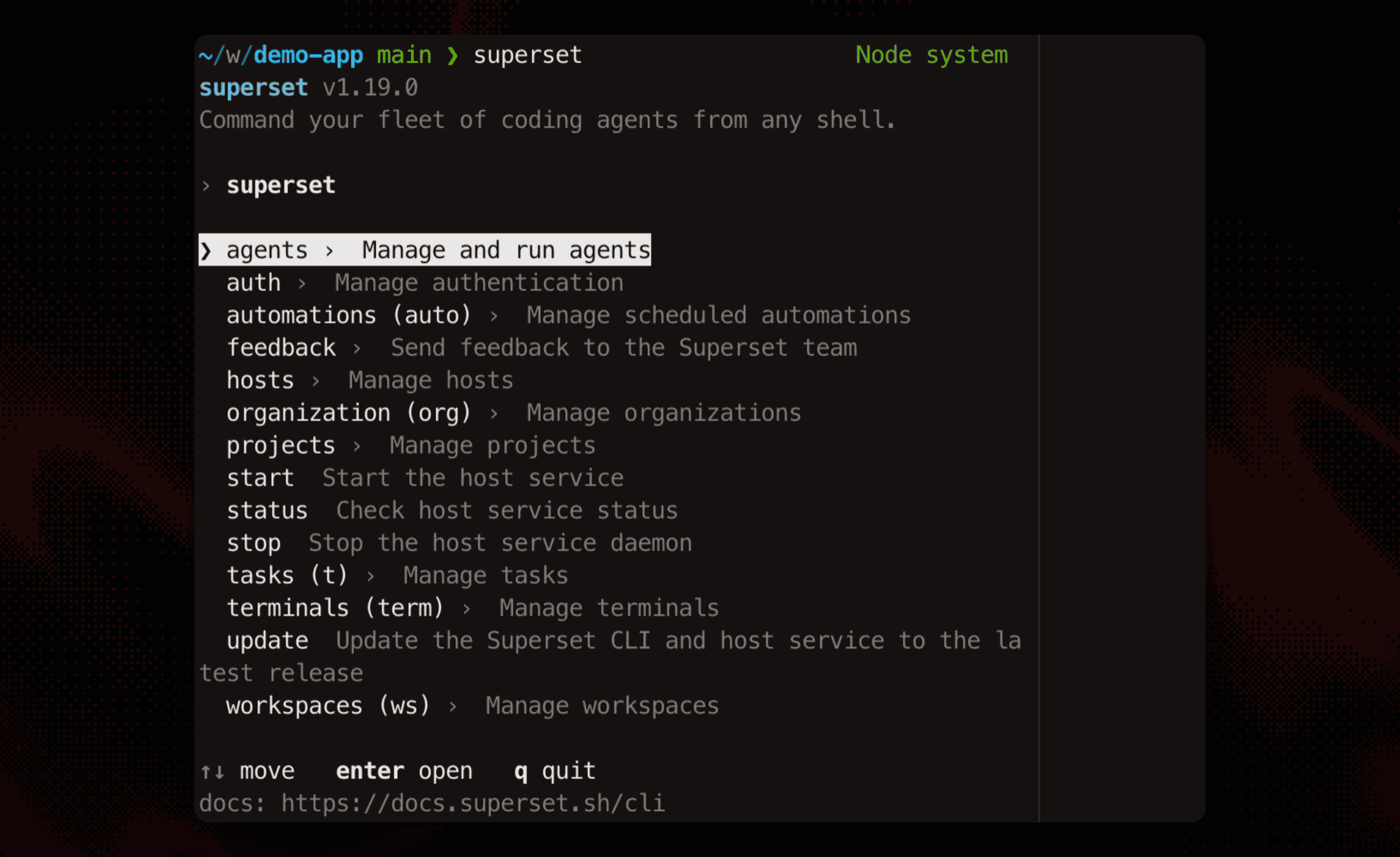
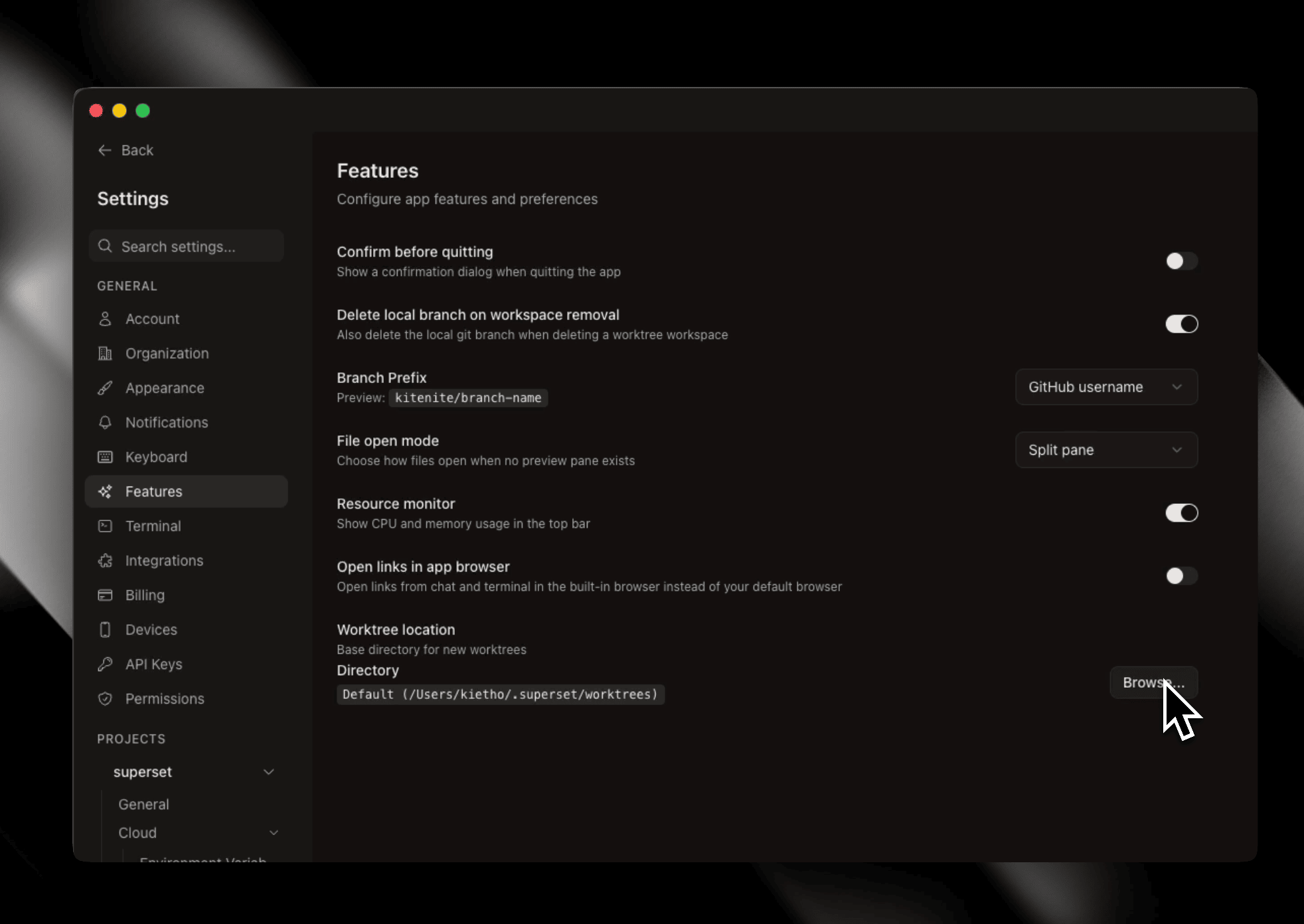
- Host versions - Settings → Hosts shows each host's version, only hosts below the compatibility floor block workspaces, and owners can update a standalone CLI host from the app #7270
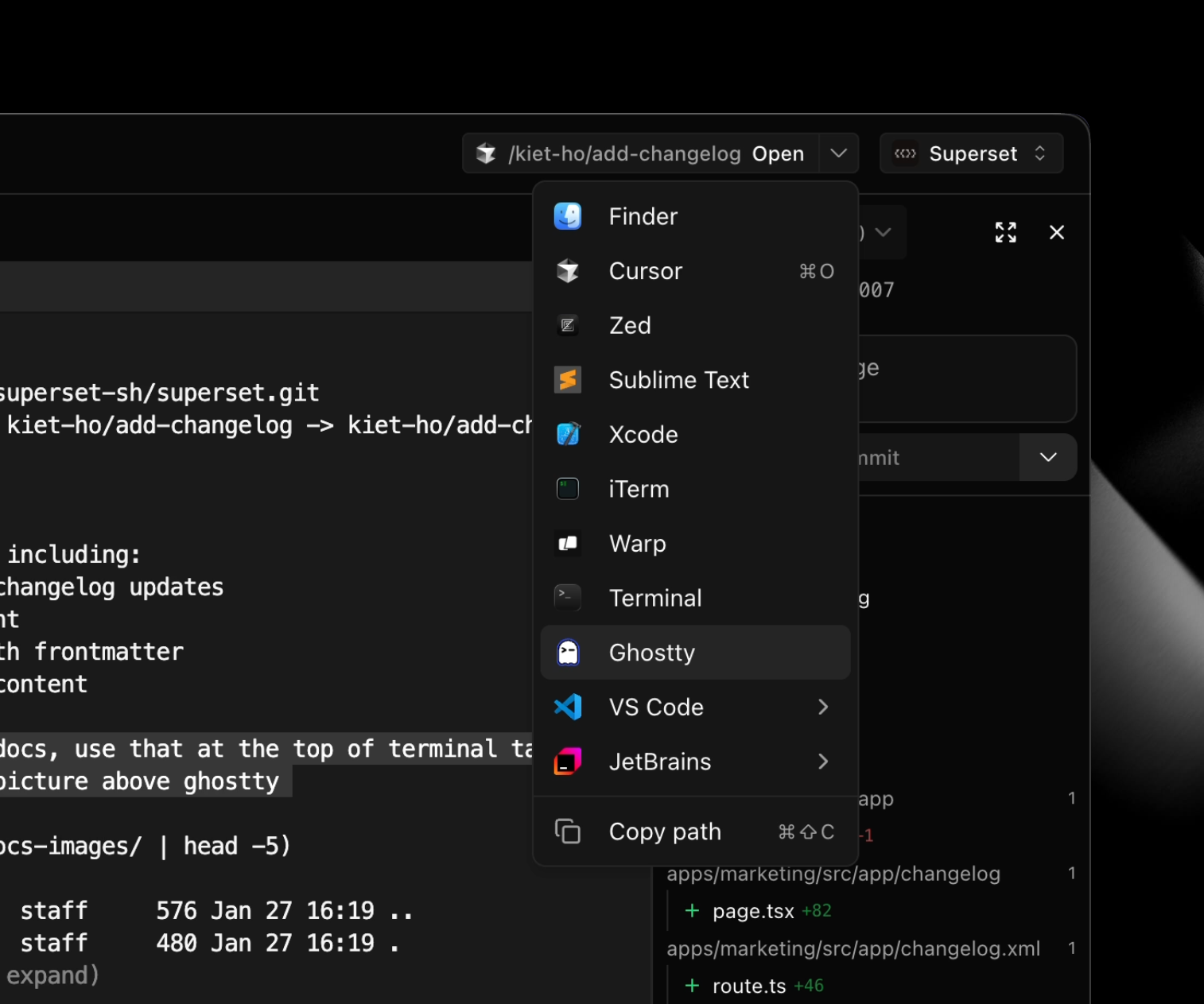
- Open in menu - the terminal link menu groups Open in and Copy Link together, with Copy Path for files and folders #7251
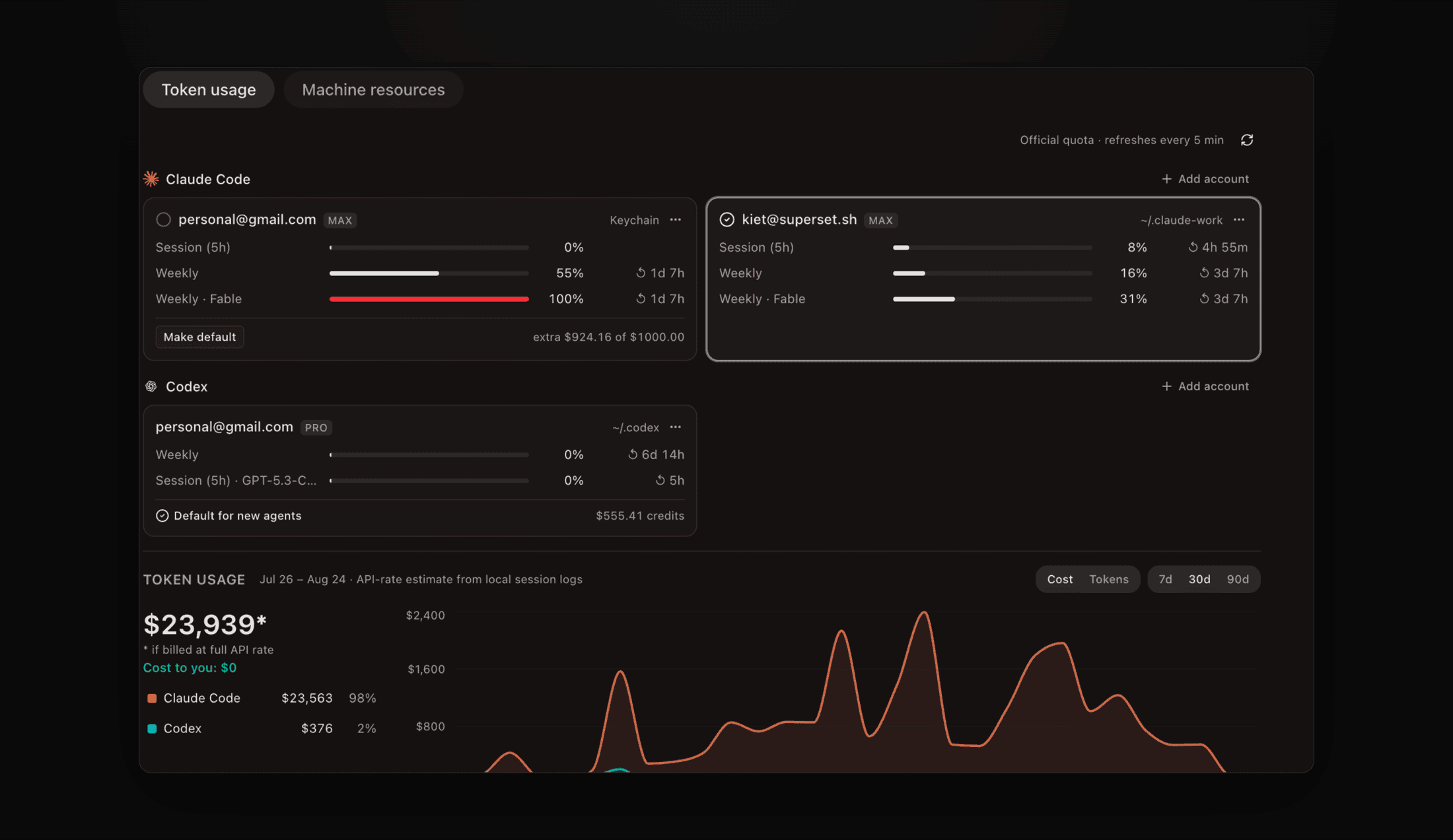
- Usage in the sidebar - turn on Show usage tab on sidebar in Settings → Usage, contributed by @tao101 #7191
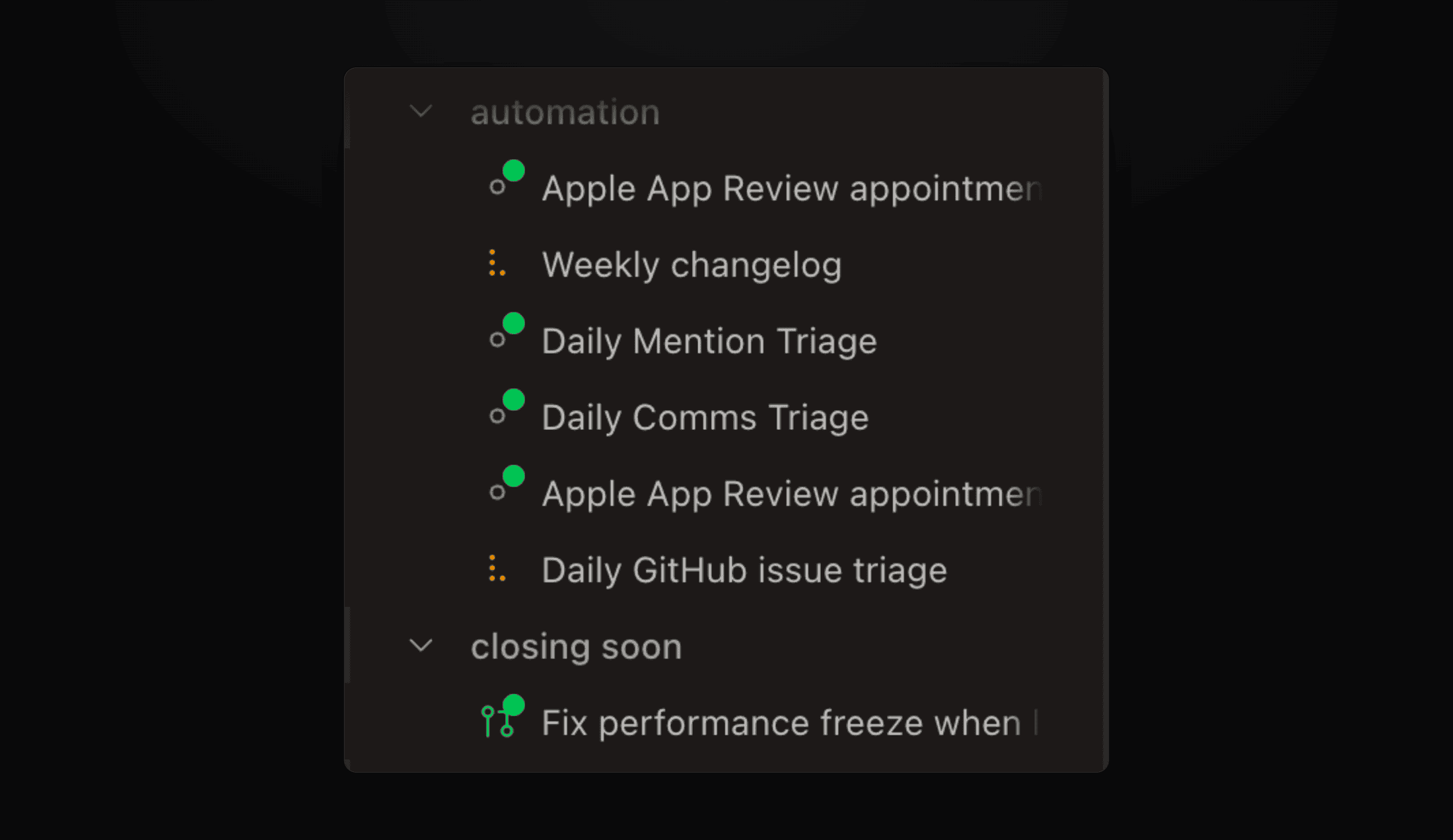
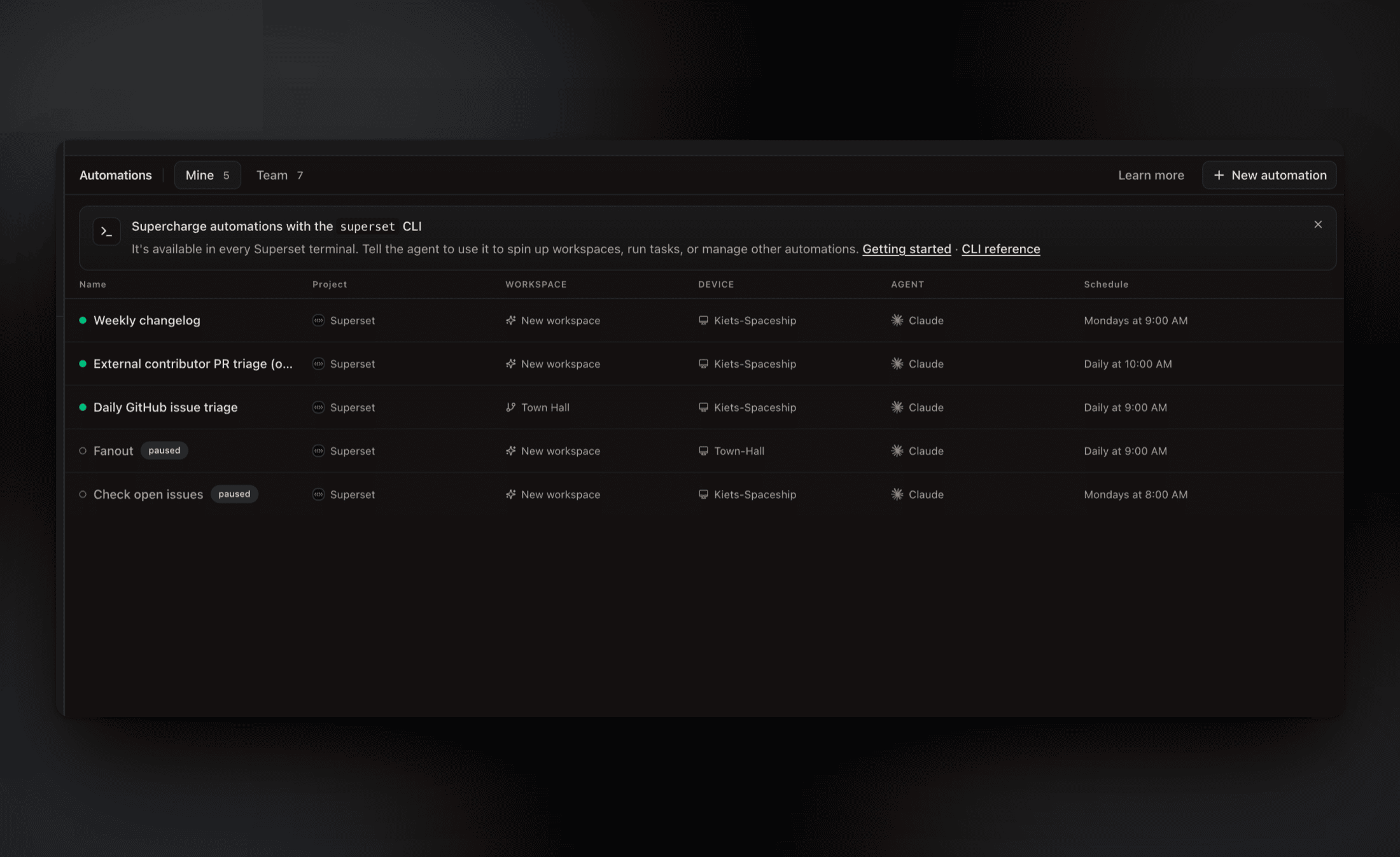
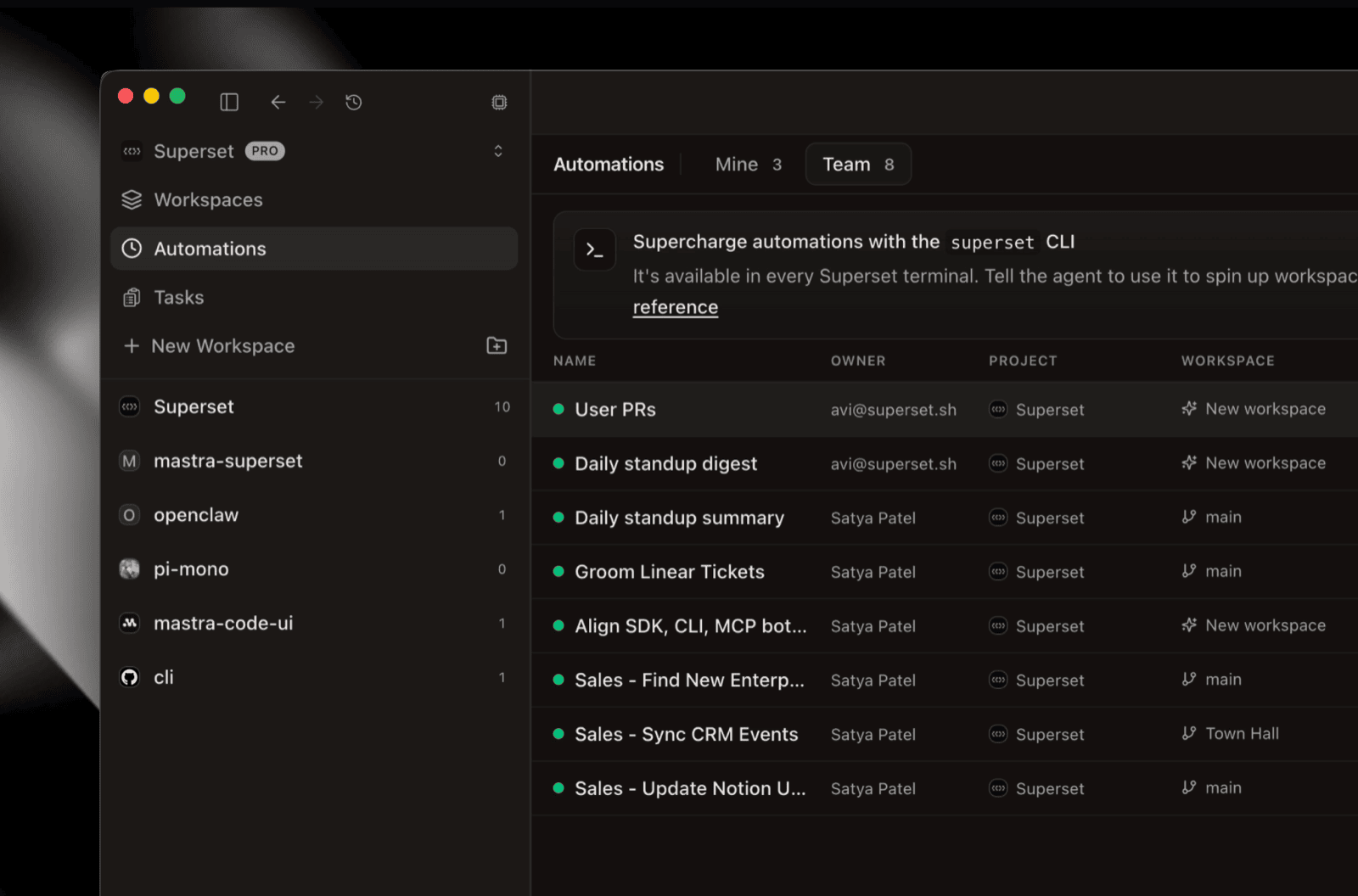
- Automations - Copy link shares one with a teammate, and a pinned-workspace automation can continue its own agent session instead of starting a new one each run #7347 #7411
- Automations are now a Pro feature - creating, running, and enabling one asks for Pro; reading, pausing, and deleting stay open on Free #7434
- Pay for Pro on the web - app.superset.sh/settings/billing upgrades, cancels, and opens the billing portal, and the iOS paywall links there #7502 #7375
- Agent browsers stay out of the way - a browser an agent opens in another workspace no longer switches you there; pass
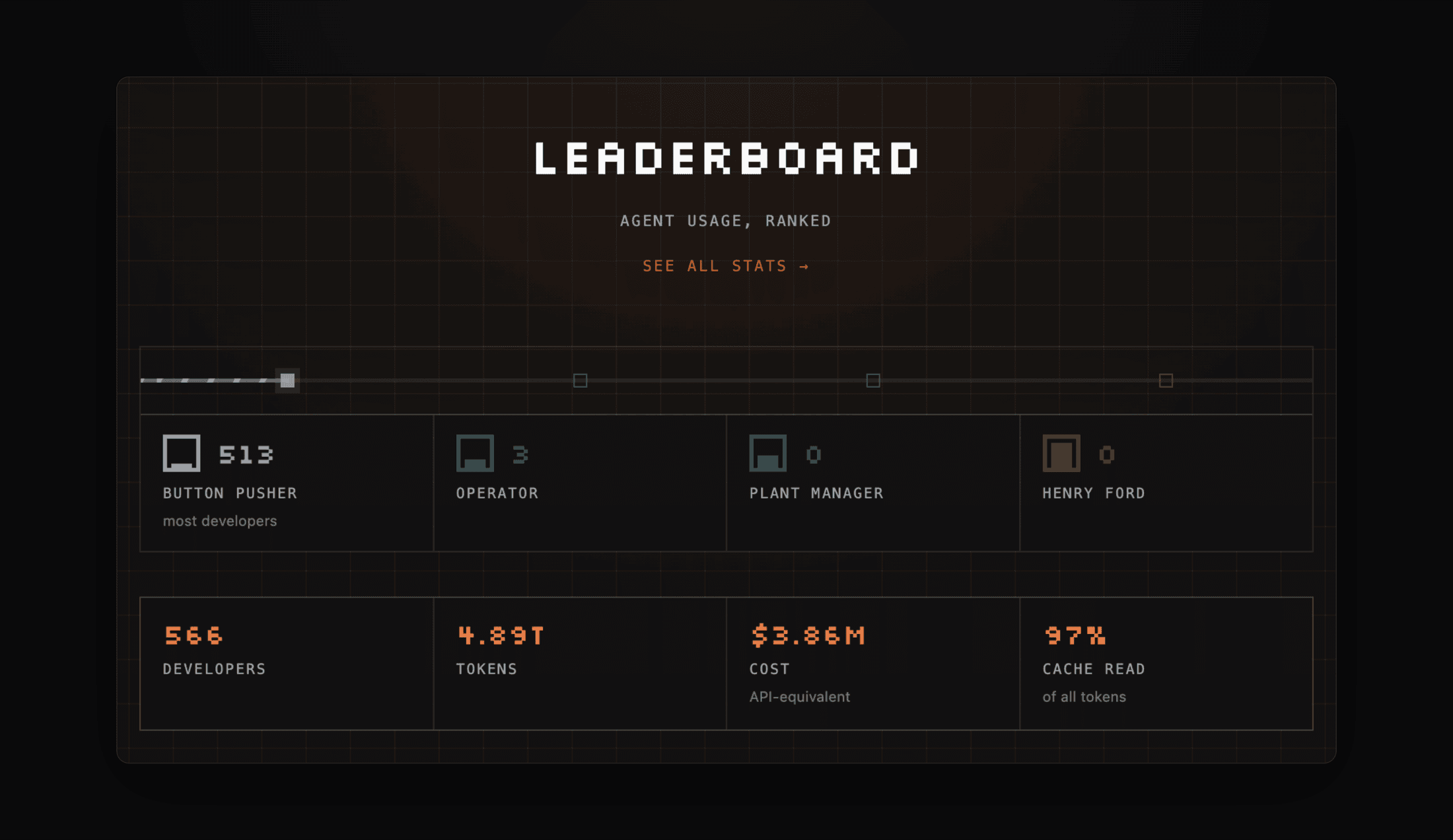
--showto bring it forward #7401 - Public leaderboard profiles - claim a handle and your profile lives at superset.sh/your-handle with achievements and tier #7195
- Stay in your workspace while a host reconnects - a short outage shows a status pill, a longer one a compact notice with Details, and panes stay usable throughout #7264 #7314
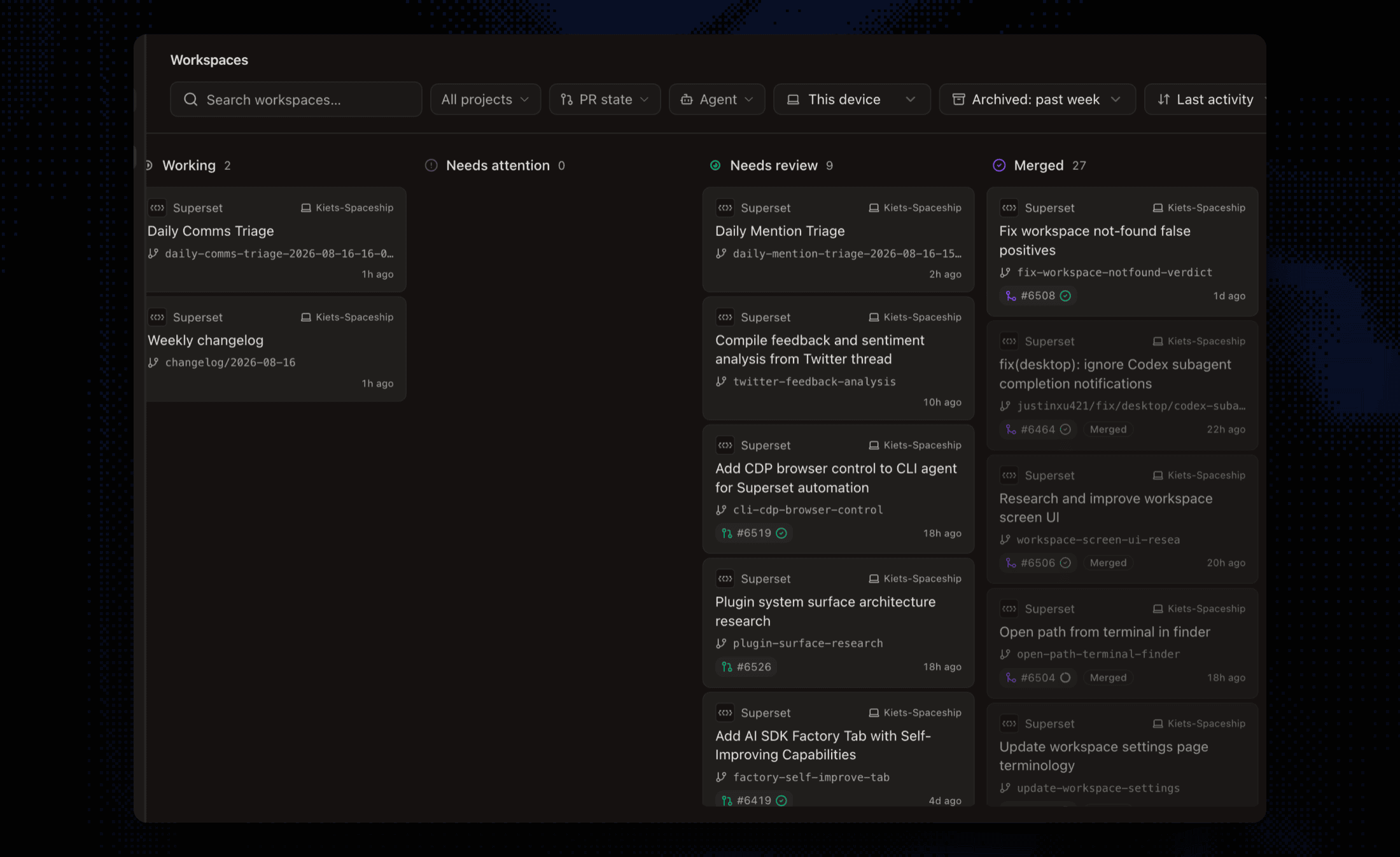
- Sidebar - hosts and pull requests update the moment they change, new groups land at the source workspace's position, Create new group sits in the move menu, and the Changes view mode is remembered across workspaces #7443 #7381 #7453
- v1 groups migrate - workspace groups from v1 import as tag folders with their name, color, and order #7333
- iOS - the app remembers your last session tab per workspace, switched-to terminals paint instantly from a cached buffer, PR links open the in-app pull request screen, and large attachments upload without failing #7342 #7346 #7476 #7378
Bug fixes
- Terminal - a backgrounded phone no longer resizes the desktop's terminal or corrupts its screen, Korean and other wide characters compose at the right width, and titles truncate in narrow panes #7423 #7488 #7404
- Terminal - a shell integration that ends its prompt marker with ST no longer freezes output, contributed by @DevChiniwala #7360
- Panes - clicking a header control or inside a browser page activates that pane, so ⌘W closes the right one; a page that closes itself closes its pane #7455 #7421 #7282
- Diffs - a stale diff no longer crashes the reviewer pane, patches refetch when git state changes, and controls stay usable in narrow panes #7348 #7463 #7285 #7499
- Agents - Cursor Agent no longer takes on a Claude identity and OpenCode sessions resume after a terminal loss, Mistral Vibe hooks use the current hook types, contributed by @b0dsim, and an automation pinned to an archived workspace heals itself, contributed by @sahiljagtap08 #7263 #7397 #6784
- Pull requests - PR detail lookups are cached and back off on GitHub rate limits, with the sidebar saying so instead of dropping the link #7246 #7208
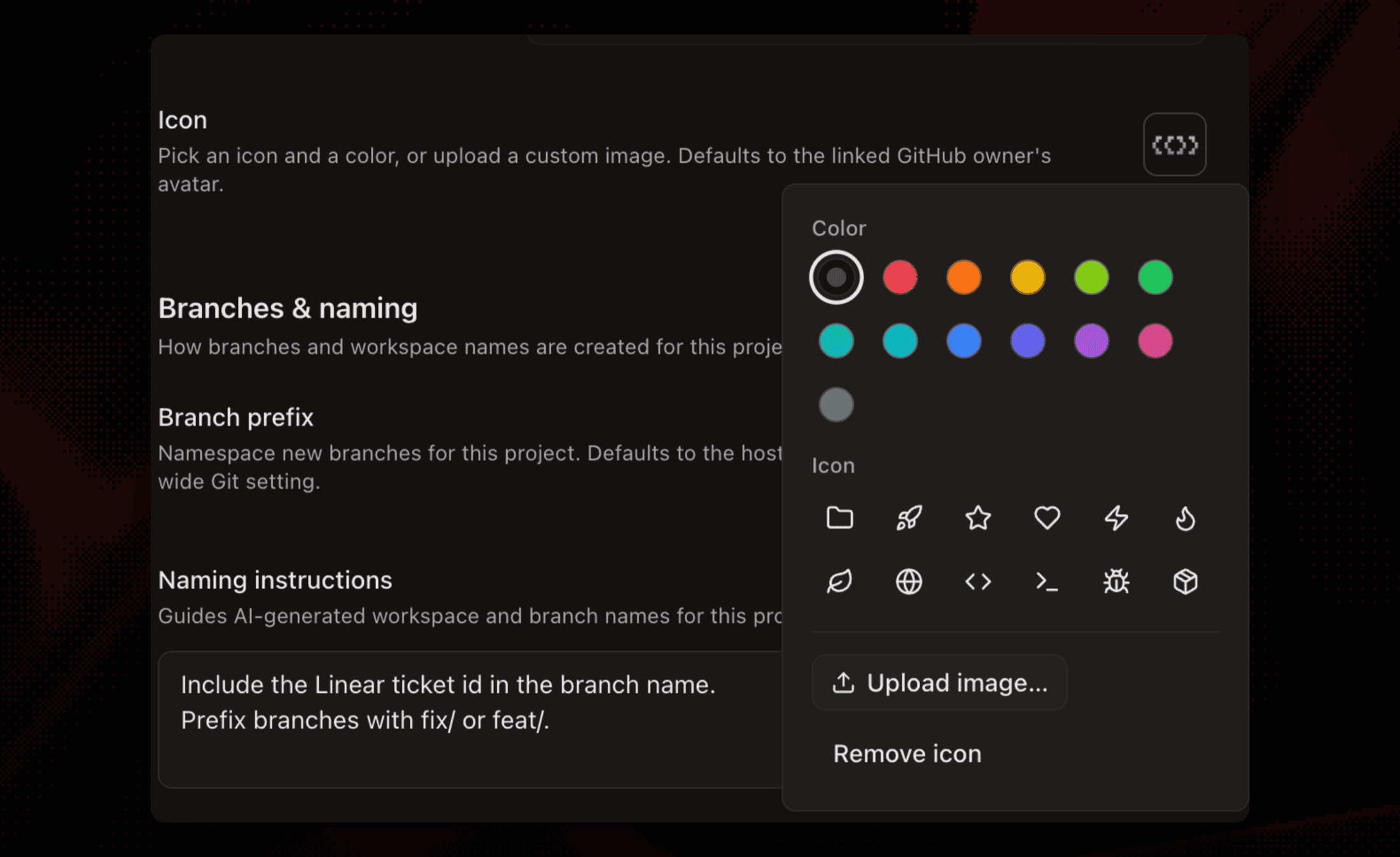
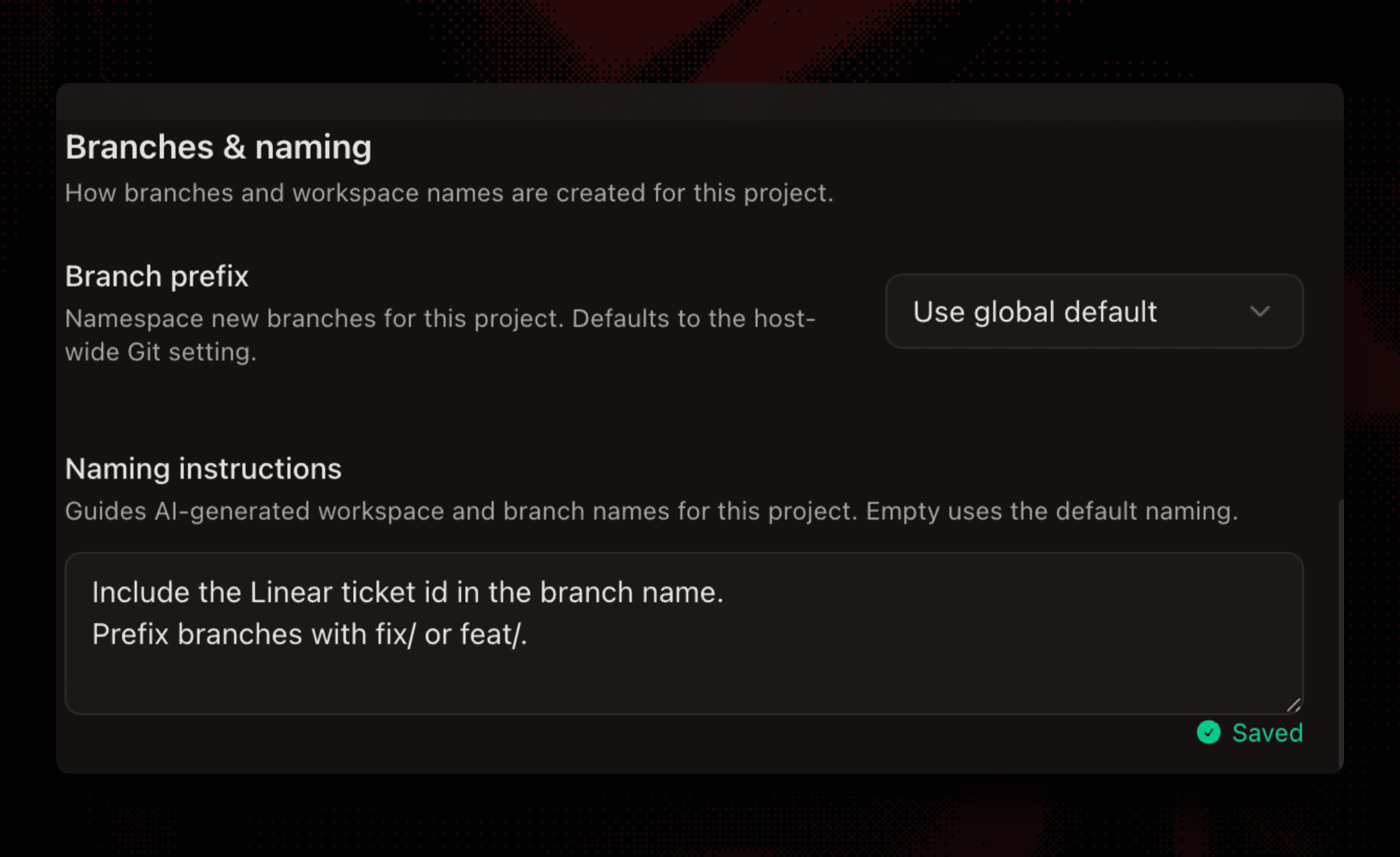
- Workspaces - autonaming keeps the project's branch prefix, the delete dialog takes keyboard focus, large repos with thousands of untracked files still load Changes, and the remembered creation agent survives a device switch #7413 #7377 #7420 #7406
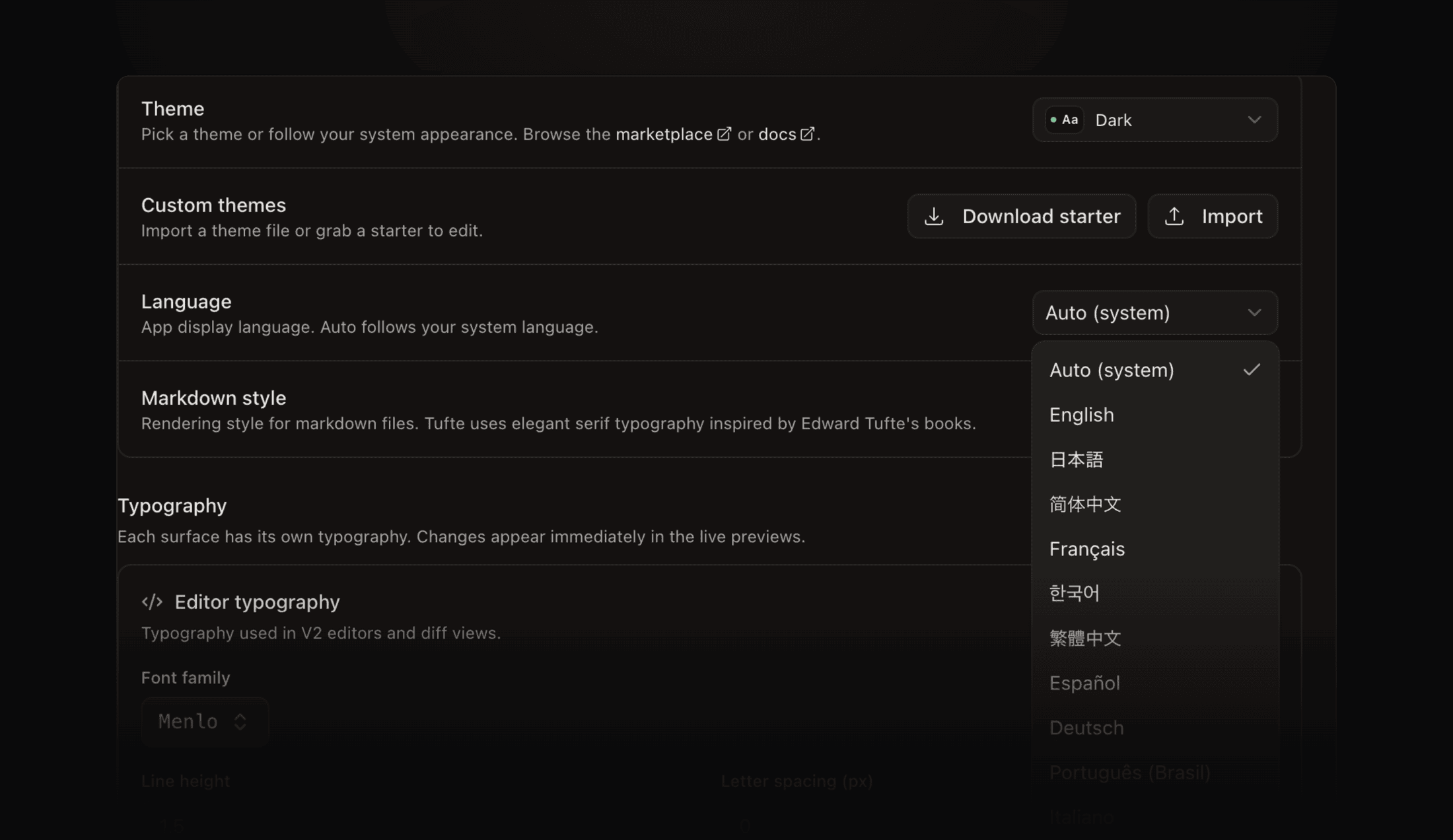
- Settings - the app language no longer reverts to the OS default on reload, toggling Remote Access recovers a missing host service, and the leaderboard join dialog stops appearing at launch #7425 #7376 #7440
- Sign-in - Google always shows the account picker, and the desktop sign-in callback validates its target, contributed by @PascalOrdano18 #7459 #7435
- Updates - an update already staged no longer restages on every check, and local database migrations apply by identity so a skipped one is never lost #7311 #7291 #7300
- iOS - error alerts drop iOS internals and retry the blip behind them, Home holds its first paint until it has content, and a dismissed sheet no longer clips the screen behind it #7340 #7383 #7501