Resizable sidebar, multiple terminal tabs, and port visibility
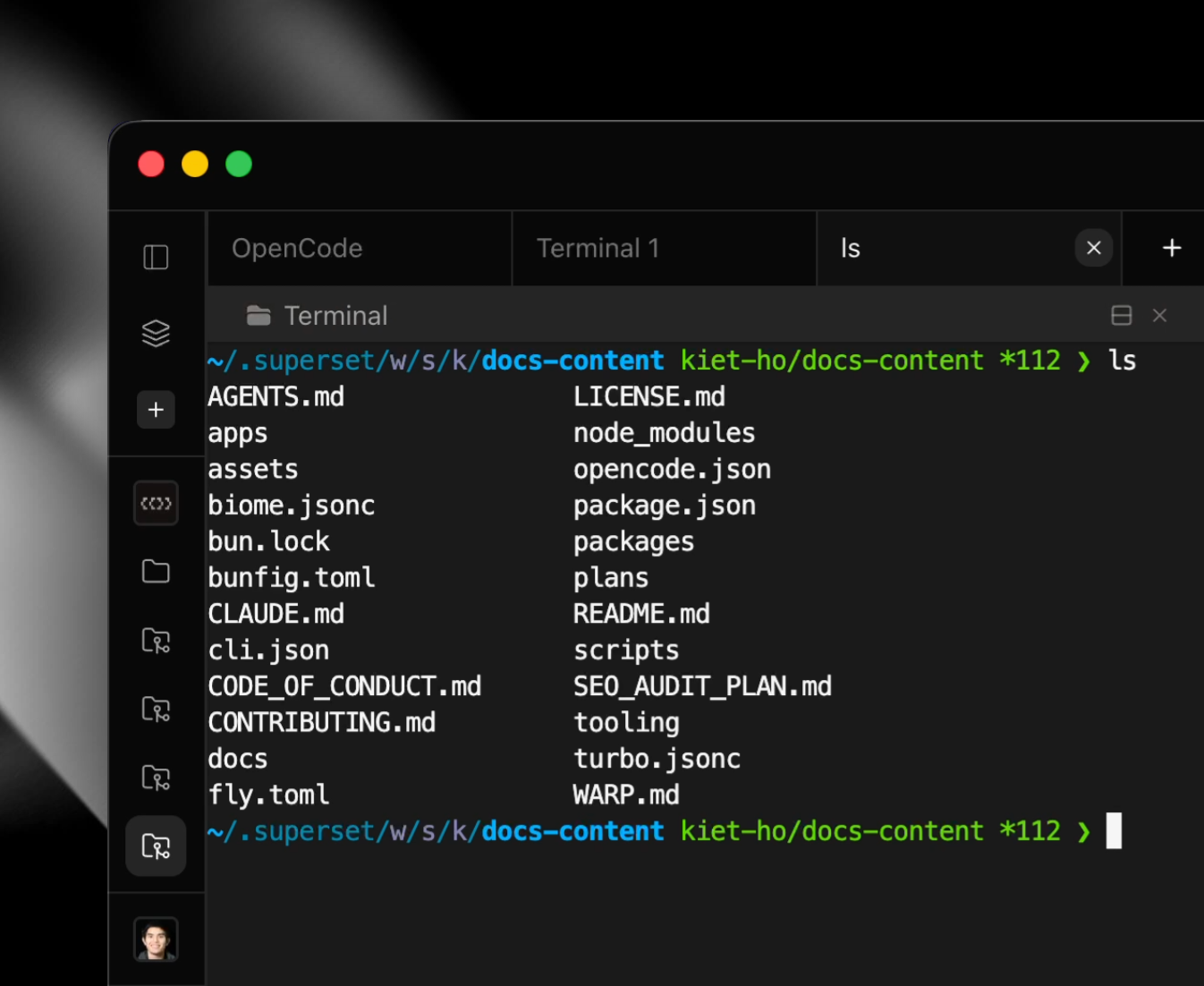
VS Code-Style Resizable Sidebar #457
- Replace percentage-based panels with a custom
ResizableSidebarcomponent - Use pixel-based widths (250px default, 200-500px range) for consistent sizing
- Implement drag-to-resize with mouse events like VS Code
- Add wider invisible drag handle (12px) for easier resize targeting while keeping thin visible indicator
Multiple Terminal Tabs #452
Fixed a regression that prevented creating new terminal tabs. The "New Terminal" button now creates new tabs again instead of just activating existing ones. Multiple tabs can be created per workspace for parallel workflows.
Port Visibility #462
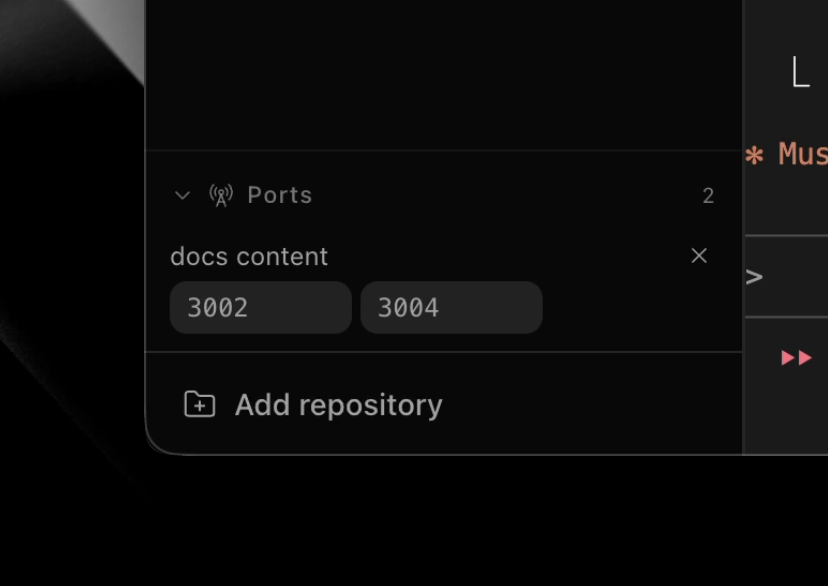 Ports panel
- Auto-detects listening ports from terminal output and verifies activity before showing
- New Ports panel in the sidebar showing ports grouped by workspace with quick actions (open in browser, jump to pane)
- Real-time updates via subscriptions so the list stays current as ports appear/disappear
- Cleans up port entries when terminal panes close to avoid stale items
Multi-line URL Links #467
- Extract multi-line spanning logic into a shared
MultiLineLinkProviderbase class - Create
UrlLinkProviderthat supports URLs spanning wrapped terminal lines - Replace
WebLinksAddonwith the new custom provider for consistent multi-line handling