Working with Git Worktrees in Superset
Create separate workspaces for coding agents, review their diffs, and merge changes. Learn what Git worktrees isolate and which resources remain shared.
When two agents edit the same checkout, they can overwrite each other's files or mix changes in the staging area. Give each independent task a Git worktree so you can review and merge it separately.
Superset creates workspaces around that workflow. Each worktree has its own working directory and index, with a branch for the task. The repository's Git history is shared.
What a worktree separates
Each worktree has its own checked-out files, uncommitted changes, and staging area. Commits and branch references belong to the shared repository, so a commit made in one worktree is available from the others.
Creating a worktree checks out another copy of the files without downloading the repository's history again. Dependencies and build output can still take substantial disk space in each checkout.
Create a workspace for each task
Open your project in Superset and create a workspace for a task such as “add input validation to the signup form.” Choose a branch, then start your agent in that workspace.
Install the project's dependencies and run its setup steps in the new checkout. The agent can edit files and run tests there while you continue working in your main directory.
Worktrees aren't a security boundary. An agent with permission to access other directories or shared services can still affect them.
Run independent tasks in parallel
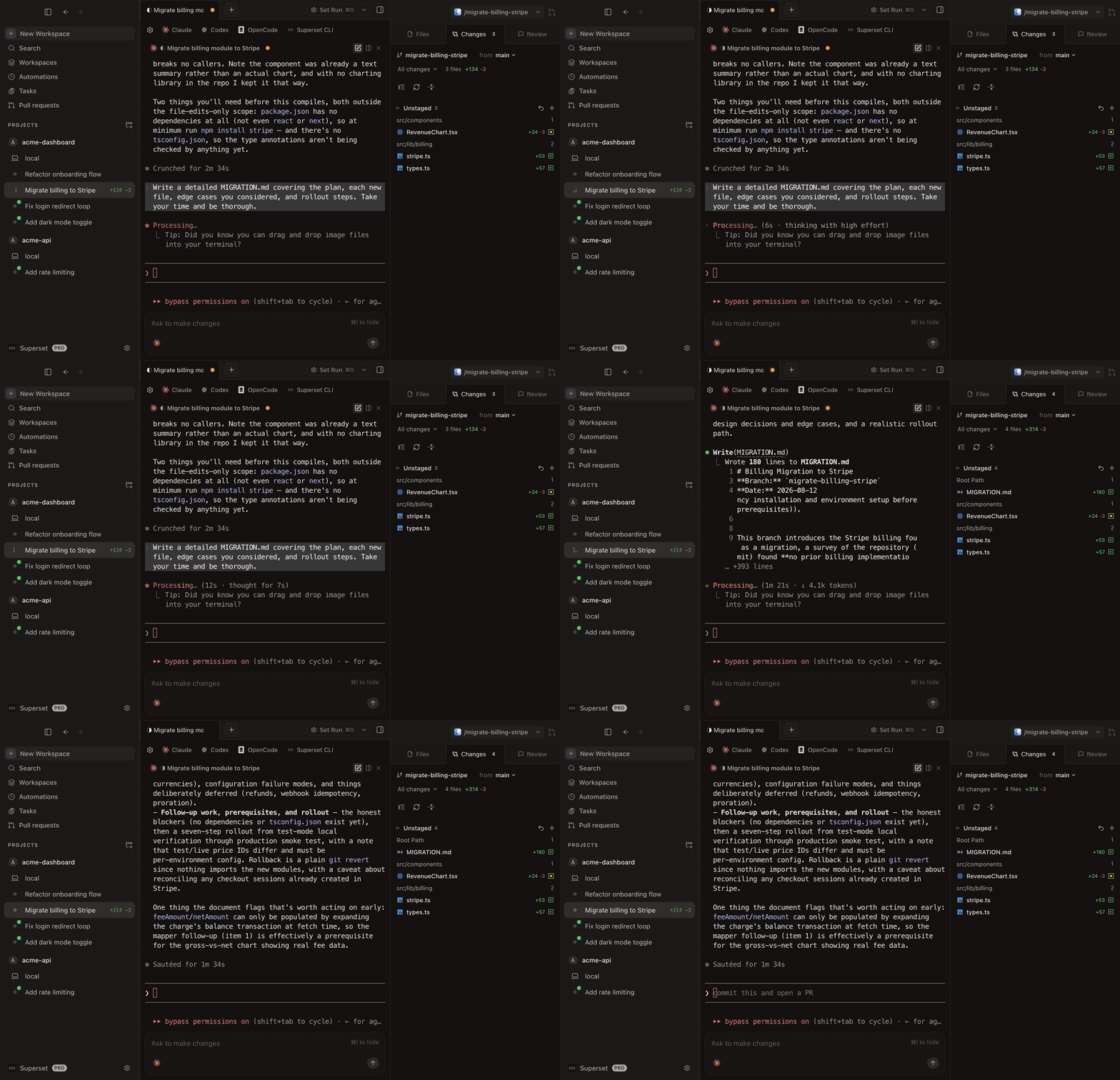 Claude working in one Superset workspace while other agents run in separate workspaces.
Start with two or three tasks that don't depend on each other. For example:
- Add tests for an existing formatting helper.
- Improve a search screen's empty-state message.
- Correct a README setup instruction.
Give each task its own workspace and branch. When one agent finishes, review its diff while the others keep working. The parallel coding guide includes prompts for this example.
Use whichever agent works for your project. Keep the scope small enough that you can explain the resulting change and check its behavior.
Review the change in context
Open the workspace's diff in Superset. Check for unexpected files, read the changed code, and confirm that the relevant tests ran. Open the worktree in your editor when you need to trace a caller or understand surrounding behavior.
Ask for corrections in the same workspace. Once the change is ready, commit it and follow your normal pull-request process.
Merge accepted branches one at a time and test the combined result. Separate working directories prevent simultaneous edits to the same checkout, but they don't prevent merge conflicts or incompatible changes.
Plan for shared resources
Two dev servers may try to use the same port. Two tests may write to the same database. Multiple agents also share the host's memory, CPU, and provider limits.
Give previews distinct ports and use separate test data where tasks write to shared services. If a task needs stronger runtime isolation, use an appropriate container or separate host alongside the worktree.
Superset's terminal daemon keeps sessions separate from the desktop UI, so an app restart can reconnect to running processes. The host and daemon must remain running. If a reboot or crash ends an agent session, Superset resumes it in the same pane with the agent's own resume command, for agents with an ID-based resume command set under Settings → Agents. See the terminal daemon design for the difference between reconnecting and restoring saved history.
Clean up finished work
After a change is merged, stop its agent and dev server, then remove the workspace when you no longer need it. Check for uncommitted work before deleting it. When you delete several workspaces at once, Superset previews each one and flags dirty or unpushed work first. Deleting a workspace also runs the teardown commands in the project's .superset/config.json.
For a worktree you created manually, use:
Removing the worktree keeps its branch. Delete the branch separately when you're sure its work is merged.
For the Git commands and file layout, read how worktrees work or Git's worktree reference.
Related: Git Worktrees for AI Coding Agents · Running Multiple Claude Code Agents
Related Posts
Git Worktrees: The Feature That Waited a Decade for Its Moment
Git worktrees have been around since 2015. For most of that time, they were a curiosity. Now they're having a moment. This is the story of how they came to be and why they suddenly matter.

Our Plan for Running 100 Coding Agents
An attempt to crystallize our plans for 2026
