iPad preview, live Linear tasks, and plugin mentions
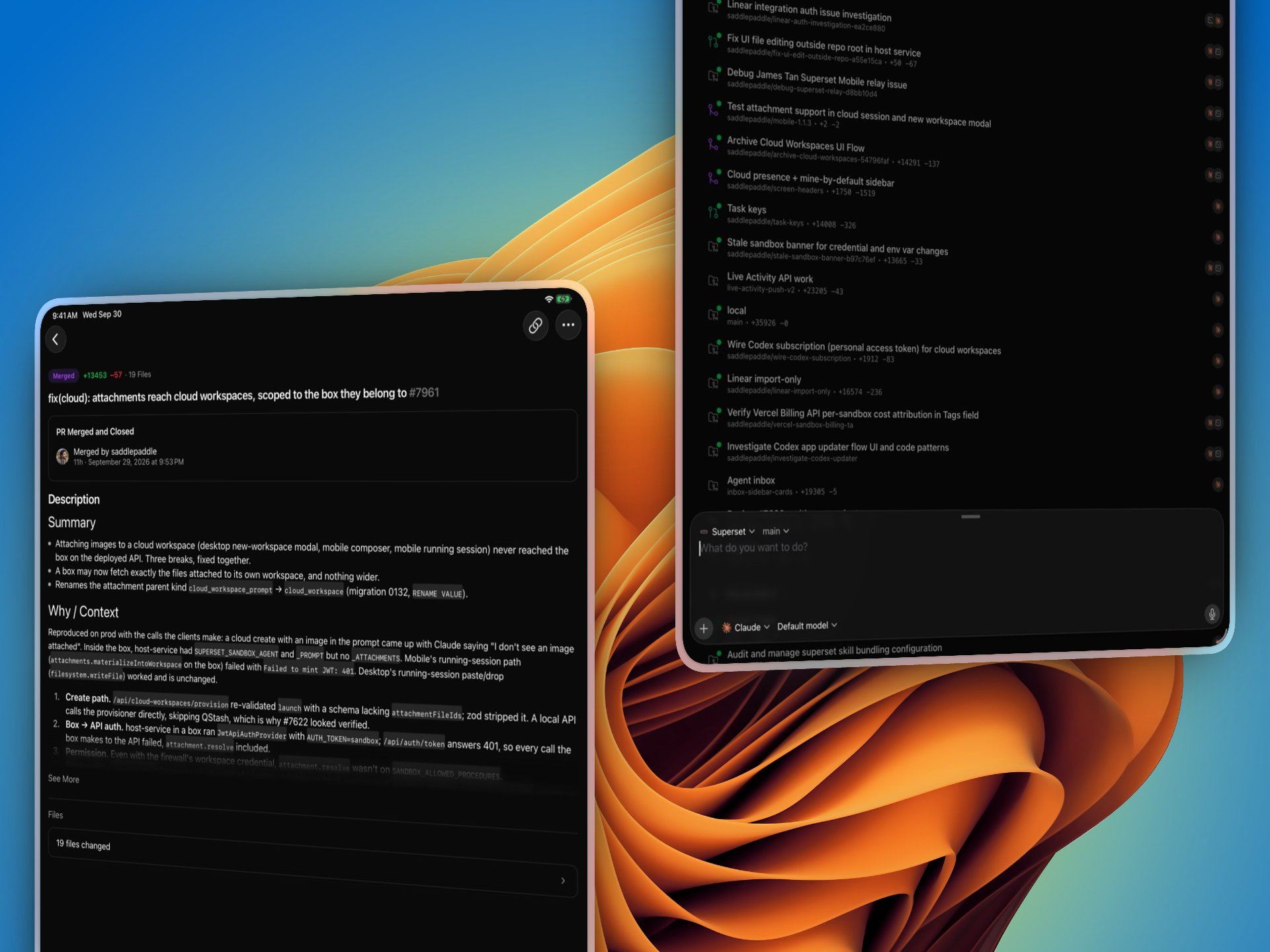
Coming Next: Native iPad Support #7995 #8102
The next mobile build uses the full iPad screen in portrait and landscape, with a Pages grid and support for floating keyboards; watch for the update on the App Store, with iPad fixes contributed by @vahidkowsari.
Superset Mobile on tablets, showing a pull request and workspace list
All Your Automation Runs #7773 #8074
Find failed runs and retry your automations from one place in Automations → All runs.
- Filter to your runs or the whole team's, then inspect what triggered a run
- Select failed runs to retry their automations together
- Click the sidebar's failure badge to go straight to your failed runs
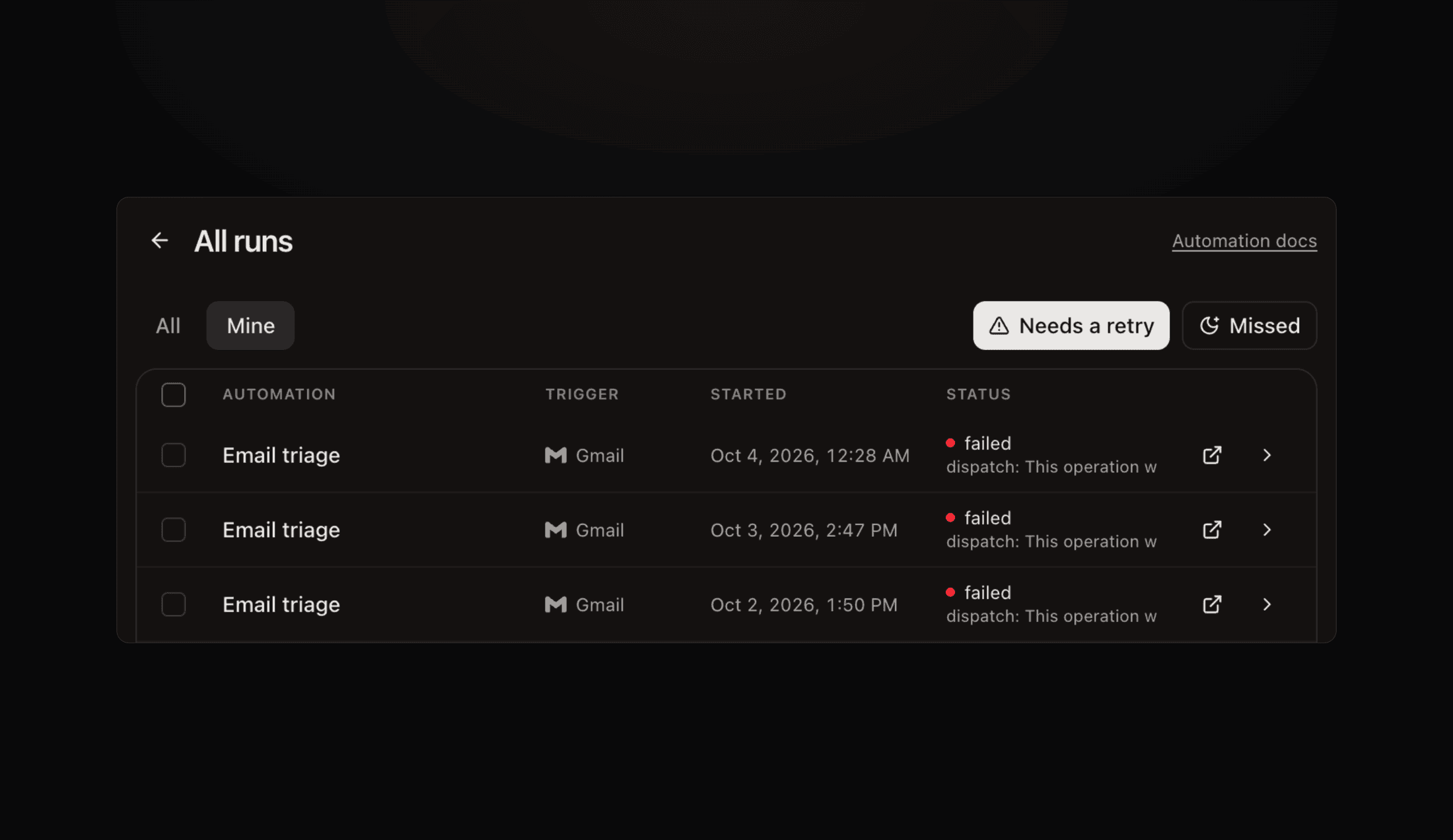 All runs filtered to automations that need a retry
Docs: Automations.
Linear Issues, Live #8070 #8094 #7963
Browse and create Linear issues directly in Tasks → Linear, with list and board views, team and assignee filters, and an option to import an issue as a separate Superset task.
- Each member connects their own Linear account
- Superset tasks now have short team IDs such as
ENG-123
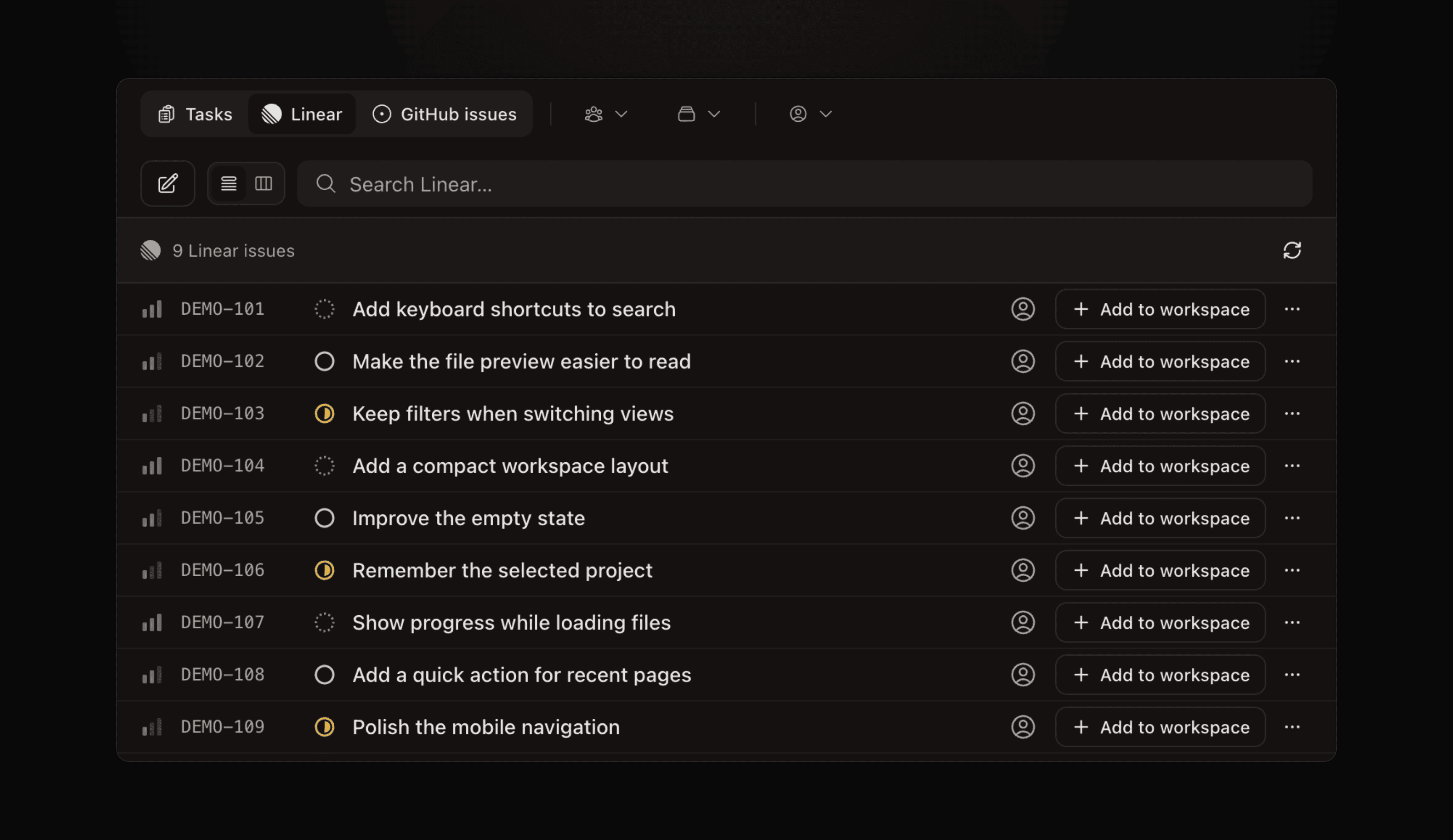 Linear list view with sample issues
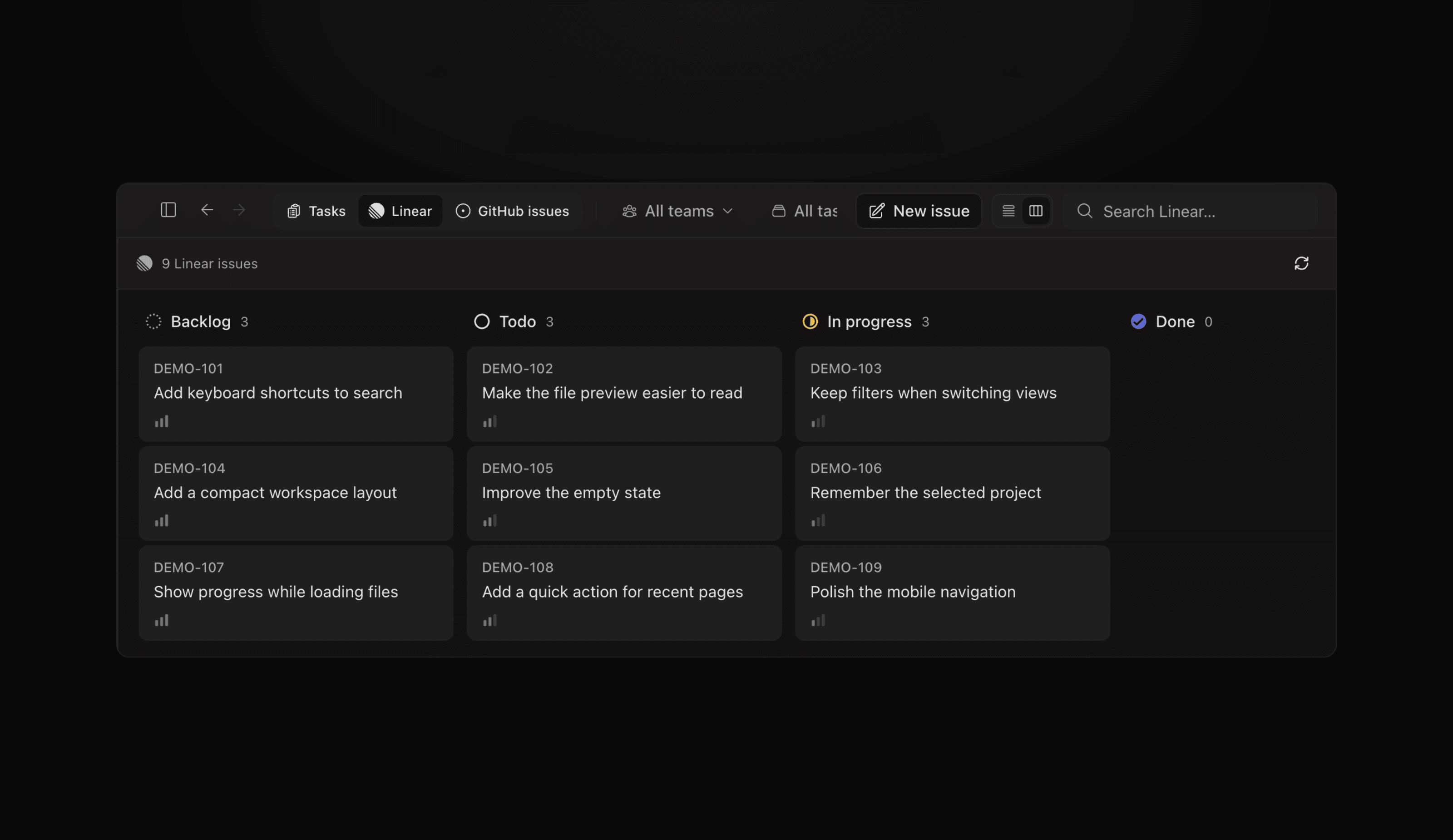 Linear board view with sample issues
Screenshots show sample issues in the desktop app.
Bring Your Apps Into the Prompt #8096
Type @ in the new-workspace prompt or terminal input (⌘I) to pick an installed plugin, then tell your agent what to do with it.
- Connect Superhuman, Stripe, Sentry, Granola, Circleback, or YNAB from Plugins, with skills for working with email, payments, errors, meeting notes, and budgets #8093 #8047 #7912 #7960 #7967
- Connect more than one account on a plugin page and choose which account an event trigger listens to in the automation editor #8003
Improvements
-
Restore deleted projects - click Undo or recover a project for up to 30 days from Settings → Projects → Recently deleted #7896
-
Review code beside your agent - open Code in the workspace's PR pane to see changed files, diffs, and review threads #8007
-
Pages remember team input - ask your agent to build a poll, RSVP sheet, or shared checklist as a Page; signed-in teammates' answers persist and update live #8015
-
New models - choose GPT-6.1 Sol or Claude Sonnet 5.5 in the agent model picker; GPT-6.1 Sol support contributed by @joshrchambers #8009 #7935
-
File and browser preferences - find auto save in Settings → Files & Editor and URL handling in Settings → Browser #7916
-
Invite from people pickers - add a teammate without leaving the person picker you're using #7943
-
Shared terminal sizing - a banner explains when a phone or smaller window is making your terminal narrower #7996
-
Integration plan changes - Linear and GitHub integrations require Pro; free organizations see the upgrade option in Settings → Integrations #7985 #8048
-
CLI help for your shell - generate completions, inspect available commands, or check your configuration with the commands below; CLI docs #8030
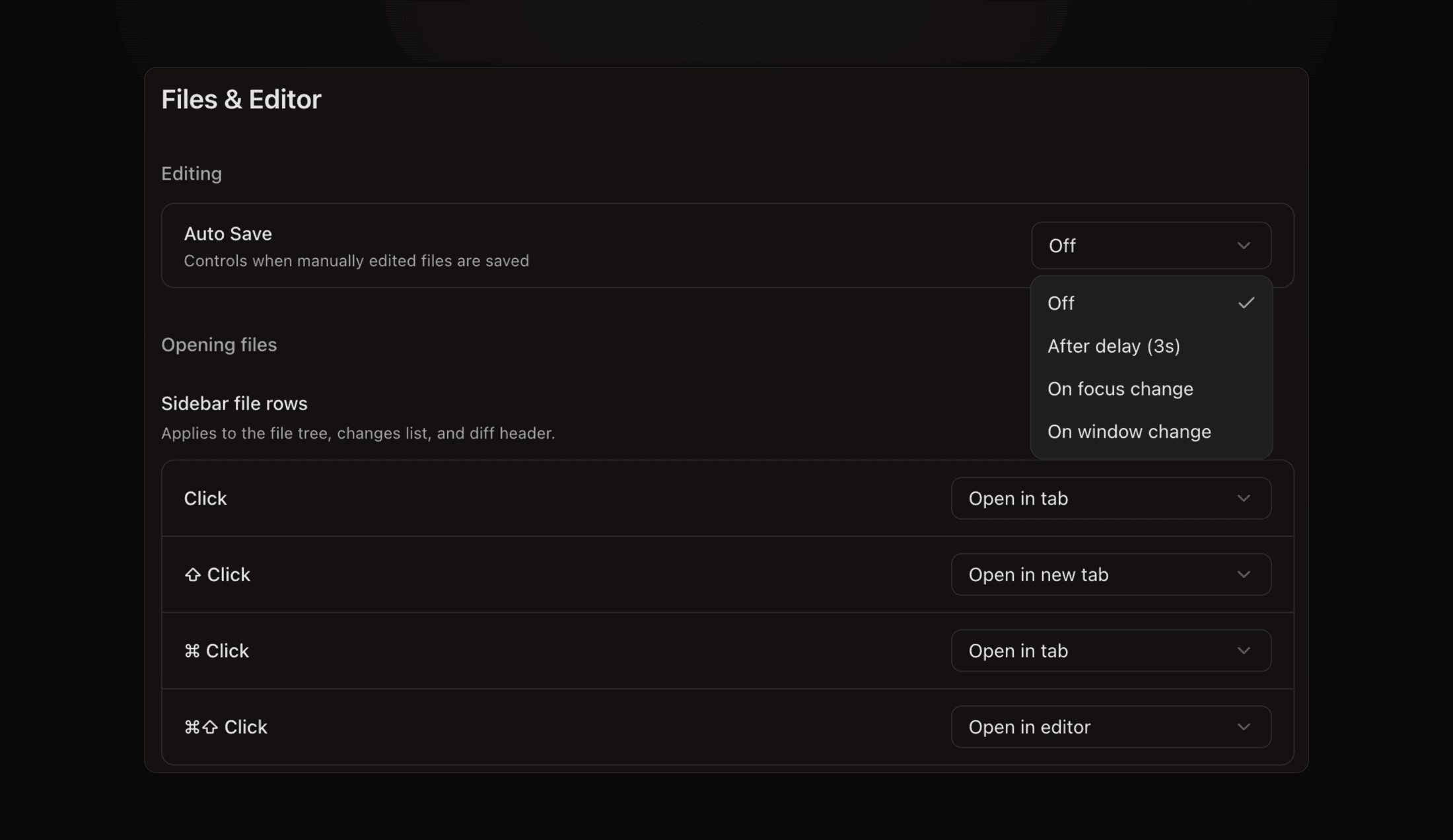 Files & Editor settings with the auto-save options open
A Peek at What’s Next
These are still in development or limited access, with no release date yet.
- Cloud automations - run an agent in a fresh cloud workspace or continue its previous session; early-access users can choose Cloud in the automation editor #7922
- Agent chat - start Claude, Codex, or Pi in a conversation with attachments and model choices; available from the new-workspace screen for accounts with chat enabled #8058
- Talk to your agents from your phone - we're prototyping voice conversations to check on workspaces and send an agent a follow-up; this is an internal prototype, not available in the App Store yet #8117
Bug fixes
- A pane that crashes now shows its own recovery screen without taking down the workspace #7983
- Canceling a repository clone closes the dialog and stops the clone #8063
- Files outside the workspace folder can be saved again #7982
- Text typed after a URL no longer becomes part of the link #8019
- Merging from the PR pane shows a pending state and refreshes the result #8052
- Remote terminals stay connected when their host's control connection is replaced #7938
- Empty repositories get an initial commit so workspaces can be created #8000
- Integration errors now show their explanation after you return from signing in #7985