Resume interrupted agent sessions, a dedicated Pull requests view, and per-project controls
Resume Interrupted Agent Sessions #6253 #6265
A dead terminal no longer means a lost conversation. When an agent session ends without a clean exit (laptop reboot, crashed process, killed terminal), the pane shows an interrupted banner. Click Resume and the agent relaunches with its own resume command (claude --resume, codex resume, amp threads continue, and so on) in the same pane, conversation intact.
- Works across every built-in agent with a resume command; adjust it per agent under Settings → Agents → Resume args
- Panes migrated from the original interface resume too, so the 2.0 upgrade no longer strands in-flight sessions
- Scriptable from the CLI:
superset agents create --resume-session <id>
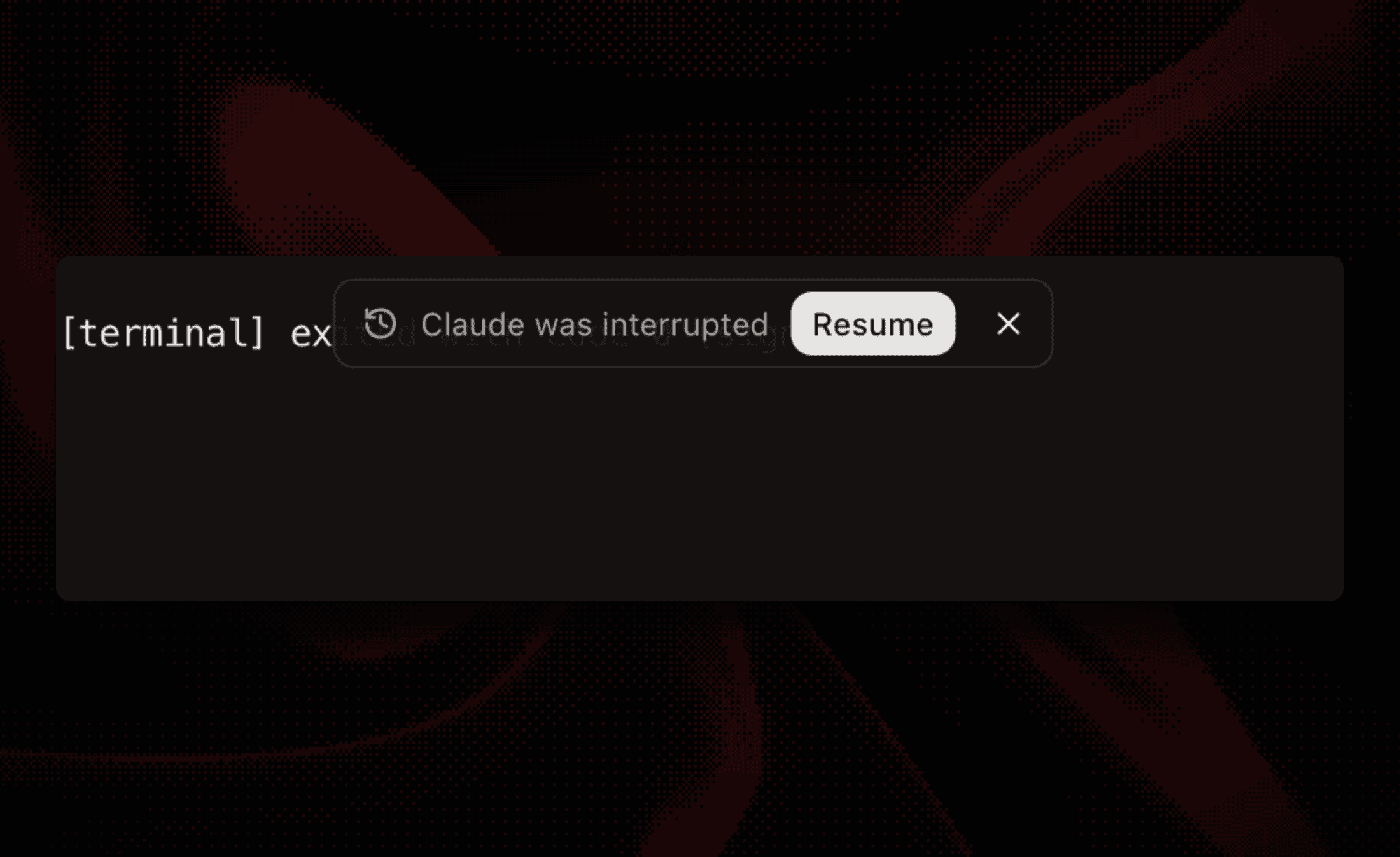 The interrupted-session banner on a terminal pane offering to resume Claude
A Dedicated Pull Requests View #5975 #6201
Tasks and pull requests each get their own sidebar destination, and the new PR view goes a lot deeper, contributed by @Roshvan:
- Filter across several repositories at once, plus by author, review state, and open/all
- CI check summaries in the list and a full checks section in PR detail, so you don't leave Superset to see what's red
- One click adds any PR to a workspace; Linear and GitHub Issues stay as sources inside Tasks
Open it from Pull requests in the sidebar.
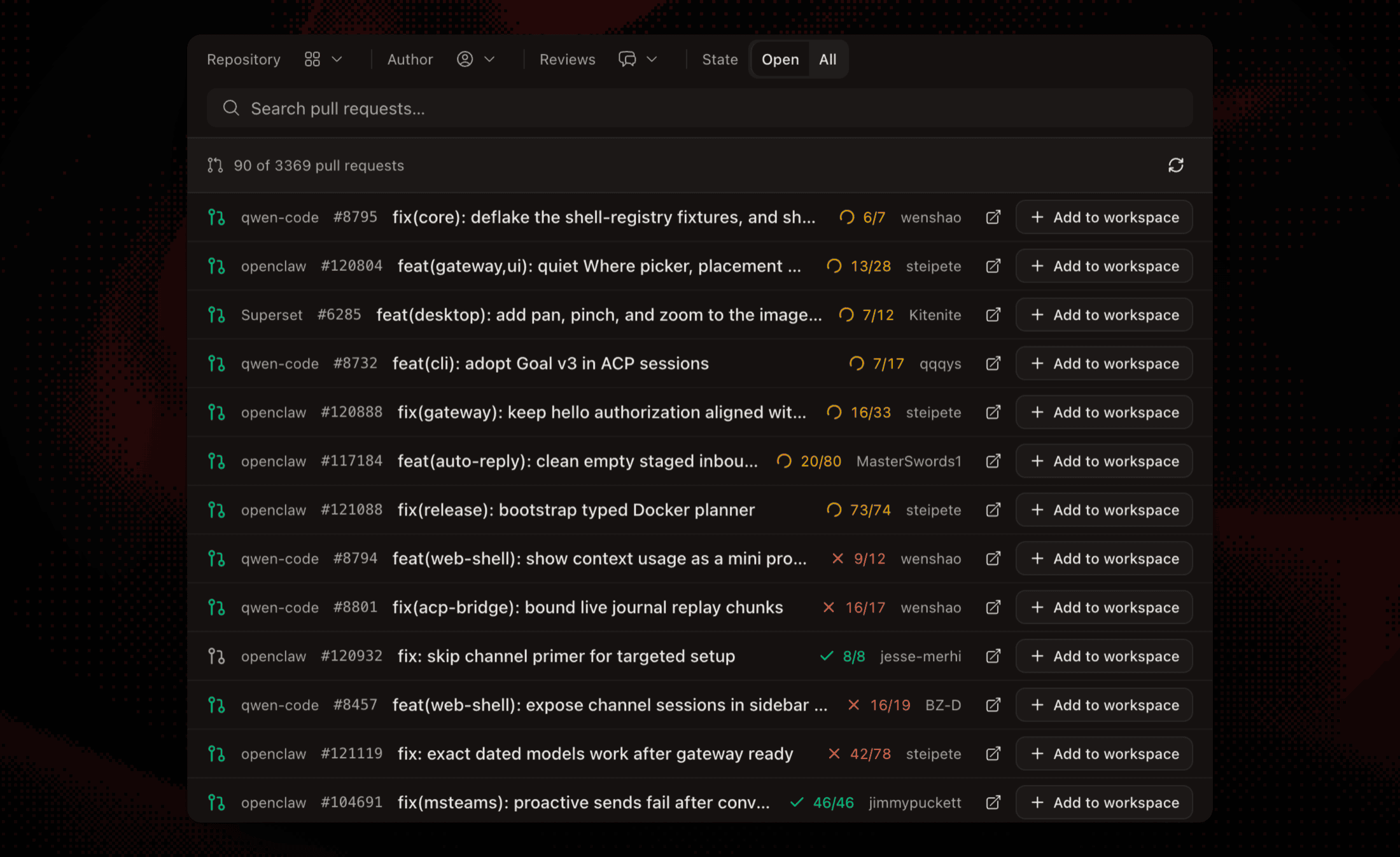 The Pull requests view filtering three repositories with check summaries on every row
Make Each Project Yours #6249 #6250 #6034
Project settings picked up three new controls, all under Settings → Projects:
- Icon and color - pick a glyph and accent color per project (colors also carry over from the original interface on import)
- Naming instructions - a free-text prompt that steers AI-generated workspace titles and branch names, like "include the ticket id" or "prefix branches with fix/ or feat/"
- Sparse checkout - list the folders your worktrees actually need and new workspaces materialize only those, contributed by @ihvo. On a big monorepo this makes workspace creation dramatically lighter
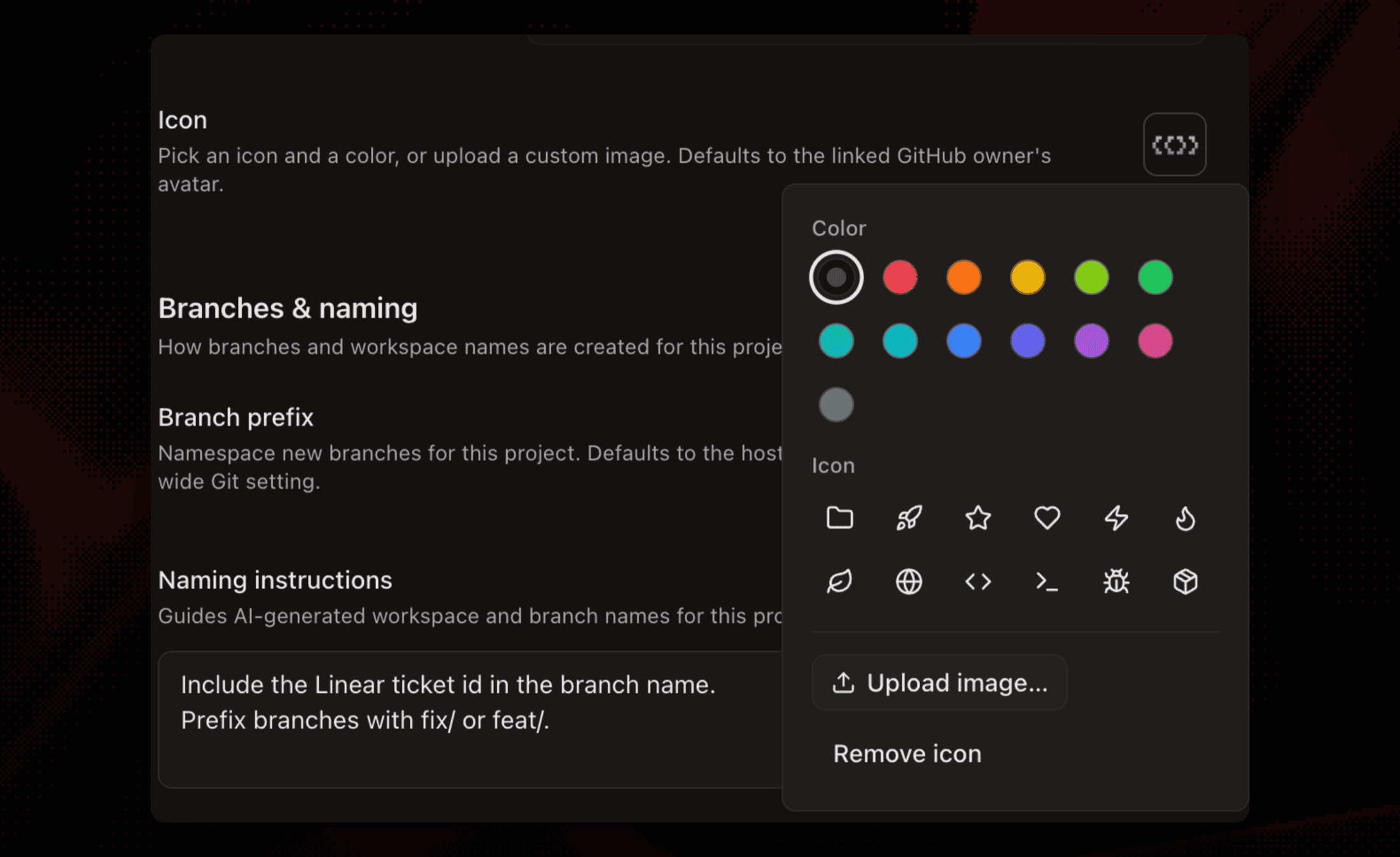 The project icon and color picker open on a project settings page
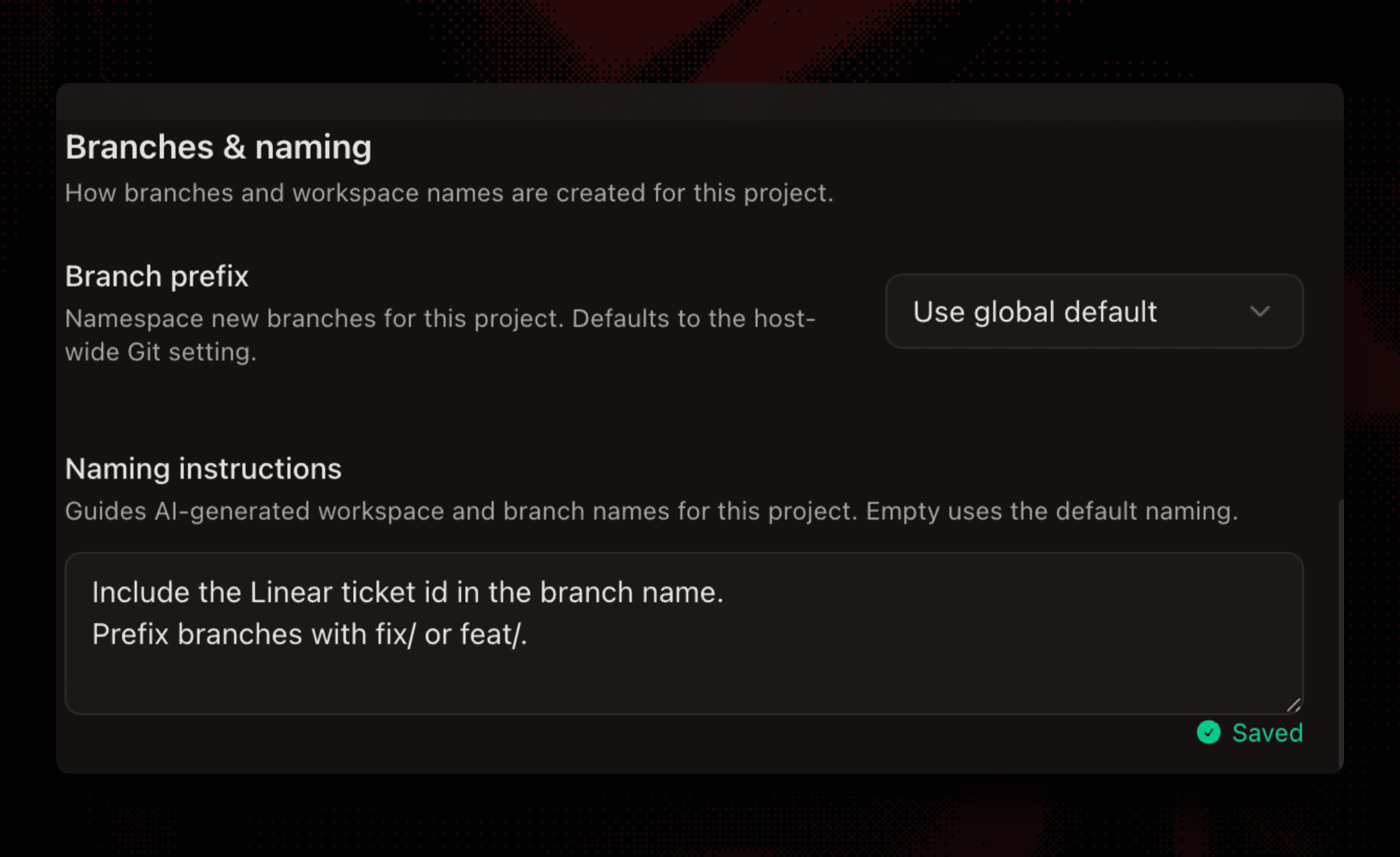 Naming instructions and branch prefix fields on the project settings page
A CLI That Shows You Around #6273 #6270
Run superset with no arguments in any terminal and you get an interactive command browser: arrow through the whole command tree, read each command's flags, and commands with required inputs walk you through a guided form that shows the exact command before running it. superset --help got the same treatment with grouped commands and copy-paste examples. There's also a built-in Superset CLI preset in the workspace preset bar for a one-click tour.
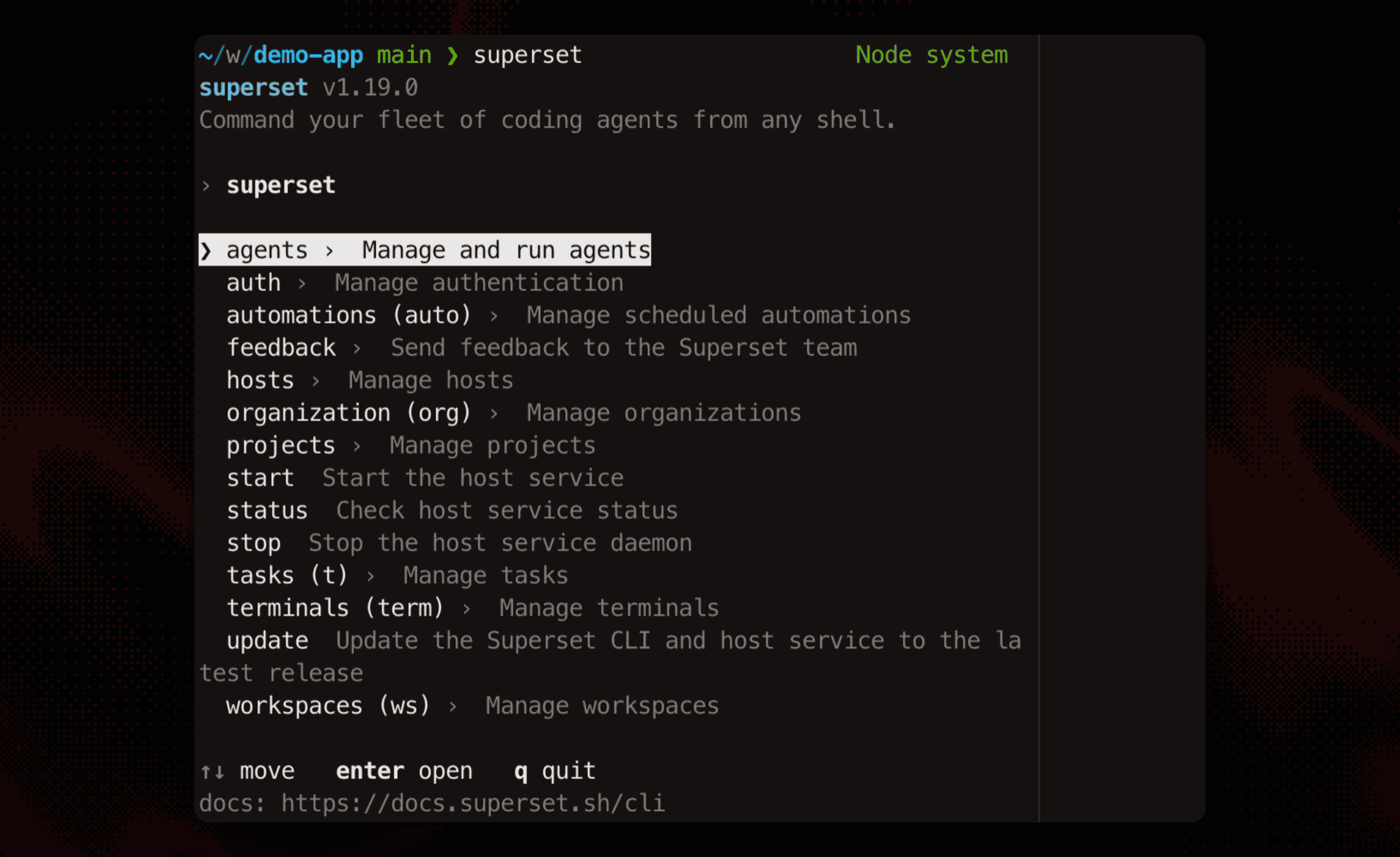 The interactive command browser after running superset with no arguments
Improvements
- Superset skills for every agent -
superset:*skills (orchestrate, setup, doctor, standup, 10x, and more) now provision automatically for Claude Code, Codex, Kimi, Vibe, and Grok, includingsuperset:feedbackfor sending feedback straight to the team #6181 - Claude Opus 5 and GPT-5.6 Terra/Luna - the newest models joined the model pickers across chat, Codex, Cursor, and OpenCode #6219 #6213
- Retry failed automations - failed runs get an inline retry button, plus a retry-all button when several fail at once #6139
- The public roadmap is back - refreshed and synced from our internal roadmap at superset.sh/roadmap #6179
- Settings search highlights matches - the matched text lights up on every settings page #6169
- Resources menu - per-workspace CPU and memory now sits in a top-level menu, or press ⌘⇧U #6267
- Agent hooks stay in their lane - hooks only fire in Superset terminals, and each agent gets a hooks toggle in Settings → Agents #6072
- Polygraph harness picker - choose whether polygraph drives Claude, Codex, or OpenCode, contributed by @MaxKless #6068
- Sign out from onboarding - switch accounts without finishing setup first #6162
- Docs overhaul - a new onboarding funnel, six workflow recipes with copyable prompts, CLI terminal command docs, and a demo video on getting started #6175 #6251 #6178 #6261
Bug fixes
- Opening a workspace in Zed works on every Zed release channel, contributed by @aaronrosenthal #5982
- Dragging a single-pane tab no longer corrupts the pane layout #6189
- Terminal input no longer duplicates under load, long agent launch commands no longer truncate, and the terminal stream recovers after oversized frames, the last contributed by @andyst-dev #6222 #6210 #6184
- Workspace creation tolerates slow or failing post-checkout git hooks instead of hanging #6168
- Teardown scripts run when workspaces are deleted from the CLI, SDK, or MCP, not just the app #6176
- Image attachments on the new-workspace screen survive navigating away and back #6282
- Errors in billing, API keys, secrets, base-branch picking, and automation edits surface as toasts instead of failing silently #6277 #6276
- New workspaces default to the project you're currently working in #6248
- The Projects chevron stays visible while collapsed, doubled borders are gone, and the local main row lost its accidental remove button #6150 #6171 #6281 #6220
- Timed-out background tasks no longer leak zombie processes #6221
- Electron and dependency security updates, including a fix contributed by @DivyamTalwar #6200 #6212 #5874